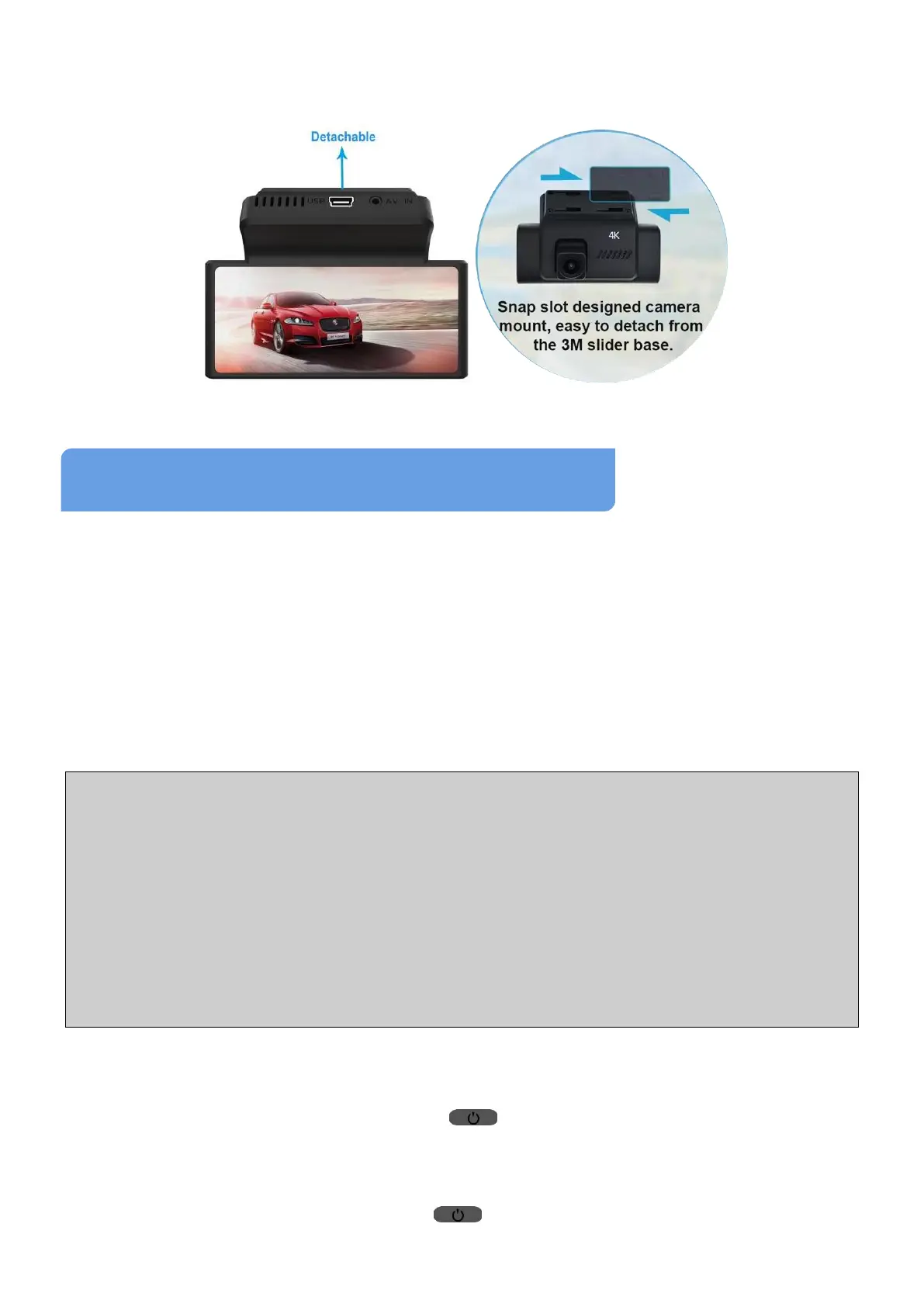
camera and its bracket from windshield without removing 3M tape: With
the camera screen facing towards you, hold the camera and push/pull it
to the right to make it unlock from 3M sticky base, then take camera off.
1 How to Turn the Dash Cam On/Off
1.1 Auto Power On/Off
This camera comes with a standard power cable (car charger) to get
power. After a memory card is inserted and formatted, the dash camera
will automatically turn on and start recording when the car engine starts,
then it will turn itself off after seconds that the car engine is off.
Note:
1. Please insert the TF card correctly before turning on the device.
2. Format the inserted TF card via this camera before first use. Otherwise,
the card or camera may be some unexpected issues.
3. Do NOT insert/remove memory card when the camera is turned ON.
4. Check whether videos can be recorded and saved before your journey.
5. If your car cigar lighter is NOT connected with ACC, the device WON’T
turn OFF automatically after your car is off.
1.2 Power On/Off Manually
(1) With the camera off, long press (Power/OK) Button for at least 3
seconds to turn it on. The camera will access the Video Mode and start
recording by default when it is turned on.
(2)
In power-on state, long press (Power/OK) Button for at least 3
seconds to turn it off.



 To Next Page