It shows if License is edited and turned on in
setup menu.
Turn ON/OFF the audio recording.
Red: The camera is recording an ordinary video.
Yellow: The current video segment will be locked.
White: The camera is not recording now.
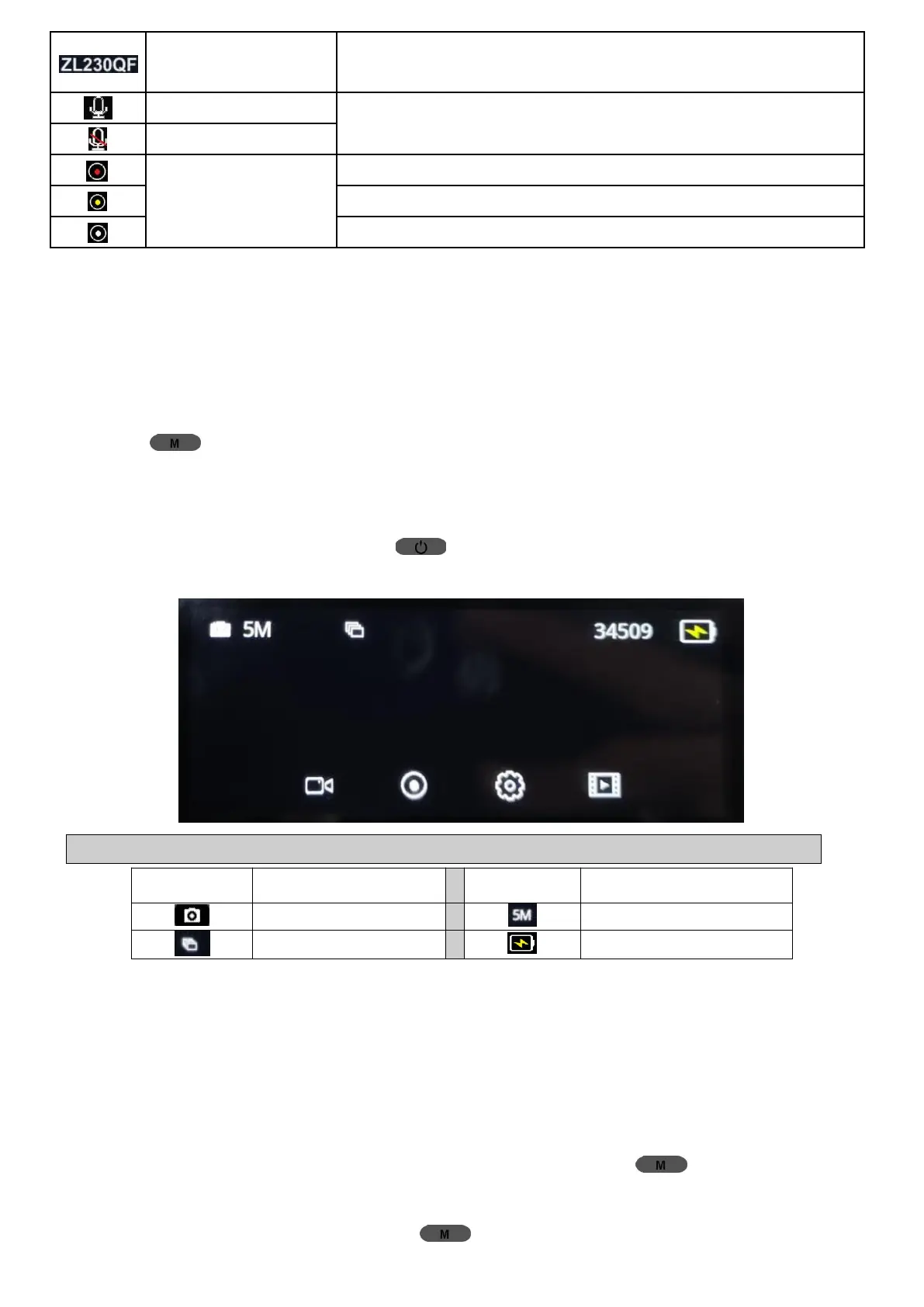
2 Photo Mode
2.1 How to Access Photo Mode
When you’re in Video Mode and the camera is not recording, LONG
PRESS (Menu) Button for at least 3s to switch to Photo Mode.
2.2 How to Take Pictures
In Photo Mode, short press (Power/OK) Button once to take a
snapshot, then a shutter sound will be heard.
Note: Some icons appear on the screen only after their functions are set.
3 Playback Videos
3.1 View Footage on Dash Cam Directly
(1) How to Access Playback Mode:
① In Video Mode, stop recording first, Long Press (Menu) Button
for at least 3s to switch to Photo Mode;
② In Photo Mode, long press (Menu) Button for at least 3s to



 To Next Page