You can get the VLC Media Player free at www.videolan.org
GXPlayer is the default GPS Player for K8, which can view video
recordings and GPS logs on PC/MAC.
How to install and use the GXPlayer? See page 27.
3.3 View Footage on Your Smartphone
Install “Roadcam” App first, pair your phone to the camera’s WiFi, then
go to “Roadcam” App to view footage, manage device and do settings.
How to connect WiFi and use the App? See page 24.
The dash cam has 2 different Menu pages for varied settings:
Setup Menu
Photo Menu
1 Setup Menu
1.1 How to Access Setup Menu
① I
n Video Mode, when the camera is recording, stop it first. Then short
press (Menu) Button once to access Setup Menu.
② After accessing the Setup Menu, short press (UP)/ (Down)
Button to navigate, and short press (Power/OK) Button once to
access a specific settings, or confirm an option.
③
Short press (Menu) Button once to exit a specific submenu to
return to Setup Menu, or exit the Setup Menu to return Video Mode.
1.2 Settings in Setup Menu
Note:
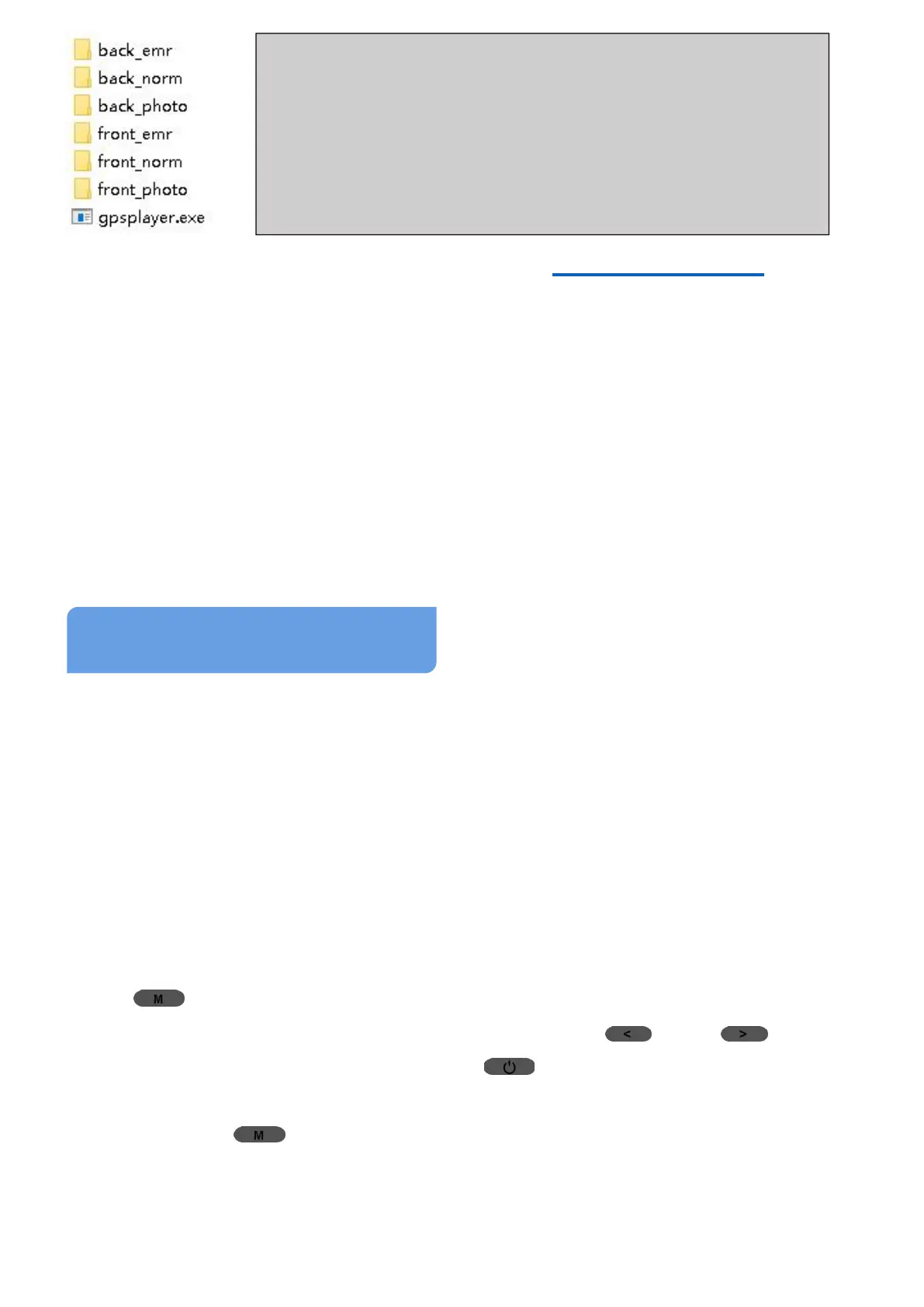
Back_emr: Locked videos for back camera;
Back_norm: Unlocked videos for back camera;
Back_photo: Photos for back camera;
Front_emr: Locked videos for front camera;
Front_norm: Unlocked videos for front camera;
Front_photo: Photos for front camera.



 To Next Page