5. Click OK.
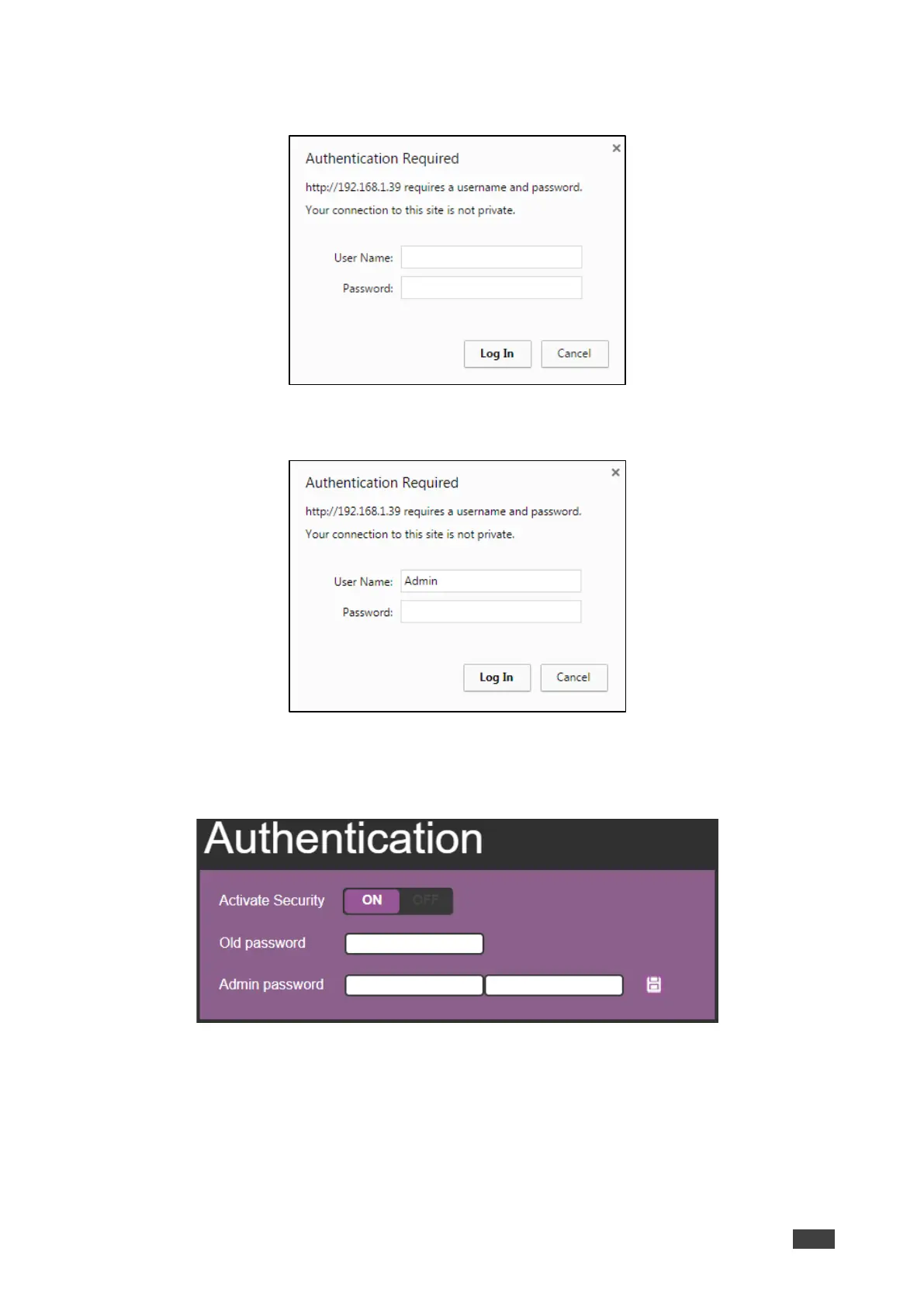
The connection is interrupted, and authentication is required to access Web pages.
Figure 29: Authentication Page – Security Log In
6. Type the User Name (Admin, by default) and Password (left empty by default).
Figure 30: Authentication Page – Password Protection
7. Click Log In.
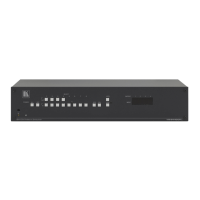
8. Select Authentication from the Navigation pane.
Figure 31: Authentication Page – Setting the Admin Password



 To Next Page