12
Kroy offers self-laminating wire wrap cartridges ideal for marking terminated
wires and cables. Insert a self-laminating wire wrap cartridge for this example.
For our example, we kept Auto Size ON.
You will start with a New file. To create a New file, press the File key and select
New with the Enter key. Or use Shift and File as a shortcut. When using a wire
wrap cartridge, this will activate the automatic rotation feature.
Rotation is nec-
essary because the printable area of a wire wrap is vertical and represents a
small portion of the label.
Type in the following text “300E”
Press the Print key then Feed and you have a wire wrap ready to apply.
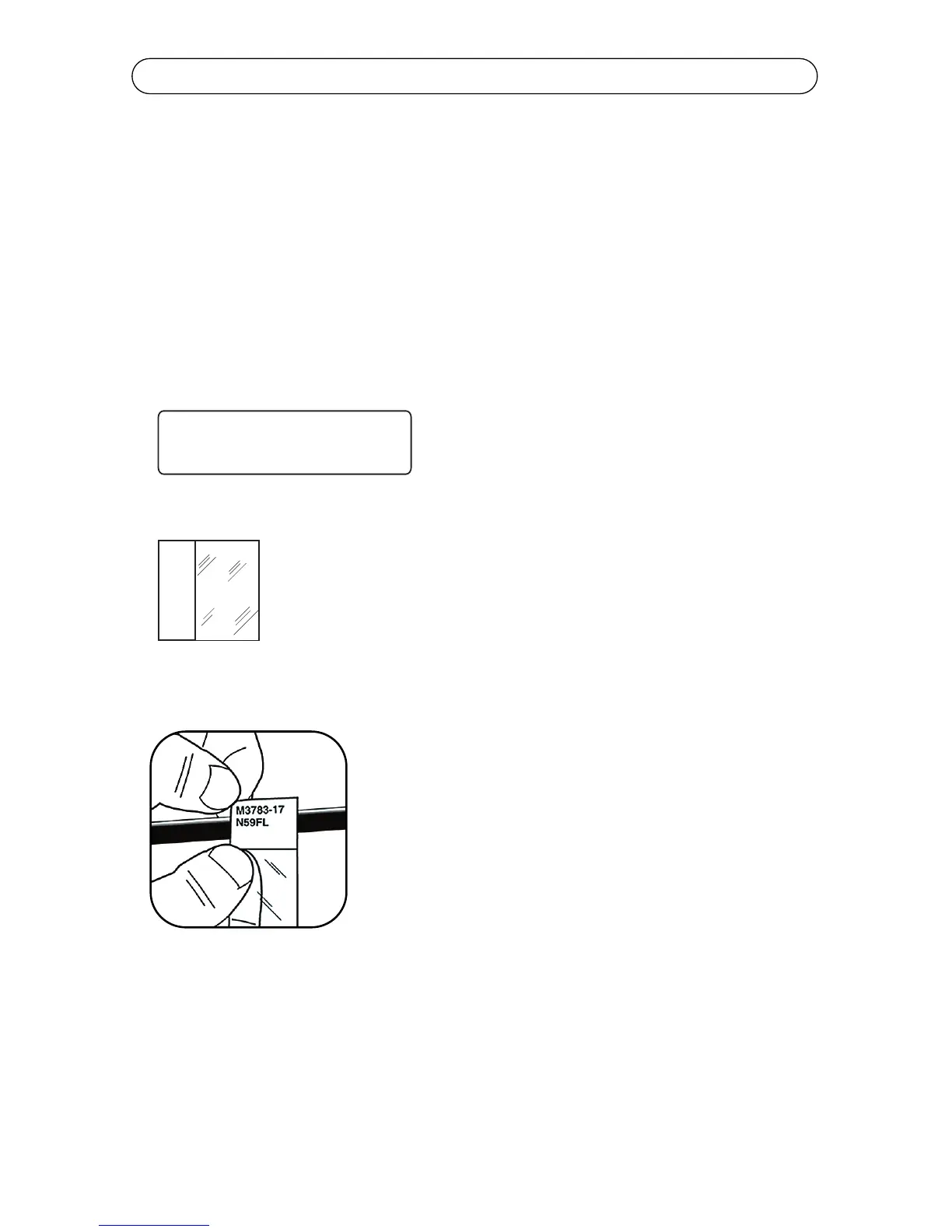
Apply the printed portion of the label to your wire and wrap the laminated tail
around the wire.
For further information on formatting the text of your wire wrap See Chapter 3.
Printing a Self-Laminating Wire Wrap



 To Next Page