16
Size Function
Using the Size Menu
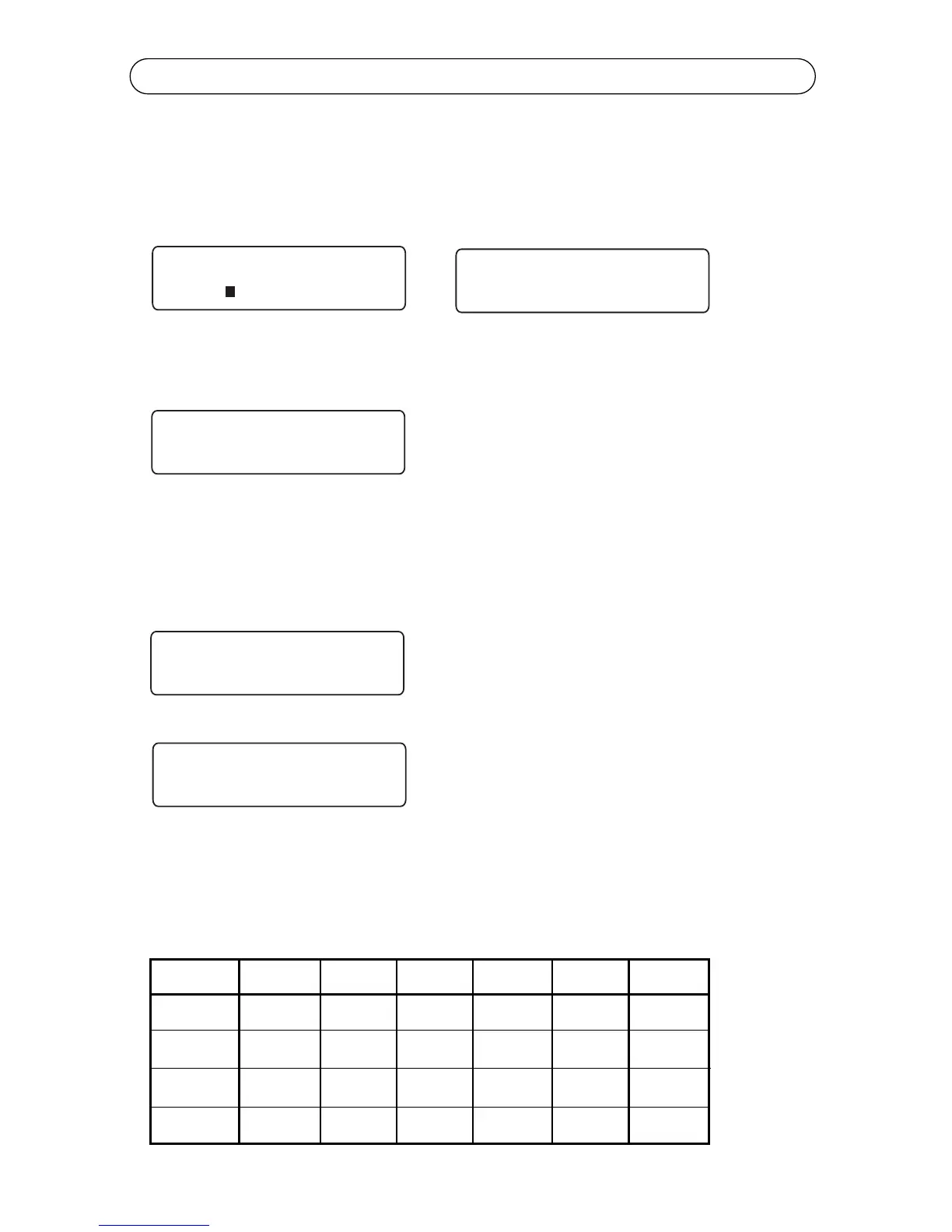
Select Size to specify the print size for your text. The printer displays the default
Auto Size function and waits for your entry. Press Delete to accept auto sizing
or type a different size and press Enter. Valid sizes of 4-72 pt can be entered.
When printing, the K4100 will show what point size is being printed in the auto
size mode. See below.
If you select Auto Size, the K4100 will automatically adjust the print size based
on the number of lines of your label and the width of the label media. If you turn
auto size off, the size of the print you select must take into account the number
of lines of your label and the width of the media.
If auto size calculates a point size smaller
than 4 point, an error message will be
displayed.
If the text you have typed is too large, an
error message wil be displayed.
See the table below which can be used as a guide. The table assumes using
characters of all the same size (capital letters). When using characters of vary-
ing size (such as lower case letters or accent characters) or using character
styles (such as bold, italic etc.) the maximum point sizes will vary slightly.
Tape Size 1 Line 2 Line 3 Line 4 Line 5 Line 6 Line
0.50” 38 pt 19 pt 12 pt 8 pt N/A N/A
0.80” 60 pt 30 pt 20 pt 15 pt 11 pt N/A
1” 72 pt 36 pt 24 pt 18 pt 14 pt 12 pt



 To Next Page