17
Character Styles
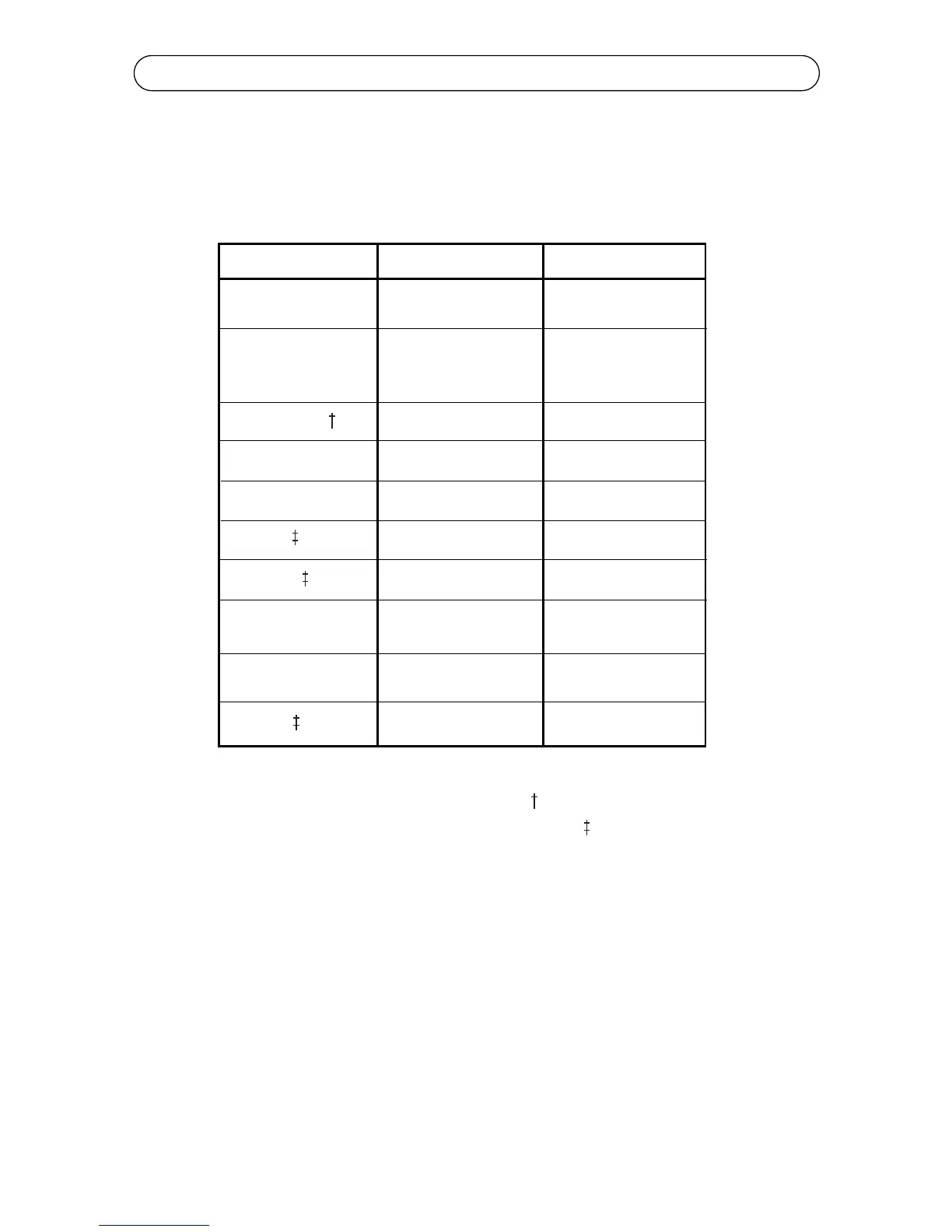
This section explains how to use the Style key to assign text formatting attrib-
utes to your label text. There are three types of text attributes: character, line
and page. These attributes, as well as their defaults and options, are shown in
the following table.
Attribute
Font
Size
Justification
*Bold
*Italic
*Mirror
*Vertical
*Frame
*Underline
Rotate
Defaults
Options
Block
Download True Type
Fonts from PC
Auto Size On
.50” 4-30 point size
.80” 4-55 point size
1” 4-72 point size
Left
Left, Center, Right
Off
On, Off
Off
On, Off
Off
On, Off
Off
On, Off
Off
Off
Page: On, Off
Line: On, Off
Off
On, Off
On, Off
Off
* Attributes marked with a asterisk are toggles. are line attributes. They affect
the entire line of text that the cursor is positioned on. are page attributes.
They affect the entire page (label). All other attributes (except Frame) are char-
acter attributes only and affect the text from the point that the cursor is posi-
tioned.
The following style settings are available on the K4100: Rotate, Bold, Italic,
Underline, Justify, Mirror, Frame and Vertical.
To Select Multiple Styles, with less keystrokes, use the Space Bar and the
cursor keys to turn styles on and off.
For more Shortcuts, See page 24.
Note: When the Style menu is selected, all selections are not visible on the
LCD display - you will have to use your left and right cursor keys to scroll
through all the choices.



 To Next Page