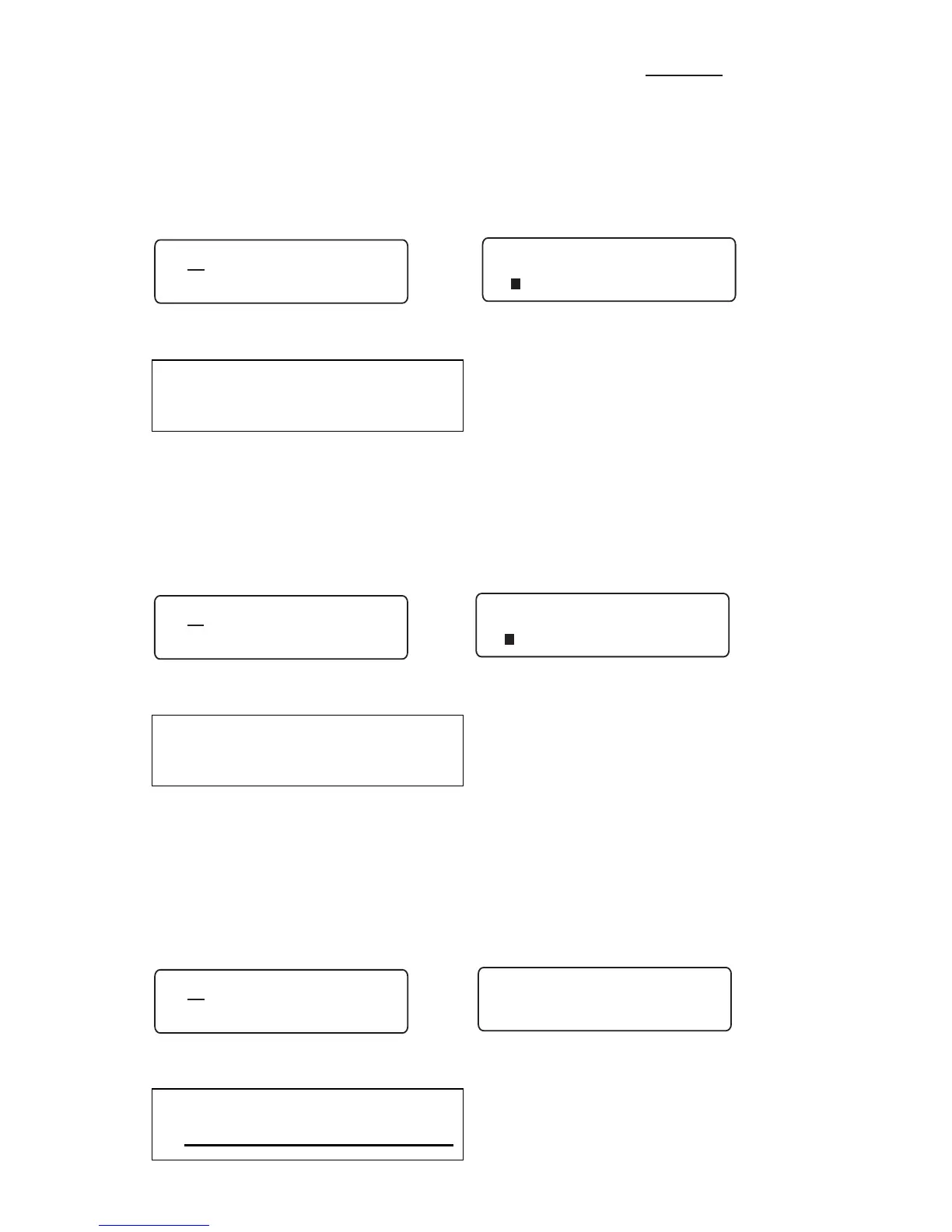
The most common character styles used are Bold,
Italic
and Underline.
To emphasize the text of your label using Bold, move the cursor to the position
where you want to apply the Bold attribute and press the Style key. Use the left
and right cursor keys to move the cursor to the left of Bold and press Enter.
When turned on, an asterisk will appear. To turn Bold off, press Enter again or
to exit press Delete.
Bold Example:
To italicize the text of your label using Italic, move the cursor to the position
where you want to apply the Italic attribute and press the Style key. Use the left
and right cursor keys to move the cursor to the left of Italic and press Enter.
When turned on, an asterisk will appear. To turn Italic off, press Enter again or
to exit press Delete.
Italic Example:.
To underline the text of your label using Underline, move the cursor to the posi-
tion where you want to apply the Underline attribute and press the Style key.
Use the left and right cursor keys to move the cursor to the left of Underline
and press Enter. When turned on, an asterisk will appear. To turn Underline
off, press Enter again or to exit press Delete.
Underline Example:



 To Next Page