33
Bar Codes
To print a Bar Code, press the Shift and the Font key together. Use the Bar
Code Menu to specify the type of bar code you want to print.
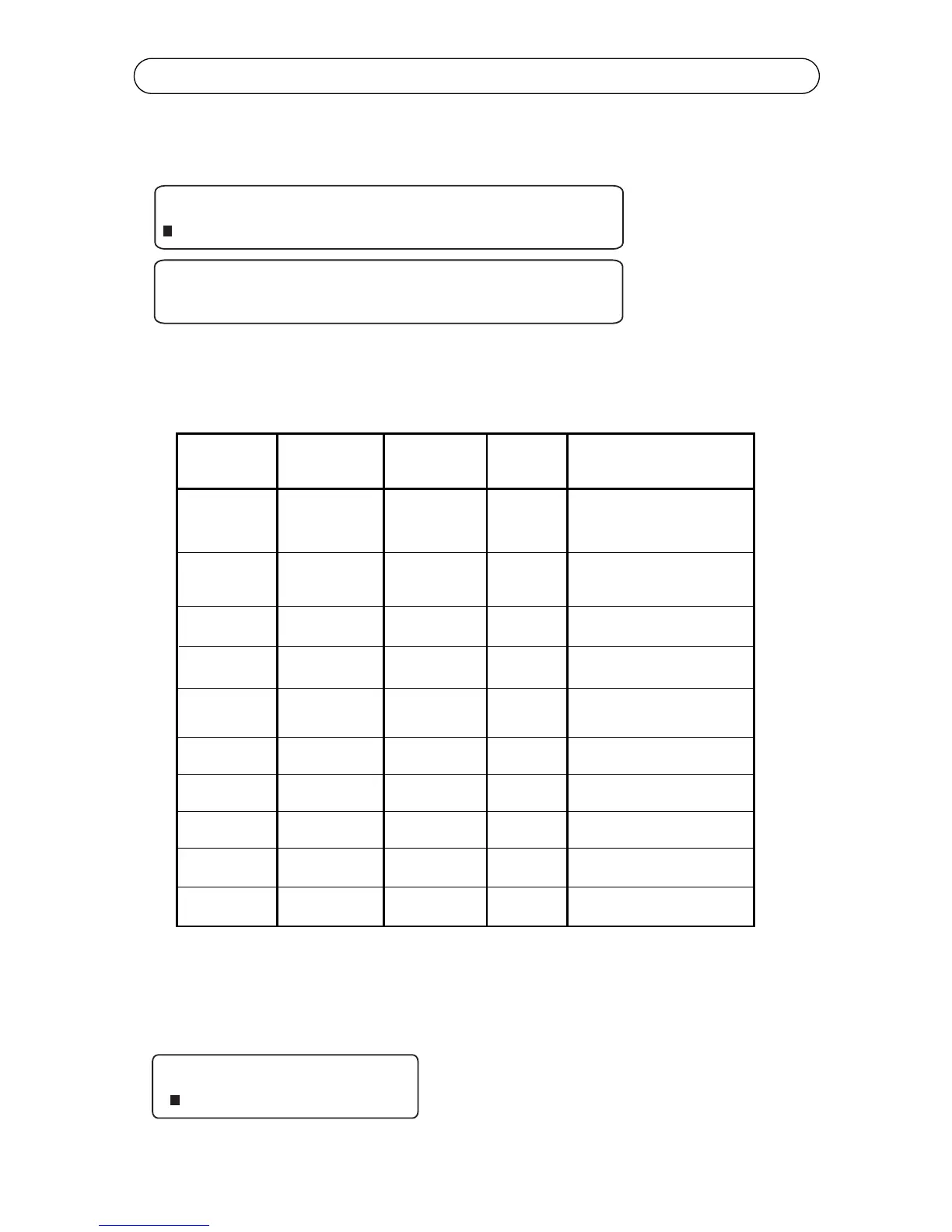
K4100 has ten bar codes built-in. The following table summarizes information
on these bar codes.The
After the bar code selection has been made, press the Shift and Font keys
together to go back to the Bar Code menu. The menu will change allowing you
to customize the bar code selected using code, text and resolution.
Codabar
Code 39
EAN-8
EAN-13
Interleaved
2 of 5
UPC-A
UPC-E
Code 128
MSI Plessey
PDF 417
Valid
Characters
Checksum
Options
Available
Fixed
Length
Bar Code
Type
Special Restrictions
& Other Information
First and last characters
must always be either A,
B, C, or D. Letters not allowed
in body of bar code
< 32
characters
0 -9 A - D
. - $ / + %
None, mod 10,
mod 16
0 -9 A - Z
. - $ / + %
space
None, mod 43
< 32
characters
Lowercase letters not allowed
0 -9
EAN-8
7, 9 or 12
digits
Length varies because of
optional 2 or 5 digit supplemental
0 -9
EAN-13
12, 14 or 17
digits
Length varies because of
optional 2 or 5 digit supplemental
0 -9
None, mod 10
Even number
of digits
Printer adds leading zero, if
needed, to make the length even
0 -9
None
11, 13 or 16
digits
Length varies because of
optional 2 or 5 digit supplemental
0 -9
None
6, 8 or 11
digits
Length varies because of
optional 2 or 5 digit supplemental
128 ASCII
Character Set
None
< 32
characters
See Appendix D
0 -9
None, mod 10,
mod 11
< 16
characters
Mode 11 checksum cannot
equal 10
All ASCII
characters
0 to 400 levels
of security
< 700
characters
None



 To Next Page