29
Example 4
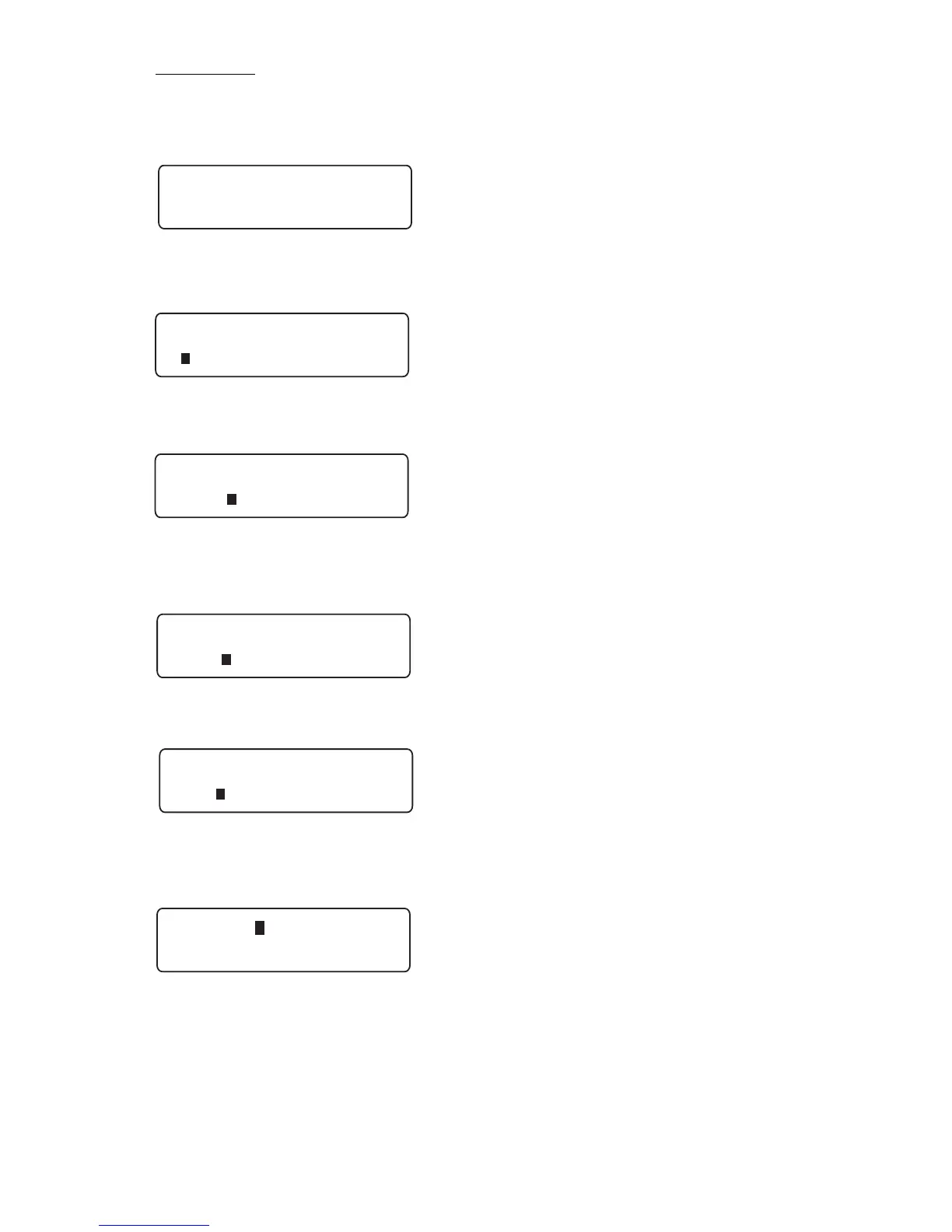
Here is an example of using multiple pages and numeric sequencing. For our
example, we have typed “Line In” on the label (Page 1).
Press the Repeat key and select Sequence by pressing Enter. Toggle the cursor
to the left of Numeric and press Enter again.
Enter the first number to start the sequence. We chose “1” for this example.
Press Enter.
Enter the last number to end the sequence. We chose “2” for this example.
Press Enter.
The next prompt you will enter the increment amount. Press Enter.
You will then select Insert from the Sequence menu by pressing Enter.
A black box will be seen where the sequence will start.
continued on page 30



 To Next Page