46
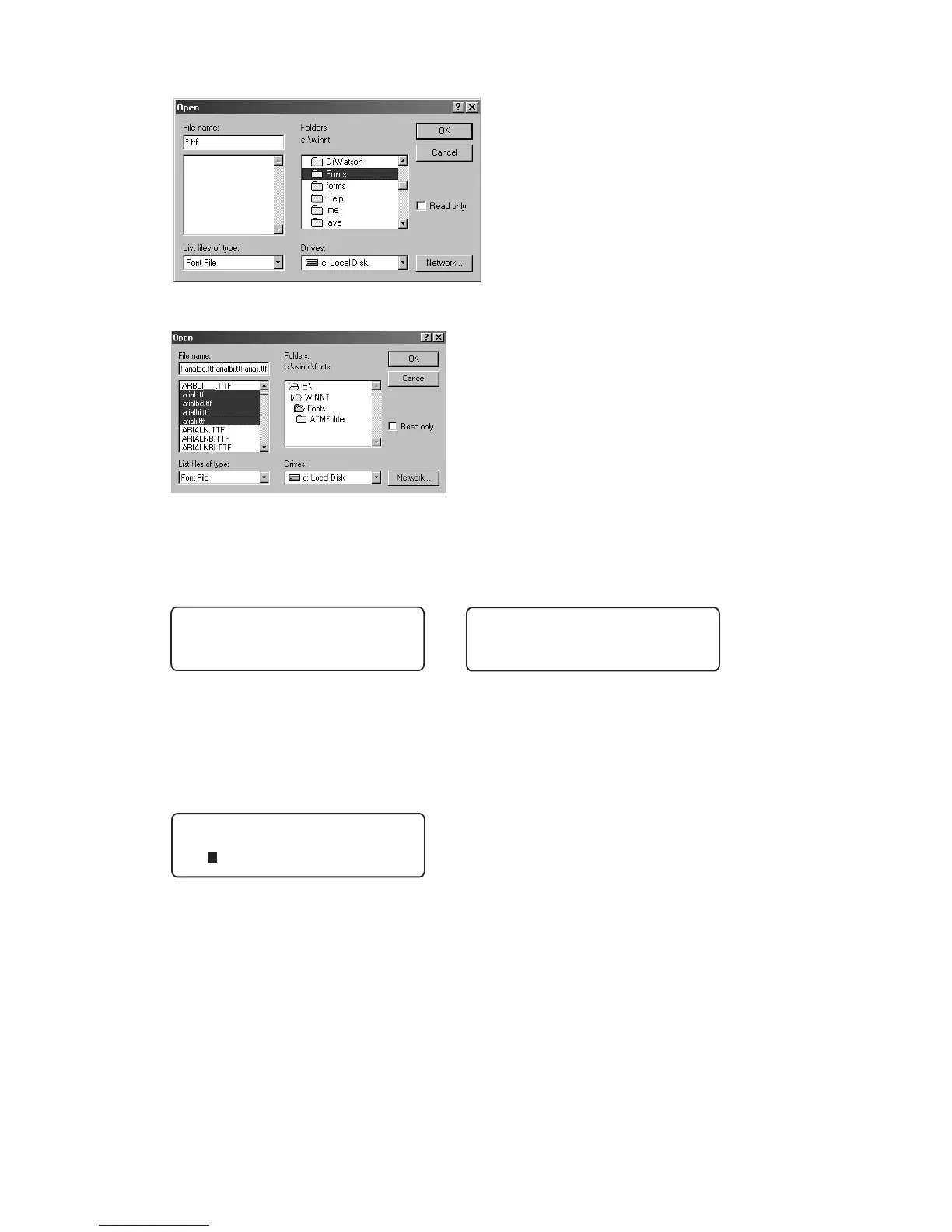
6. Go to the Font folder on the C drive of your PC and click OK.
7. Select the Font or Font Family of your choice and click OK.
8. The LCD Display of the printer will show the progress of the download using
the pound sign(#) across the bottom. The printer will show a receiving and an
updating display.
9. The download is now complete and you can find the font in your Font Menu.
Press the Delete key to accept the current Block font or use the left and right
cursor keys to move the cursor to the left of the font you want and press
Enter to select it.



 To Next Page