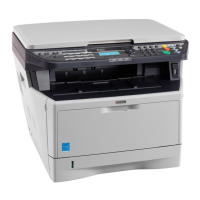
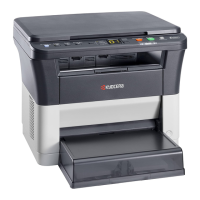
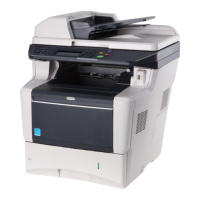
Operation Panel
4-110
4 With the Login User Name entry field selected, press [OK]. The
Login User Name entry screen is displayed.
5 Enter the Login User Name using the numeric keys then press [OK].
The log in screen reappears.
6 Press U or V to select the Login Password entry field.
7 Press [OK]. The Login Password entry screen is displayed.
8 Enter the Login Password using the numeric keys then press [OK].
The login screen reappears.
9 Pressing [Login] ([Right Select]). If the entered Login User Name
and Login Password are correct, the User/Job Account menu
screen appears.
10Press U or V to select User Login Set..
11Press [OK]. The User Login Set. menu appears.
Note The initial setting for the administrator's Login User
Name is "Admin".
For details on entering characters, refer to Character Entry
Method on page A-2.
Note The initial setting for the administrator's Login
Password is "Admin".
For details on entering characters, refer to Character Entry
Method on page A-2.


 To Next Page
 Loading...