Operation Panel
4-8
Selecting a Menu
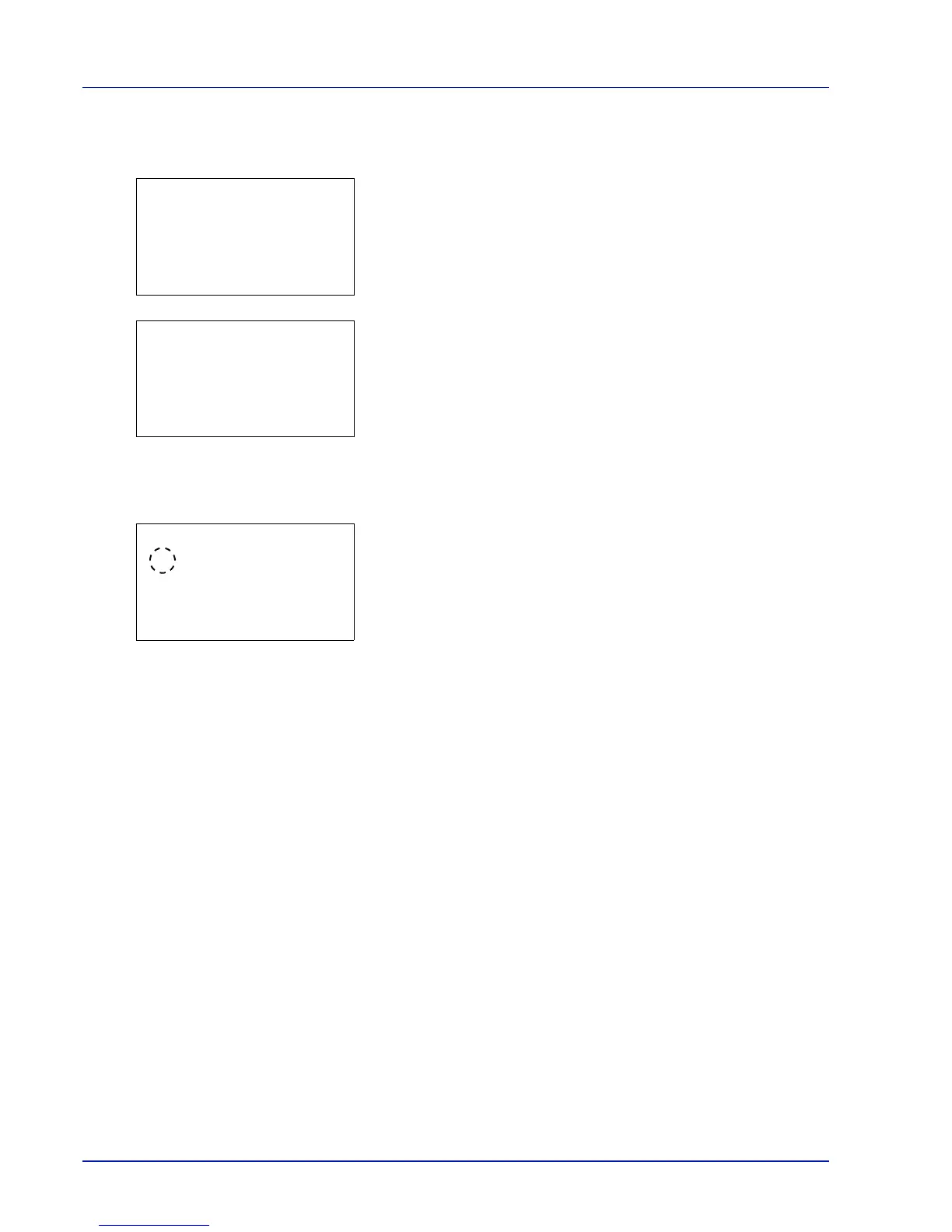
The mode selection menu is hierarchical. Press U, V, Y or Z to display the desired menu.
• If [
a
] appears in the top-right of the screen, you can use the U and
V to scroll up and down through the menu options one line at a time,
and the Y and Z to move between menu options one page at a time.
• If [
P
] appears in the top-right of the screen, you can use the Y and Z
to switch between pages.
To return to the menu one level up, press [Back].
Setting a Menu
Select the desired menu and press [OK]. You can now select options in
the menu. Press U, V, Y or Z to select or enter the desired setting and
then press [OK] to confirm your selection.
If you are choosing from a list of settings, an asterisk (*) is displayed to
the left of the currently selected setting.
Canceling Menu Selection
If you press [Menu] when a menu is selected, the message display returns to Ready to print.



 To Next Page
 Loading...