Operation
CoaDATA 501 – Operators Manual 2.1 Page 9
2 Operation
2.1 Steps for Instrument Operation
Communication with the analyzer is performed via the liquid crystal display.
We assume that you are familiar with the function of the individual keys as
described in chapter 1.2
2.1.1 Turn on analyzer
• Connect the analyzer power adapter to the mains, automatically it is
switched on.
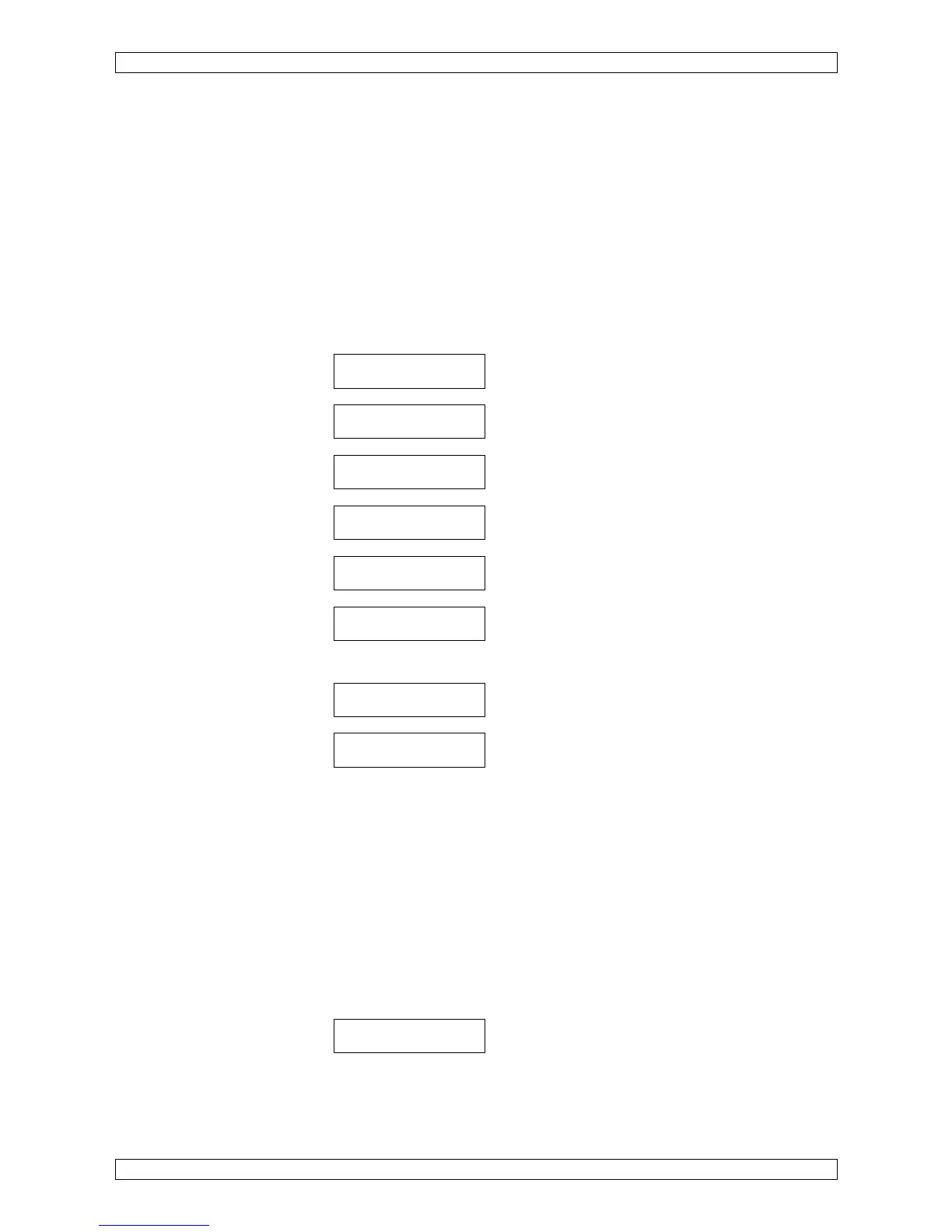
The following text will appear in the display:
This sign <- informs of a floating text.
<- read param. .. analyzer name V X.xx (C)mm/dd/yy
LAbor GmbH
SELFTEST
Self test
ROM: ok
Testing of ROM
RAM: ok
Testing of RAM
WARM UP
Start of warning up
The changing display will show the
36.5
o
C
- actual temperature of the measuring block
14:26
- the remaining time of warm up phase.
The analyzer requires approximately 30 minutes to warm up the incubation
block to an operating temperature of 37.4°C (deg).
Use the warm-up phase to load the analyzer with cuvettes and reagents for
testing.
Each cuvette must be equipped with a stir bar.
• Comply with the instructions of the reagent manufacturer.
• Compare the method parameters with those stored in the analyzer.
• For your own safety follow instructions for hygiene.
As soon as the operating temperature has been reached, an adjustment for
automatic cuvette recognition will follow.
<- Remove cuv .. .ette, then press any key.
• Remove the existing cuvette from the measuring channel and close the
light protection caps.
• Press any key (e.g. Enter) for confirmation.


 To Next Page