Operation
CoaDATA 501 – Operators Manual 2.1 Page 15
2.1.5 How to change methods with a ChipCARD
Unless a measurement is currently running, a ChipCARD can be inserted
into the adapter at any time for additional methods.
The method parameters will be loaded in memory 7 Extr. Factor. Once
another method is introduced, the method Extr. Factor will be overwritten
and can only be reloaded again using a ChipCARD for Extr. Factor.
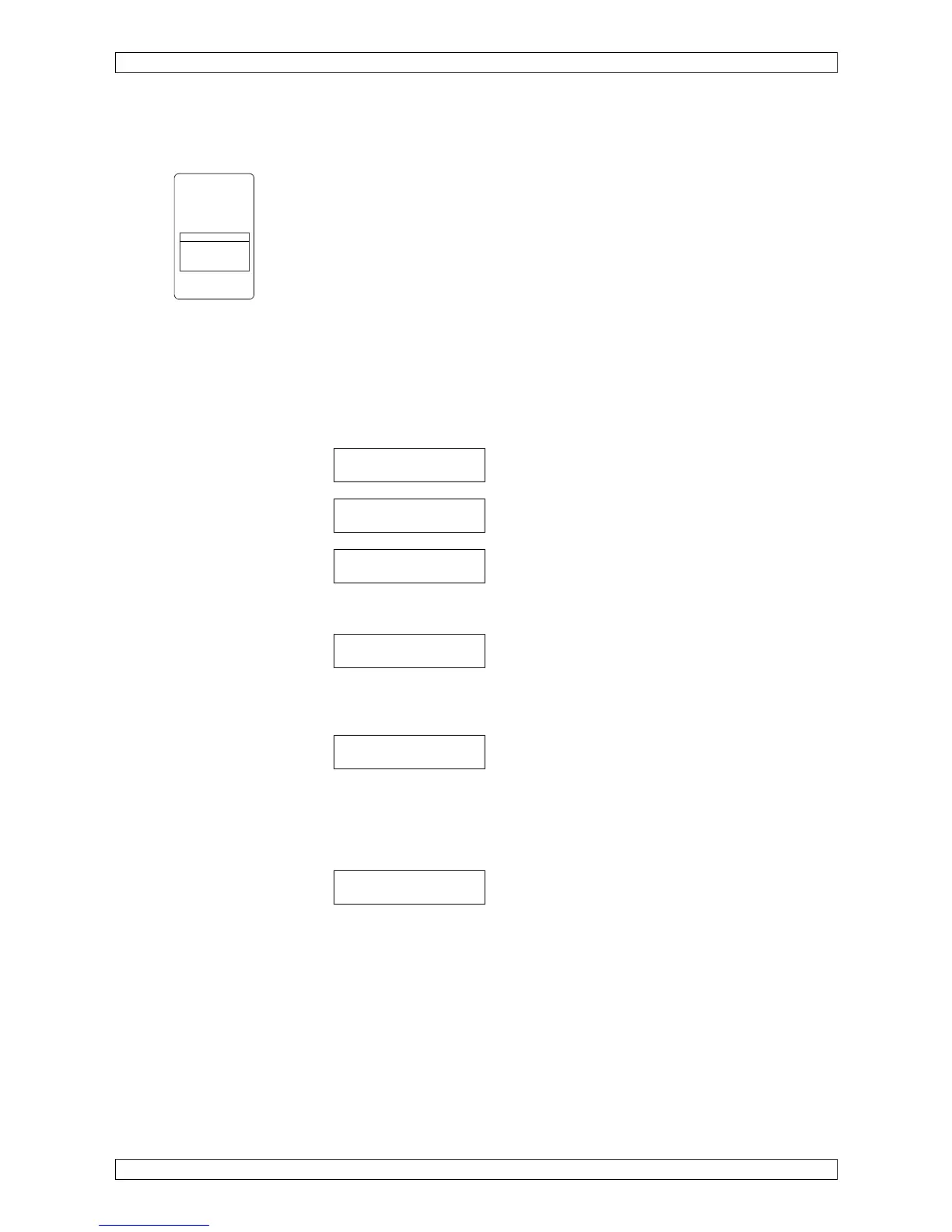
The ChipCARD Reader can be accessed through a side opening
underneath the right membrane keypad.
The ChipCARD will be inserted into the ChipCARD reader with the contact
ahead and method description readable.
To load a method:
• Insert the ChipCARD with the selected method into the ChipCARD
Reader the method name and the lot-no. will be displayed automatically.
<-reading card
aPTT
Lot XXXXX
• Press Enter to confirm loading.
remove card
When remove card is displayed, remove the ChipCARD from the
ChipCARD Reader.
<-write param.
.. eter
When writing parameter to internal is displayed, the method parameters
will be stored in method memory 7.
Incubate next samples and continue as described above.
cuv in 1
UTILITIES
The menu Utilities is a group of menus in which instrument settings can be
performed after a "Secret no." (code number) has been entered.
The submenus are as follows: <printer>, <computer>, <beeper>, <clock>
<calibrate temp>, <secret number>, and <cuvette detect.>.
Refer to chapter 2.2.8 Utilities.
aPTT
Lot No.: 123456, Exper. Date 05/05
Insert ChipCARD
Reconstitute reagents according to
manufacturer information
TEST:
- pipette 50ul Plasma in cuvette
- add 50ul aPTT reagent
- 120s incubation time
- start with 50ul CaCl2


 To Next Page