Introduction
CoaDATA 501 – Operators Manual 2.1 Page 5
Description of keys
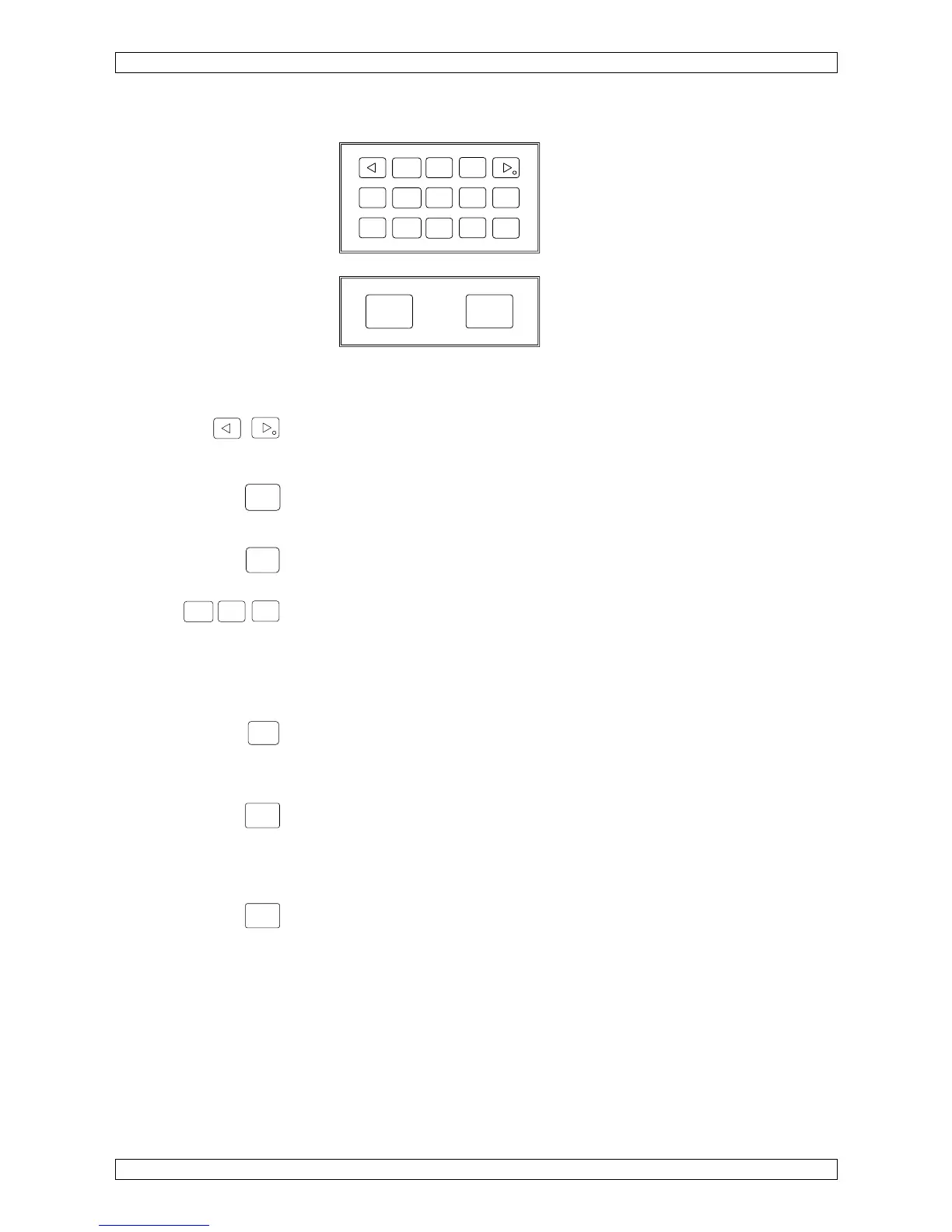
Figure 2 Membrane keypad
Arrow-key left, right
<- - select display to the left
-> - select display to the right, set decimal point
Esc-key
Switch from measuring to STANDBY
Exit a submenu
Enter-key
Confirm selection, advance printer paper
Number-keys
Enter parameters
0-key
A print-out of the respective parameters for the selected method is
generated by pressing 0 during measuring.
Mode-key
1. Calibration
2. Menu selection, analyzer settings, and method parameterization
3. Exit a menu and save entered or modified data.
Start-key: manual testing
- Start sample incubation timer
- Sample adjustment
- Manual test start
- Manual test stop
Reset-Key, reset testing,
Break of run, adjustment of sample
Mode
Esc
0
123
456
789
Enter
Reset
Start
Esc
Ente


 To Next Page