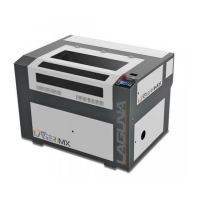
PL1220 Owner’s Manual
29
Graph Layer Parameters – Displays the layers’ information of the current file, such as max or
min power, speed, etc. When the system is idle, double click the layer. Then users can change
the layer’s parameters and the changes will be saved.
Running Progress Bar – Displays the progress bar of the current running file.
Running Status – Displays the status of the machine, such as Idle, Run, Pause, Finish, etc.
Working Number – Accumulates the work number of the current file.
File Destination – Displays the dimensions of the current file.
Net Status – Displays the connecting status of the Ethernet.


 To Next Page