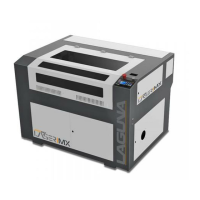
PL1220 Owner’s Manual
76
13.0 Troubleshooting
Table 14-1: Troubleshooting
Behavior Possible Causes Solutions
Laser machine will not turn on.
1. Breaker is in the defeated
position.
2. Improper input power.
1. Flip breaker switch
2. Confirm power supply
meets machine
specifications.
All systems are powered but
Laser will not fire.
1. Interlock Switch (door
sensor) defeated.
2. Chiller Alarm defeated.
3. Water is flowing in the
wrong direction.
1. Close the door, inspect
switch.
2. Troubleshoot chiller unit.
3. Confirm direction of water
flow (should be with
direction of laser beam,
towards first mirror).
Laser fires but does not process
work surface or quality of
process is poor.
1. Mirror is not aligned.
2. Focal distance is not set
correctly.
3. Incorrect focal lens.
4. Focal lens is dirty.
5. Non-compatible material.
1. Perform mirror alignment
procedure.
2. Adjust focal spacing to 7mm
from work surface.
3. Use lens with 50.8mm focal
length.
4. Clean focal lens and ensure
that the air assist system is
working.
5. No solution



 To Next Page