PL1220 Owner’s Manual
53
7.1 Install RDWorksV8 as a Standalone Program (Recommended)
This setup is recommended for beginner operators and is the easiest way to get started in laser
machining. Installing this version of RDWorks will allow the operator to utilize the RDWorks
software package to create or edit work files and send them to the laser machine to be executed.
NOTE
Refer to the RDWorksV8 software manual for software-related
guidance aside from this initial setup.
1. Download RDWorksV8 from the internet or connect the USB thumb drive.
a. If using the USB thumb drive, insert the USB thumb drive into your USB port on
your computer.
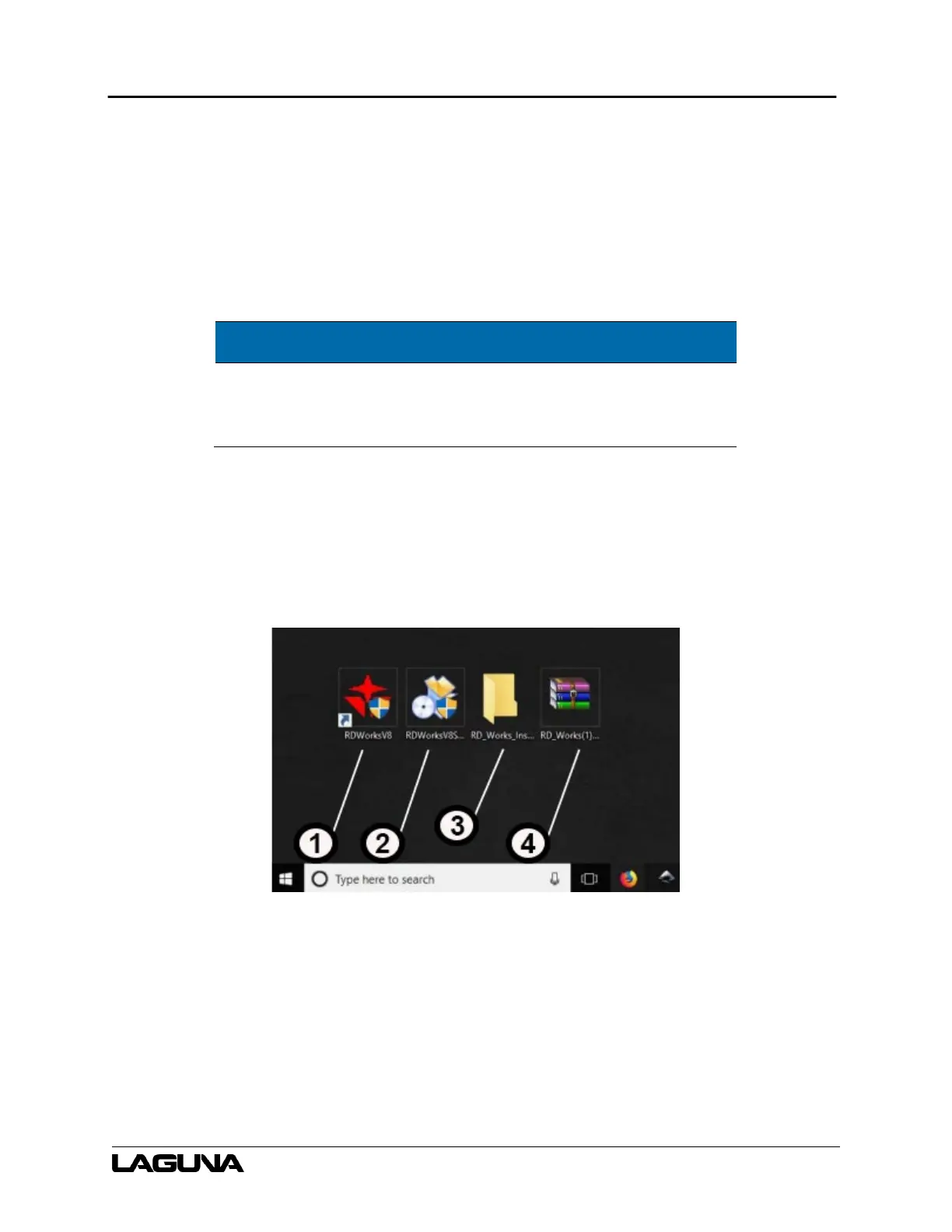
Figure 7-2 RDWorks Software Files
1.
RDWorks application
launcher icon
3.
Folder containing the .exe
file to install RDworks
2. RDWorksSetup.exe
file. Run to install
4. .Zip file form online
download



 To Next Page