Lake Shore Model 340 Temperature Controller User’s Manual
5-8 Measurement Operation
5.4.4 Auto Scanning
Once the individual input channels are enabled and have a designated curve, the Auto Scan feature can
sequence through the enabled channels. A scan interval can be set by the user to tell the instrument how long
to read a channel before moving to the next. The interval is set in seconds and has a range of 2 to 200. The
Model 340 can set its digital outputs to the corresponding Auto Scan channel. If the external scanner has
digital control inputs the Model 340 can be used to select a channel. This is a convenient way to synchronize
the scanned readings or automate the scan operation using only Model 340.
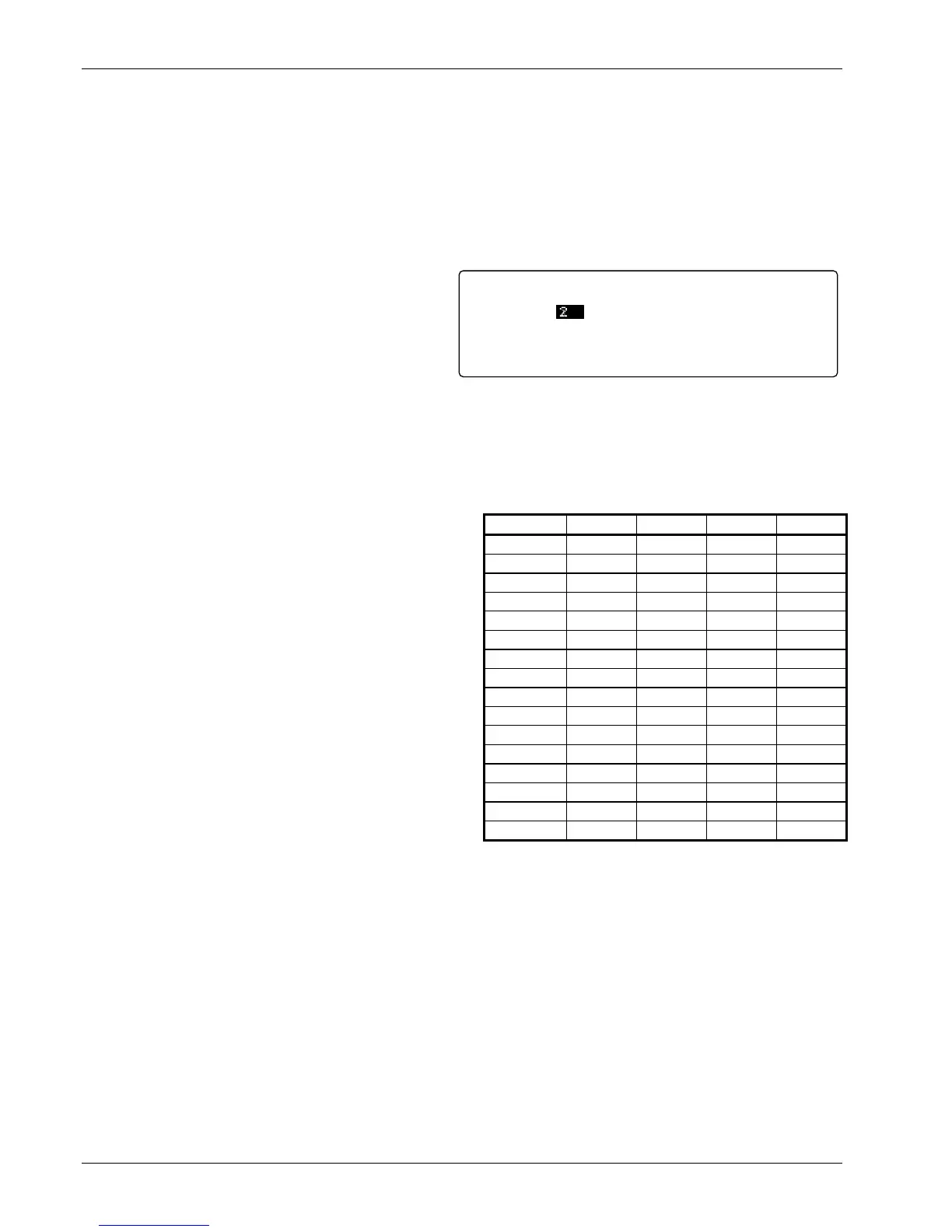
To change the reading interval for the Auto Scan
mode, start with the scan mode set to Auto Scan.
Press the Scan Setup key and the scan setup
screen will appear. Press the Next Setting or
Previous Setting key until the interval field is
highlighted. Use the s or t key to select the
appropriate scan interval in seconds. Press the
Save Screen key to store the setting in the
Model 340. Please note that only input channels
that have been enabled on the input setup screen will be read in sequence. The default setting is 2.
The digital outputs must be set to scan mode to report the scan channel, refer to Paragraph 7.2 for digital
output mode setting. When the digital outputs are set to work with the scanner and Auto Scan mode selected,
digital output signals D1 to D4 report the active scan channel as shown in the table above.
5.4.5 Slave Scanning
In some application it is necessary for the external
scanner or other external hardware to select the active
scan channel. In scanner slave mode the Model 340
will change to the active scan channel to the channel
indicated on the digital inputs. The digital inputs do not
need any special setup. The active scan channel will
follow the digital inputs as shown in the table below.
Digital input logic levels are described in Paragraph 7.2.
Interval:
Mode:
2 seconds
AUTOSCAN
EXTERNAL SCANNER SETUP
Channel DI4 DI3 DI2 DI1
1 0 0 0 0
2 0 0 0 1
3 0 0 1 0
4 0 0 1 1
5 0 1 0 0
6 0 1 0 1
7 0 1 1 0
8 0 1 1 1
9 1 0 0 0
10 1 0 0 1
11 1 0 1 0
12 1 1 1 1
13 1 1 0 0
14 1 1 0 1
15 1 1 1 0
16 1 1 1 1



 To Next Page