Lake Shore Model 340 Temperature Controller User’s Manual
6-10 Temperature Control Operation
6.12.2 Analog Output As Loop 2 Control Output
The only control output available for Loop 2 is Analog Output 2. When the analog output is used as a control
output it has the same voltage range and resolution as it does when used for any other purpose. Many of the
settings and limits on the control setup and control limit screens apply to the Analog Output when used as a
control output. Heater range is the most obvious exception.
The analog outputs are variable DC voltage sources that can vary from ±10 V. The resolution of the analog
output is 1.25 mV or 0.0125% of full scale. The output can source up to 100 mA of current providing a
maximum of 1 W of power. They can drive a resistive load of no less than 100 Ω. The output is short
protected so the instrument is not be harmed if the heater resistance is too small. It is not recommended
because the additional load on instrument power supplies will cause noise on internal circuits.
Paragraph 3.5.7 describes two ways to use an Analog Output as a control output. If the output is used directly
as a resistive heater driver, be sure the heater has a resistance of 100 Ω or more. The maximum power out is
1 W at 100 Ω. If the output is used to program an external power supply, the input resistance of the voltage
programming input on the supply must be 100 Ω or greater. Setup and operation are otherwise similar.
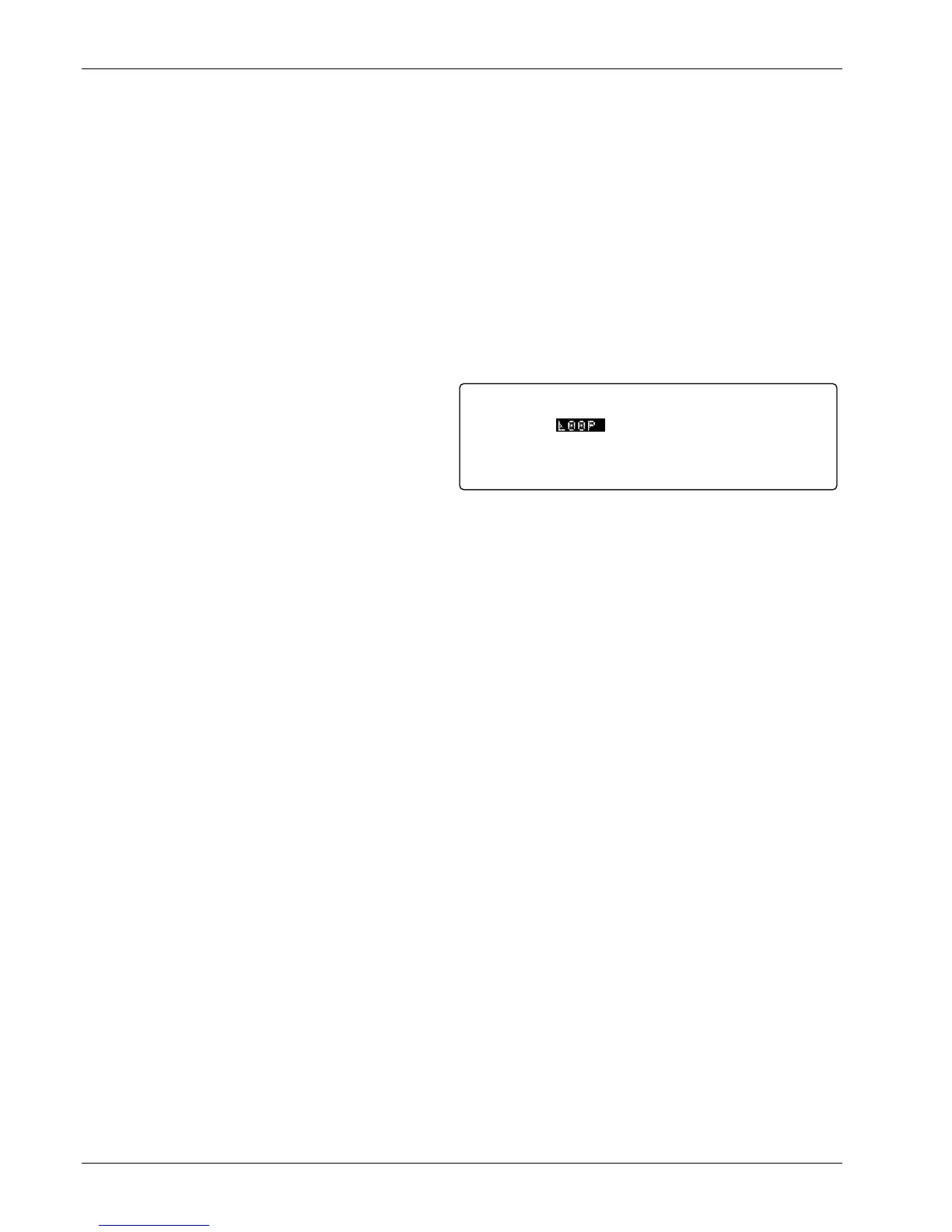
To select control output as a source for an Analog
Output, press the Analog Outputs key. The analog
output indicator is highlighted in the upper left hand
corner. Use the s or t key to select analog output
2. Press the Enter or Next Setting key until the
Mode field is highlighted. Use the s or t key to
select LOOP. Press Enter or Next Setting to
continue with more settings or the Save Screen key to save the changes to the Model 340.
It is recommended to set the Analog Output to unipolar mode. Few applications can use bipolar control
output. A thermoelectric cooling element is one example of a control actuator that can utilize a bipolar control
output. The AutoTune feature will not operate with Loop 2 configured for Bipolar Control.
To set unipolar operation for an Analog Output, press the Analog Outputs key. The analog output indicator is
highlighted in the upper left hand corner. Use the s or t key to select analog output 2. Press the Enter or
Next Setting key until the Bipolar field is highlighted. Use the s or t key to select OFF. Press the Enter or
Next Setting key to continue with more settings or the Save Screen key to save the changes to the Model
340.
Once the Analog Output is setup, the control loop must be setup. Control channel, control mode, PID control
parameters, setpoint units, and setpoint are described in the heater output Paragraph 6.12.1. The AutoTune
feature will only work with one loop at a time. Heater range and other features noted in Table 1-1 are not
available. Control output limits, other than heater range limit, described in Paragraph 6.13, work with any
control output.
Mode:
Bipolar:
Status:
LOOP
OFF
0/0%
ANALOG OUTPUTSOutput: 2



 To Next Page