Lake Shore Model 340 Temperature Controller User’s Manual
8-16 Instrument Programming
8.4.2 Reading From A Data Card
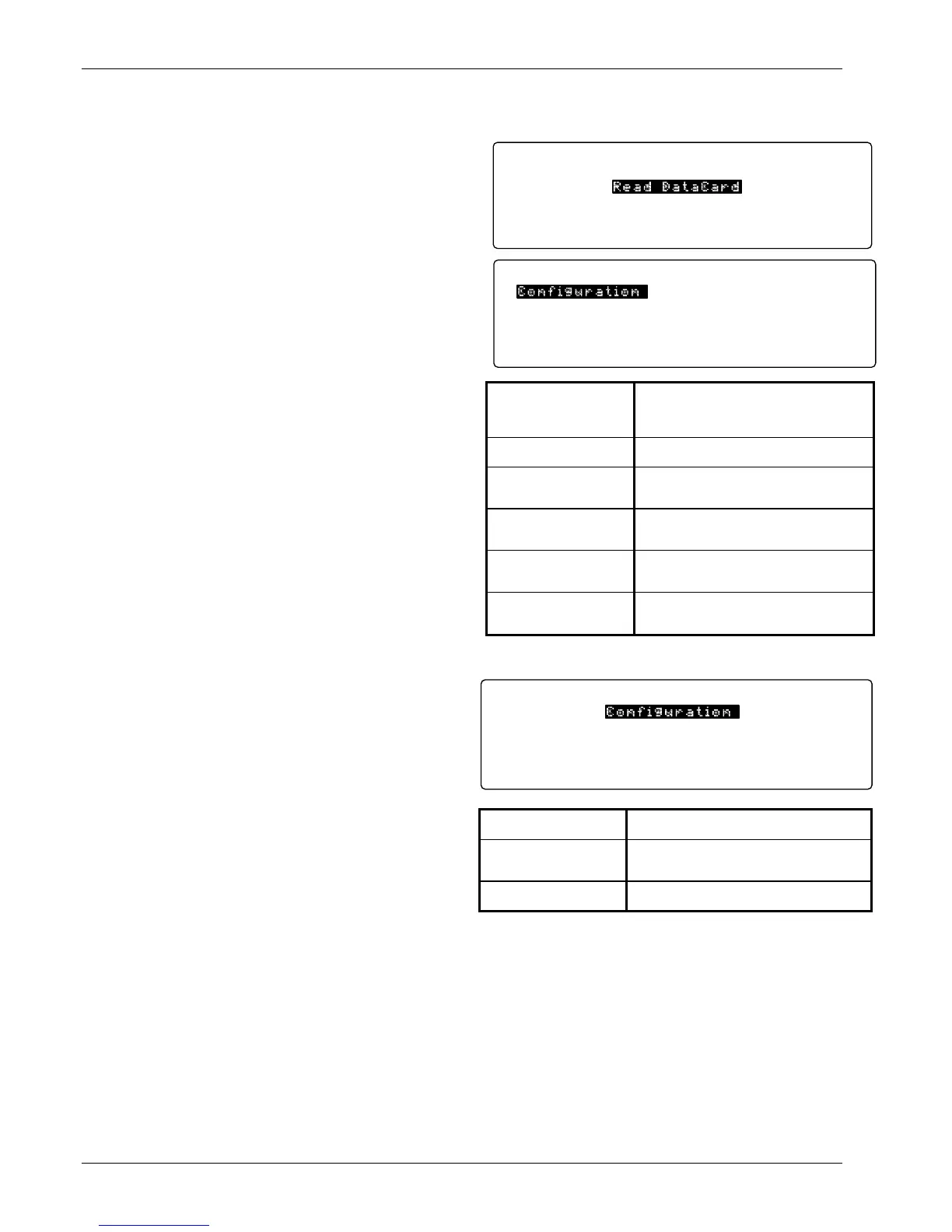
To read a data card, place the card into the slot, then
press the DataCard Key. The Identifying Card...
message is displayed, followed by the DATACARD
screen. Press the Next Setting key until Read DataCard
is highlighted.
Once Read DataCard is highlighted, press the Enter
key.
Use the Next Setting or Previous Setting key to select
which type of information is to be read from the data
card.
8.4.3 Writing To A Data Card
To write to a data card, place the card into the slot,
then press the DataCard Key. The Identifying Card...
message is displayed, followed by the DATACARD
screen. Press the Next Setting key until Write
DataCard is highlighted. Press the Enter key.
Use the Next Setting or Previous Setting key to
select which type of information is to be written to the
data card.
8.4.4 Erasing A Data Card
To erase a data card, place the card into the slot, then press the DataCard Key. The Identifying Card...
message is displayed, followed by the DATACARD screen. Press the Next Setting key until Erase DataCard
is highlighted. Press the Enter key. The message Press SAVE SCREEN to continue, CANCEL SCREEN to
abort is displayed. If you press the Save Screen key, the data card is erased. If you press the Cancel
Screen key, the erasure is canceled.
Data Logging
Read DataCard
Write DataCard
Erase DataCard
Card: 128KB Flash, M340 Config
DATACARD
Configuration
Settings
Programs
User Curves
CalCurves
M340 Main Code
Card: 128KB Flash, M340 Config
READ DATACARD
Configuration
Reads configuration, programs, and curves
from the data card, saves user curves, then
resets the Model 340 to the new
configuration.
Settings
Reads the settings from the data card and
resets the Model 340.
Programs
Reads the programs from the data card and
reset the Model 340. The programs may then
be accessed by pressing the Program key.
User Curves
Reads the user curves from the data card and
saves the curves to memory. Press Curve
Entry to access the curves.
CalCurves
Reads the selected CalCurve from the data
card. Select the CalCurve from the data card
and the curve location in the Model 340.
M340 Main Code
Reads the Model 340 Main Code from the
data card and resets the Model 340. Used to
receive factory software updates.
Configuration
Cal Curves
M340 Main Code
Card: 128KB Flash, M340 Config
WRITE DATACARD
Configuration
Writes the configuration, programs, and curves
to data card.
CalCurves
Writes the selected CalCurve to the data card.
Write as many individual curves to the data
card as there is room in card memory.
M340 Main Code
A data card required to copy the Model 340
Main Code.



 To Next Page