17
Menus and Sub-menus
Purging the Carbonation System
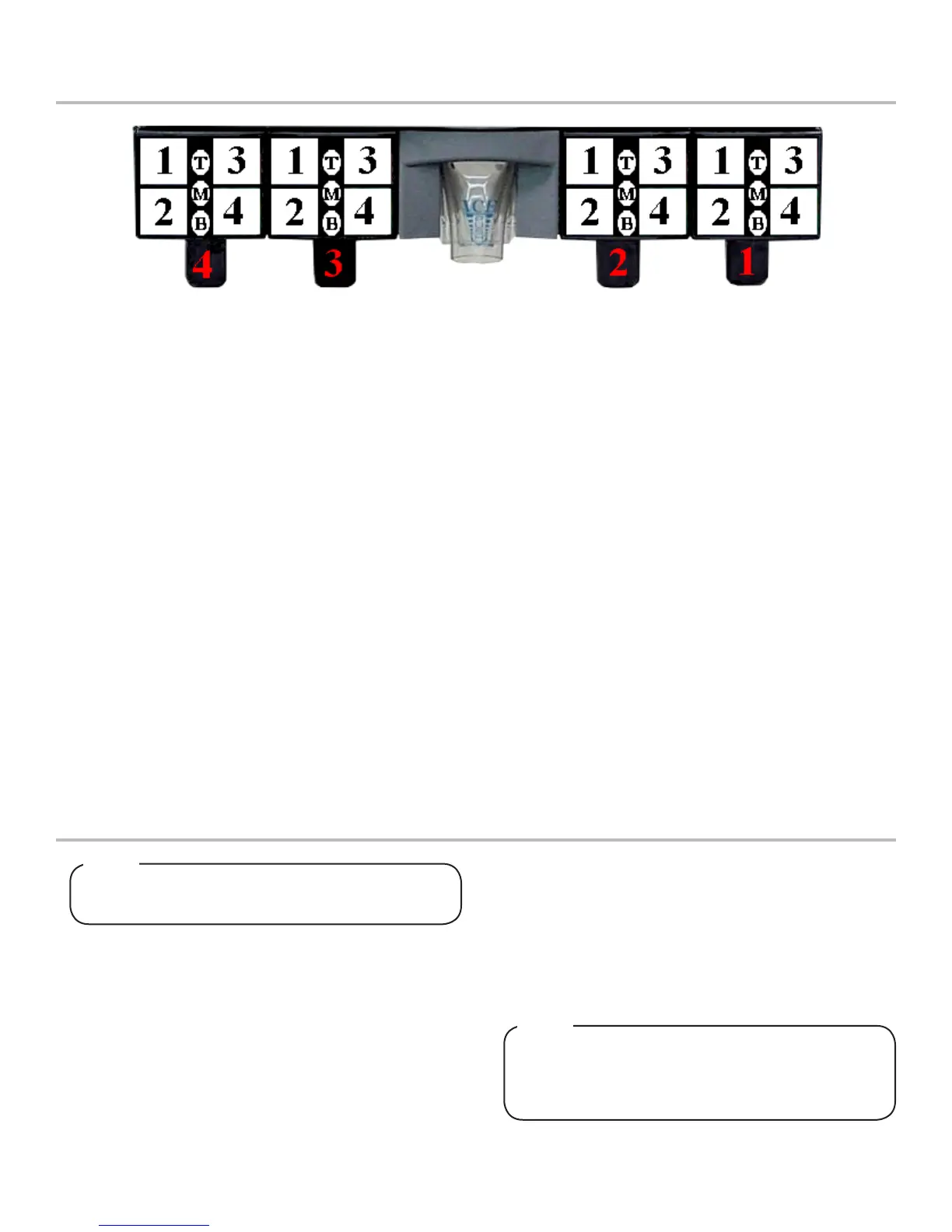
Bonus Flavors
1. Decide if the bonus avors will be set to add an injected
avor to the brands or dispense carbonated water/plain
water.
2. Choose the Valve number (1-4) by scrolling UP and DOWN
arrows.
3. Use the LEFT and RIGHT arrows to shift to the Top, Middle,
or Bottom “bonus” avors categories.
4. Press the UP and DOWN arrows under Top, Middle, or
Bottom to select it as an injected avor, carbonated Soda
water, or plain Water.
5. Press ENTER to nalize settings. Panel lights should conrm
nalized congurations.
Brands
1. Decide how the brands will be setup.
2. Choose the Valve number (1-4) by scrolling UP and DOWN
arrows.
3. Use the LEFT and RIGHT arrows to shift to the Left or Right
categories. The Left or Right categories are set with the
assumption that you are looking at them from the front.
4. Press UP and DOWN arrows under Left (1-2) or Right (1-2)
to select the brand per side as a single or double. For exam-
ple, for bezel PN 05-2120, V:1 L:1 R:2
Soda/Water
1. Decide which switch locations will be carbonated and/or
non-carbonated drinks.
2. Choose the Valve number (2-3) by scrolling the UP and
DOWN arrows.
3. Use the LEFT and RIGHT arrows to shift to the number
categories (1-4). The number categories correspond to the
brand location (per valve) that is being congured.
4. Press the UP and DOWN arrows under the number to select
if that brand will be carbonated Soda or non-carbonated
plain Water. If a single brand per side, only number 1 and/or
3 need to be set.
Automatic Agitation
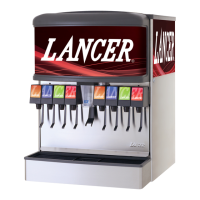
1. Each Series 14400 ice beverage dispenser is equipped with
automatic agitation for the ice bin. The unit is shipped with
timing set at two seconds (2000 milliseconds) ON every sixty
minutes for cubed ice. The unit is shipped with timing set at
four seconds (4000 milliseconds) ON every 150 minutes for
pellet ice.
1. Turn o CO
2
supply.
2. Turn o power to the unit. Unplug the carbonator harness
from the power supply.
3. Open the relief valve until water is coming out. Close the
relief valve, checking for any remaining air in the tank.
4. Allow the carbonator tank to ll with plain water by way of the
water booster.
5. Once the tank is full, turn the power back on and purge the
system by dispensing a carbonated drink. You should only
get plain water as the CO
2
is still o. Dispense several times.
Purgethecarbonatortankwhenevercarbonation
issues occur.
NOTE
TocheckforCO
2
leaks,closethevalveontheCO
2
cylinder and observe if the pressure to the system
dropswiththecylindervalveclosedforveminutes.
Openthecylindervalveaftercheck.
NOTE
6. Turn on the CO
2
supply
7. Turn o the power in order to reconnect the pump harness.
Turn power back on.
8. Dispense soda at valve until the carbonator pump comes
on. Release the button, allow the carbonator to ll and stop
(usually a few seconds). Repeat this process until the water
is carbonated (about ve cycles).
9. Place dispenser back into service.



 To Next Page