6300 Rev H User’s Manual
125-9106A Page 33
‘Control’ will be blinking in the Pitot mode field. Also, ‘Control’ will be blinking in the Static mode field.
This is because when either Pitot mode or Static mode is changed to Control, both Pitot and Static modes
are automatically setup for Control. (Caution: Do NOT press GO at this moment). Pressing GO will
activate both Pitot Control mode and Static Control mode. Pressing CANC will revert both Pitot and
Static modes back to Measure. For now, press CANC and return Pitot and Static to Measure mode.
Note: When Pitot mode is changed to Control, Static mode is automatically changed to Control.
Similarly, when Static mode is changed to Control, Pitot mode is automatically changed to Control.
Note: Leak and Measure modes can be selected independently for Pitot and Static.
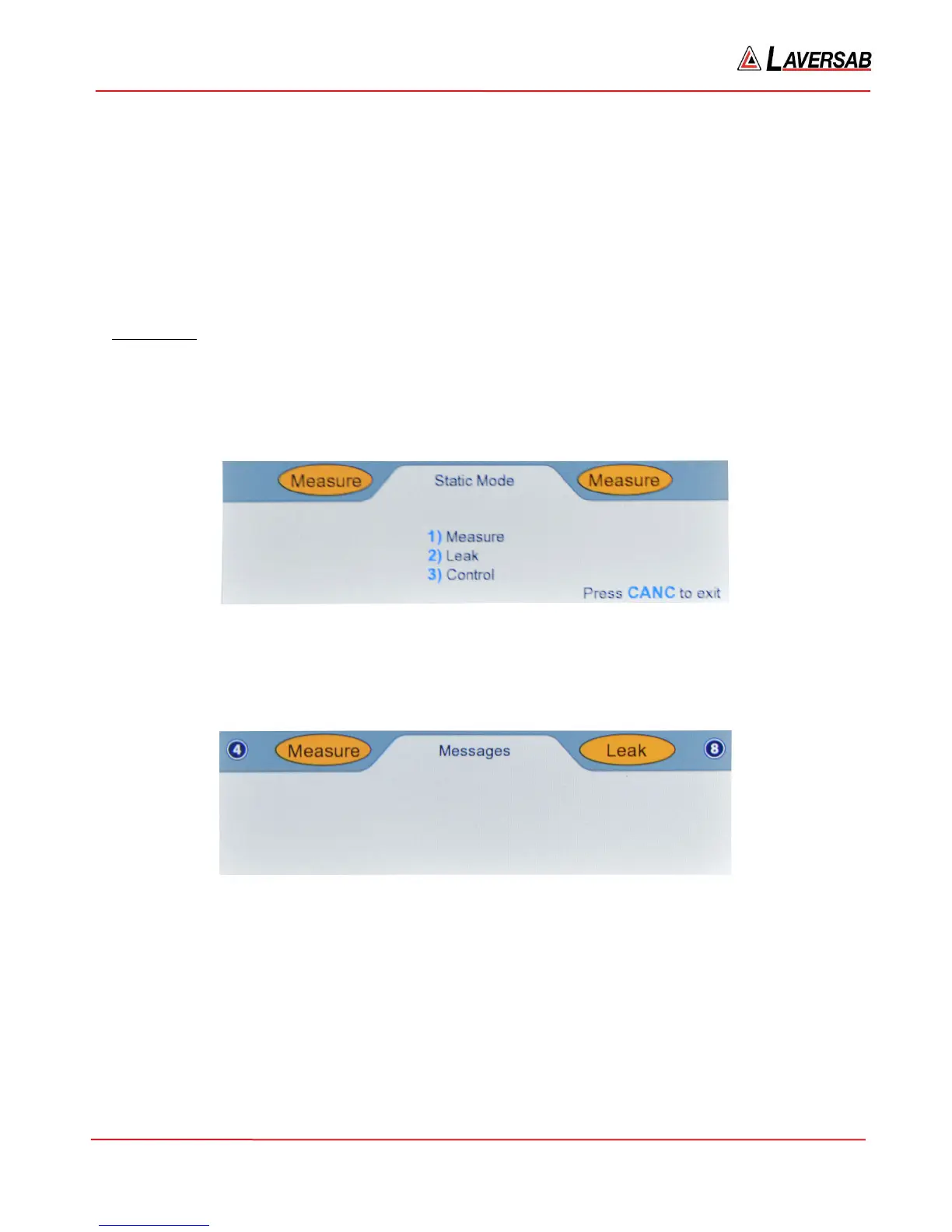
Static Mode
The Static mode can be changed when the key# symbol (8) is displayed to the right of the Static mode
field. Press key ‘8’ on the keypad and the Lower section of the display will appear as shown in Figure
3.18 below.
Figure 3.18 : Select Static Mode
Press the key with the # (shown in blue) associated with the mode to be selected. Press ‘2’ to select Leak
mode. The screen appears as shown in Figure 3.19 below.
Figure 3.19 : Static Leak mode
‘Leak’ will be blinking in the Static mode field, waiting for either GO or CANC to be pressed. (Caution:
Do NOT press GO at this moment). Pressing GO will activate Static Leak mode and stop ‘Leak’ from
blinking. Pressing CANC will revert back to Static Measure mode. For now, press CANC and return
Static to Measure mode.
Press ‘8’ to select Static mode again. Then press ‘3’ to select Static Control mode. The screen appears as
shown in Figure 3.20 below.



 To Next Page