6300 Rev H User’s Manual
125-9106A Page 50
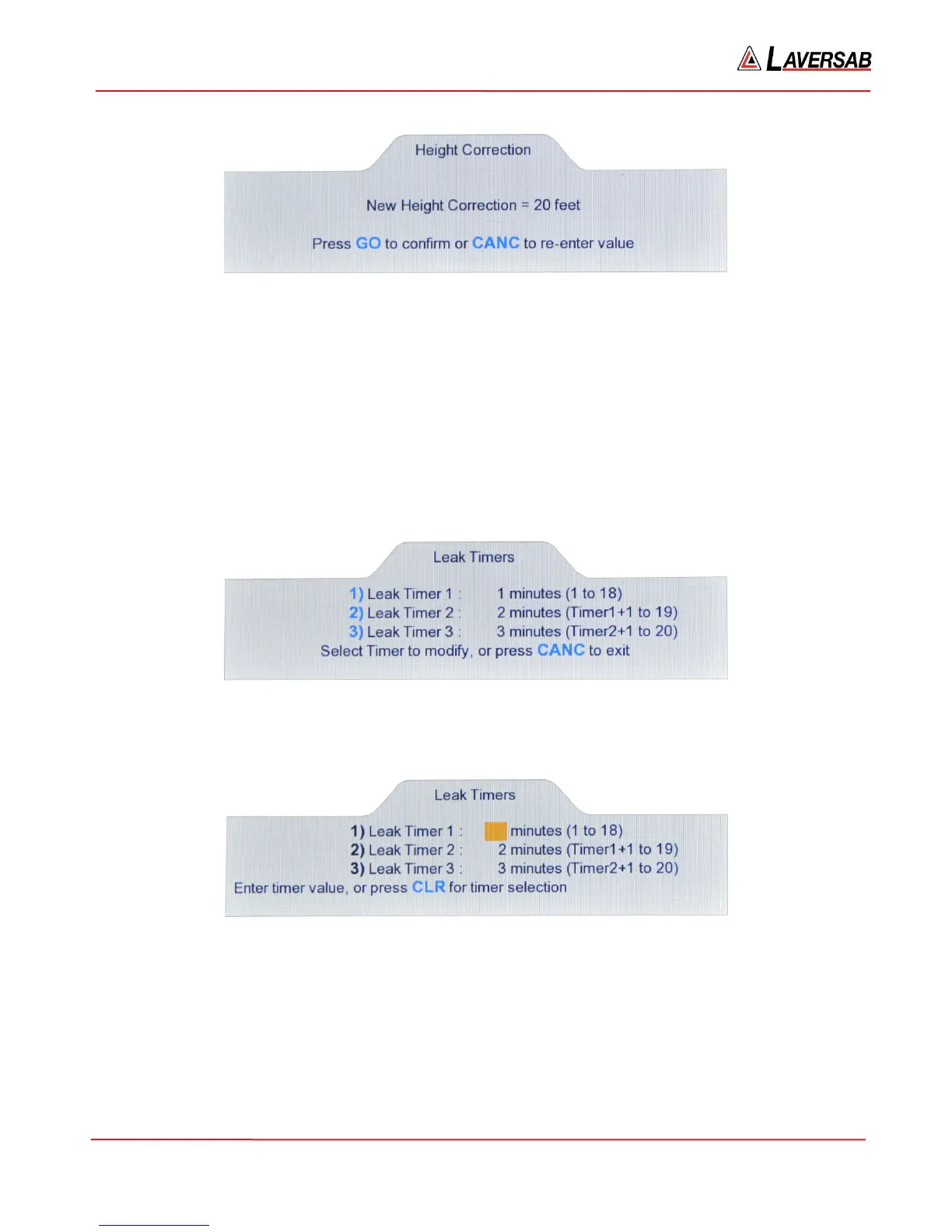
Figure 3.47 : Height Correction confirmation
Unless the location of the tester is higher than the location of the Static ports on the aircraft, the value
entered is usually a positive number.
3.10.7 SET LEAK TIMERS
Note: Timer values are maintained through a power cycle.
To check or modify the Leak timers used in the Leak mode, select ‘7’ on the Functions menu. The screen
will appear as follows.
Figure 3.48 : Set Leak Timers
Press ‘1’ to change the value for Leak Timer 1. The screen appears as follows.
Figure 3.49 : Adjust Leak Timer
Enter a value from 1 to 18 or press CLR to select another timer. The value for Timer-3 must be higher
than the value for Timer-2, which must be higher than the value for Timer-1.



 To Next Page