6300 Rev H User’s Manual
125-9106A
E.4 STARTING THE APP
Locate and start the Laversab App labeled “2
E.2 below for about 3 seconds.
The next screen displayed wi
ll appear as shown in Figure E.3
displayed on the iPad screen (bottom right), for about 2 seconds.
appear similar to t
he one shown in Figure E.4
Remote.
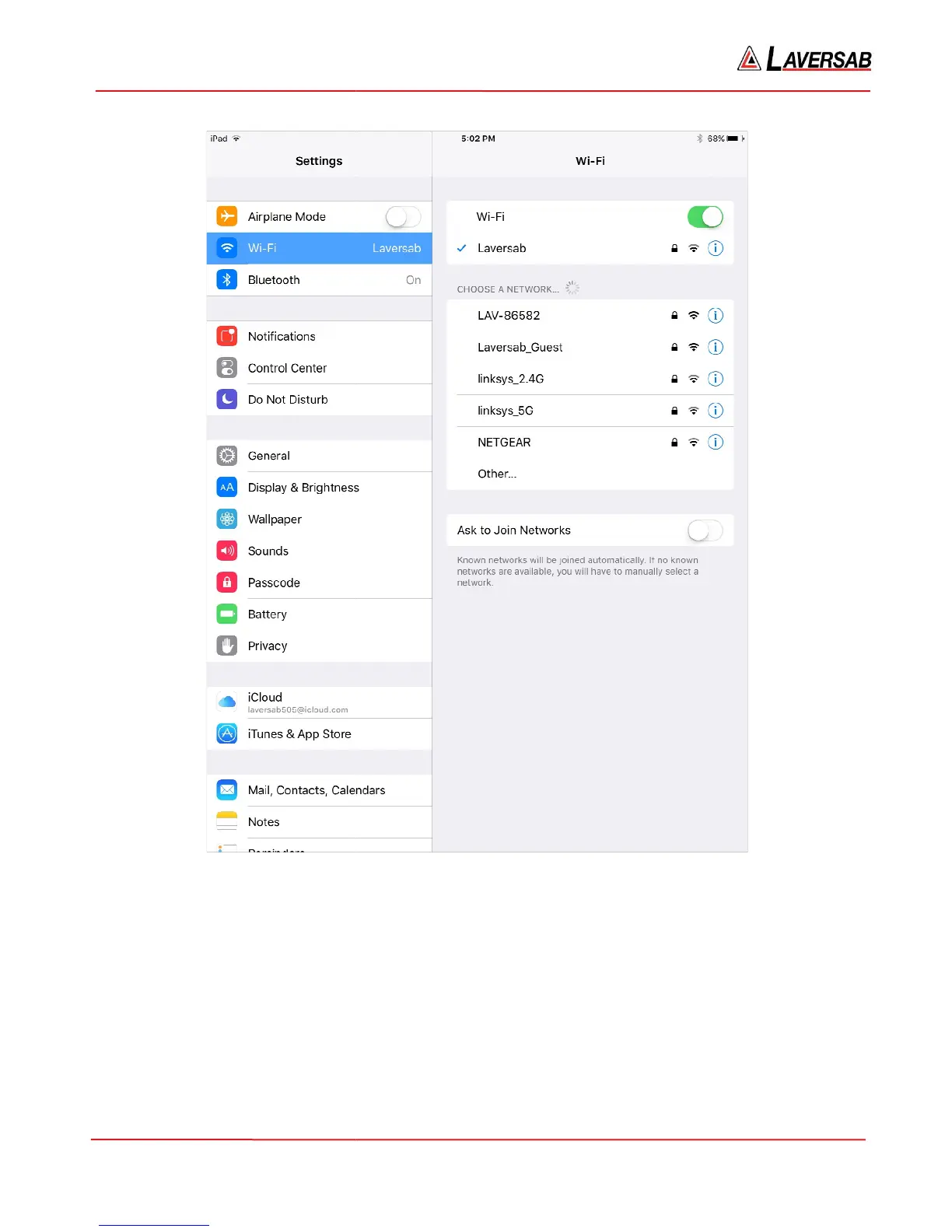
Figure E.1
Locate and start the Laversab App labeled “2
-
CH / vx.xx”. The iPad screen will appear as shown in Figure
ll appear as shown in Figure E.3
below. Press and hold down the Power key
displayed on the iPad screen (bottom right), for about 2 seconds.
A
tone will sound and the screen will
he one shown in Figure E.4
below. The screen will
match the screen shown on the W
Page 85
CH / vx.xx”. The iPad screen will appear as shown in Figure
below. Press and hold down the Power key
tone will sound and the screen will
match the screen shown on the W
ired-



 To Next Page