SMC6000 Series Motion Controller Hardware Installation Manual
26
HWMN-SMC6-R20120417
4.6 Connection Troubleshooting
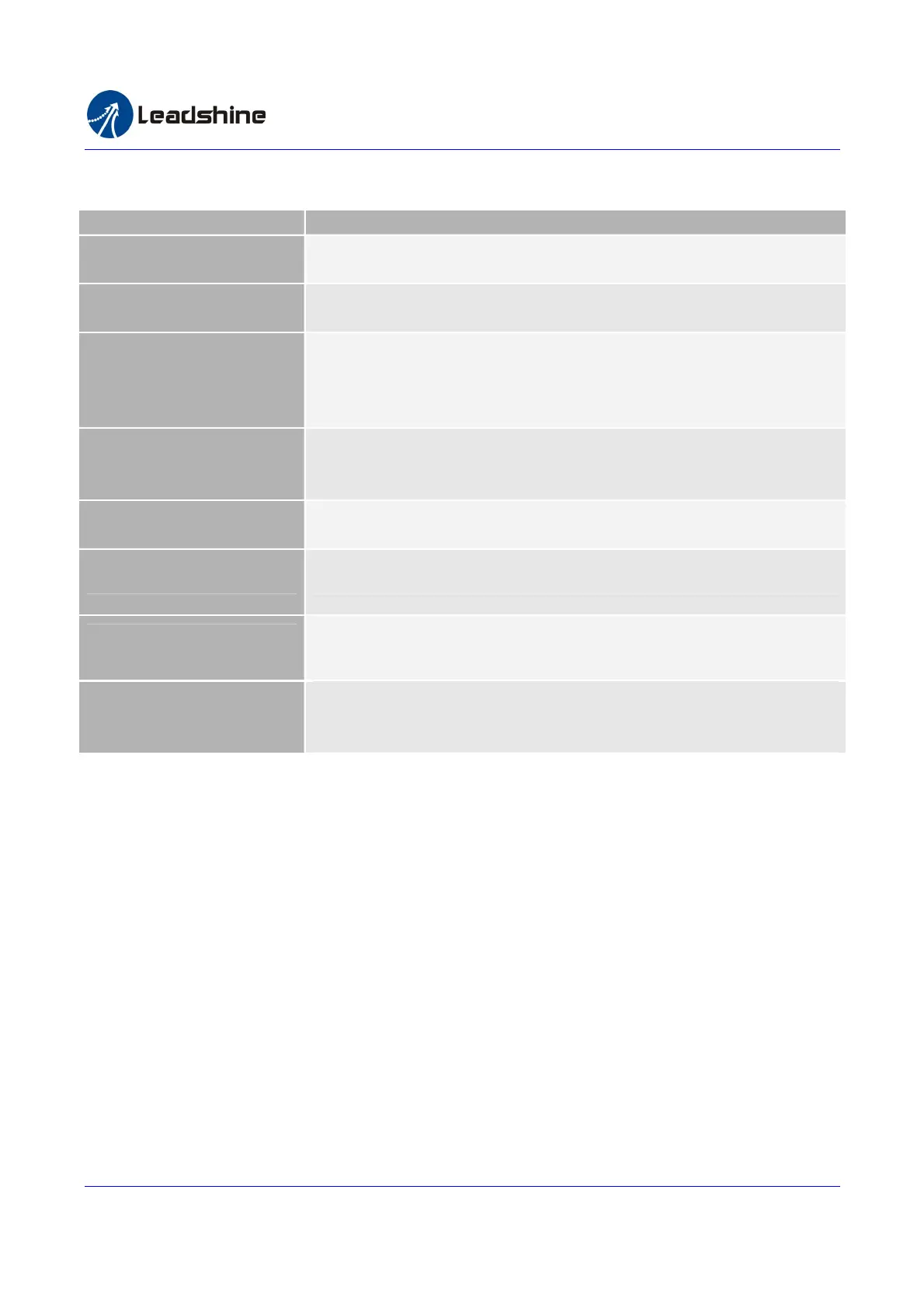
Symptom Advise
Motor not move.
Please check whether the drive’s command type is match to the controller’s. You
can use the demo software to test and observe the pulse count.
Controller can output pulse
but motor not move
Check the connections between the drive and the motion controller. Make sure the
drive has not alarm.
Motor can move but not
position not correct
Check whether there is other interference source from large current/power
equipment. Eliminate it by twisted pair and ground wiring. Sometimes the limit
resistor between the motion controller and the drive is too big thus the signal
current is too small.
Motor can be controlled
but motor vibration or
position overshoot is big.
Check the drive settings or whether the acceleration/deceleration time is too small.
Home position is not
correct.
Check whether there is interference coupled into the encoder or origin signal.
Make sure the shielding of the cable had been grounded.
End limit input not work End limit sensor not work. End limit signal may be interfered.
Big voltage ripple on DA
output
Check whether the DA output is reference to AGND.
Ethernet communication
port not work
Check the Ethernet cable. Exchange the transmitting and receive wire when
connected to a PC directly. Power-off before connecting the Ethernet cable to the
controller.
Authorized Distributor of Leadshine Technology
www.leadtronker.com
www.leadtronker.com雷赛智能官方代理:雷创智能科技



 To Next Page