EasyManua.ls Logo

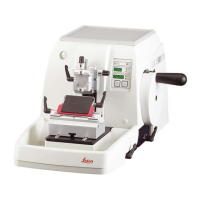
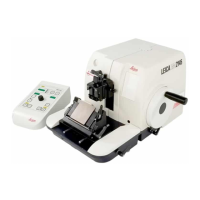
Leica RM2245 - Control Panel

Leica RM2245
78 pages
Print Icon
To Next Page IconTo Next Page
To Previous Page IconTo Previous Page
Loading...
22
Instructions for Use V 1.9 RevC - 06/2013
5. Operation
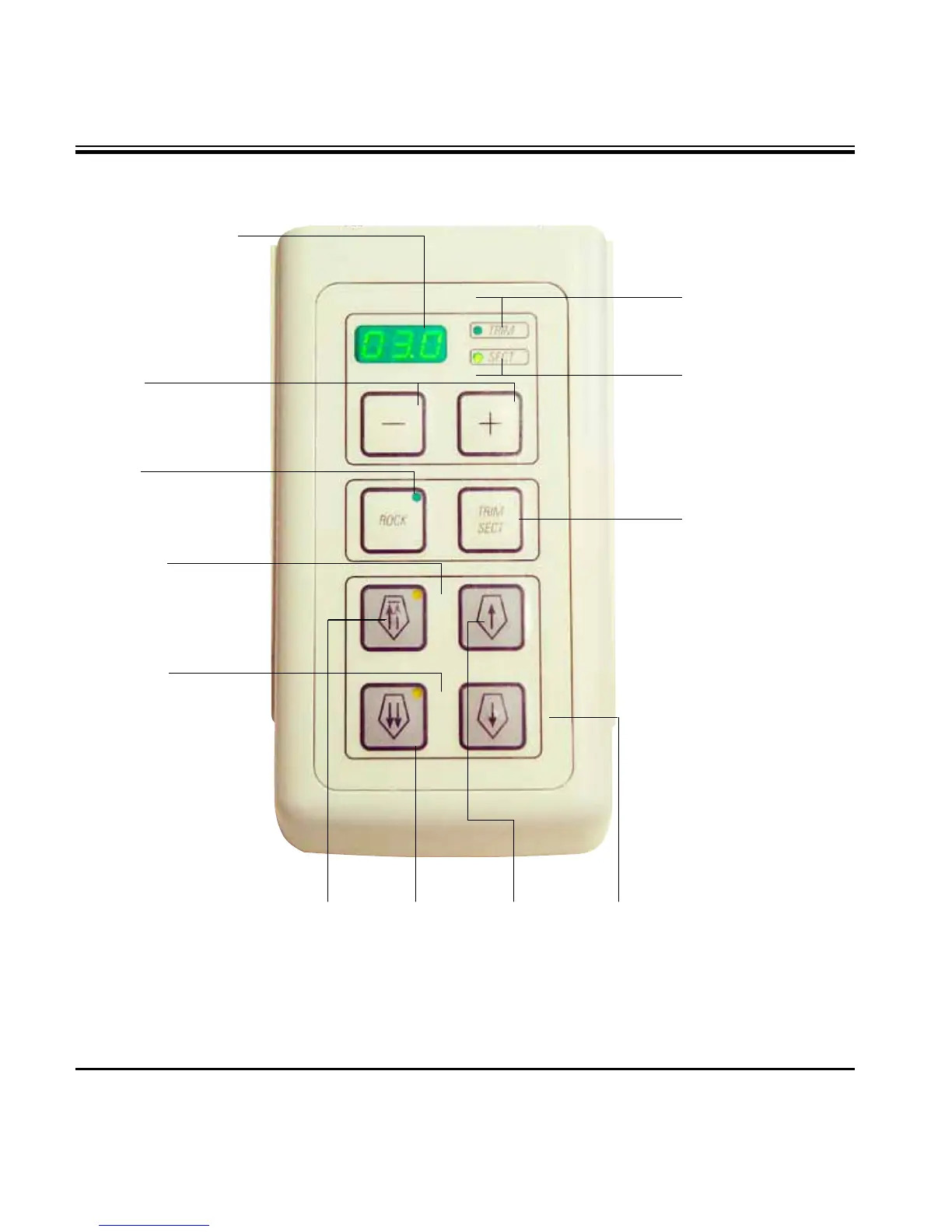
Three-digit display
for section thick-
ness/trimming sec-
tion thickness
LED TRIM (green)
Lights up when trim-
ming mode is active.
LED SECT (green)
Lights up when
sectioning mode is
active.
5.1.2 Control panel
Buttons
for setting the section
thickness/trimming
section thickness
TRIM/SECT button
For switching be-
tween sectioning
mode and trimming
mode.
Yellow LED,
Flashes during coarse
feed backwards; lights
up when rear end posi-
tion is reached.
Yellow LED
Flashes during coarse
feed forwards; lights
up when front end po-
sition is reached.
Fig. 15
Button
to enable and dis-
able the rocking
mode.
Coarse feed
forward
fast
Coarse feed
forward
slow
Coarse feed
backward
fast
Multiple
step back-
ward
Multiple
step for-
ward
Single
step forward
Coarse feed
backward
slow
Single step
backward
Trimming mode:
Sectioning mode:
Coarse feed buttons

Table of Contents