35
Leica RM2245
5. Operation
5.7 Cutting into the specimen (trimming)
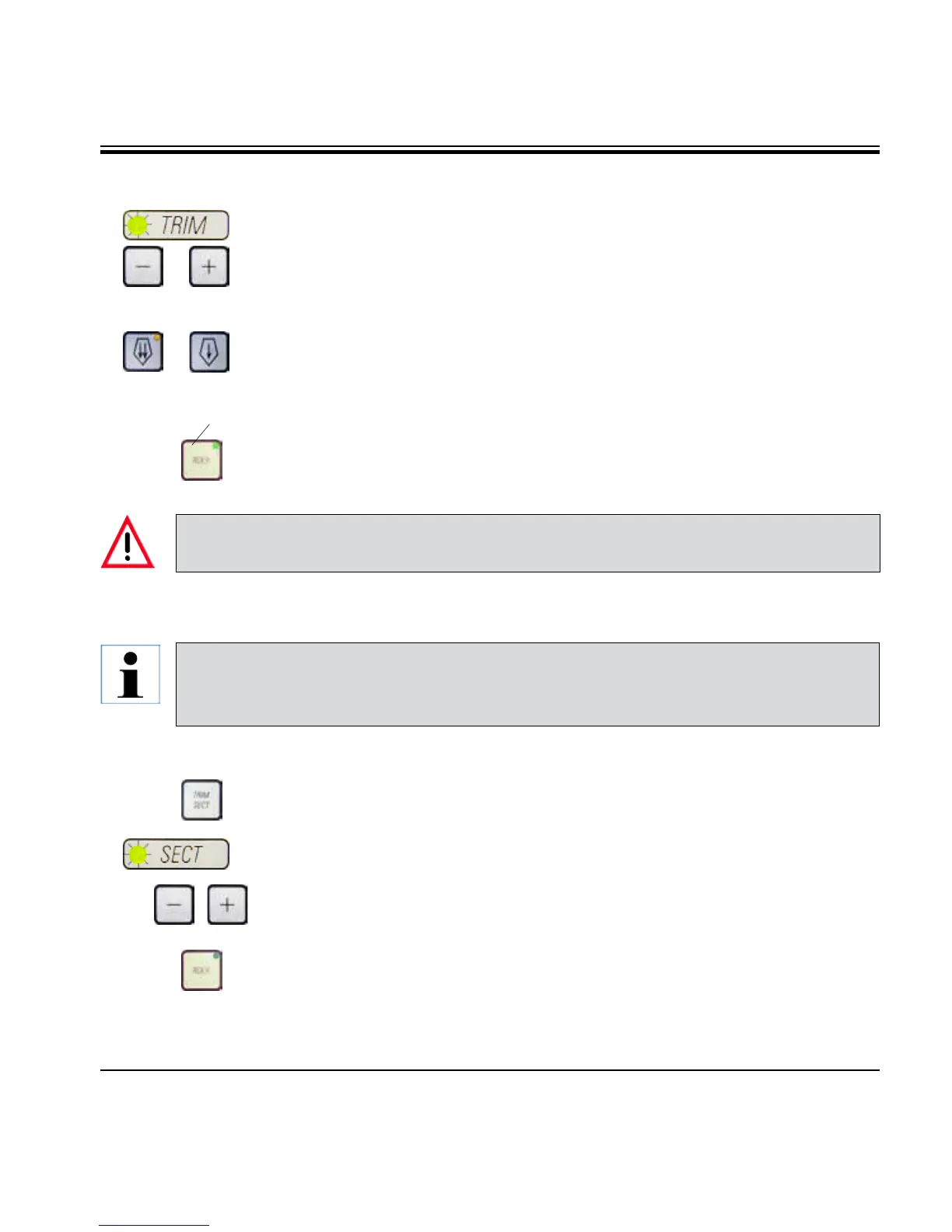
• UsetheTRIM/SECT key to select the trim mode.
• Setthedesiredtrimsectionthickness.
• Releasethehandwheellockandthebrake.
• InTRIM mode, use the coarse feed buttons to move the specimen against
the knife/blade.
• Trimthespecimenbyturningthehandwheel
or
• PresstheROCK button (LED (41) in button is lit) to select ROCK mode.
Trim the specimen by rocking the handwheel back and forth.
• Terminatetrimmingwhenthedesiredsectioningsurfaceanddepthhave
been reached.
5.8 Sectioning
Always use a different area of the cutting edge for trimming and sectioning.
• To do so,laterallydisplace the bladeorknifein theknifeholder.
When using the knife holder E with lateral displacement, it is sufficient
to move the knife holder sideways.
• UsetheTRIM/SECT key to select the sectioning mode.
• Adjusttheappropriatesectioningthicknessorverifytheselectedvalue.
• SelectconventionalsectioningorROCK mode.
• Tosectionthespecimen,turnthehandwheelclockwisesmoothlyorrock
it back and forth if in ROCK mode.
• Pickupthesectionsandmountthemonmicroscopeslides.
41
During fast manual trimming, do not put your fingers between the specimen and knife. The hand-
wheel continues turning after it is released and can cause injuries.
Always turn the handwheel evenly in clockwise direction; otherwise, the brake will not
work properly. The rotation speed of the handwheel must be adapted to suit the hardness
of the specimen. For harder specimens, use a slower speed.



 To Next Page