Beforeyoustart,printtheseinstructions.
Toreplacethekeyboard,doasfollows:
Removingthekeyboard
1.Turnoffthecomputer;thendisconnecttheacpoweradapterandallcablesfromthecomputer.
2.EnterThinkPadSetuptostopbatterydischarge.Referto“BeforereplacingCRUs”onpage77for
detailedinformation.
3.Closethecomputerdisplay,andturnthecomputerover.
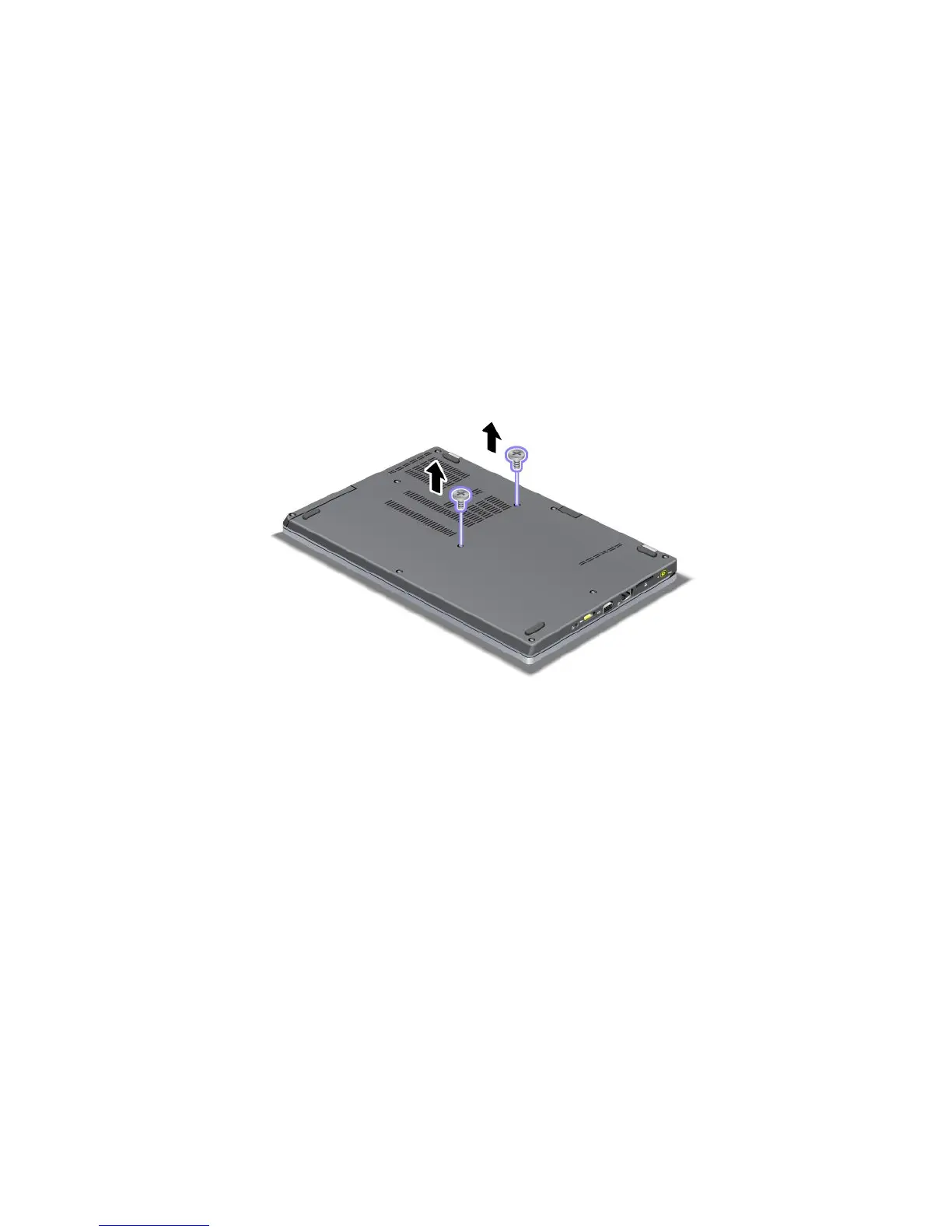
4.Removetwoscrewsthatsecurethekeyboard.
5.Turnthecomputeroverandopenthedisplay.
82UserGuide













 To Next Page