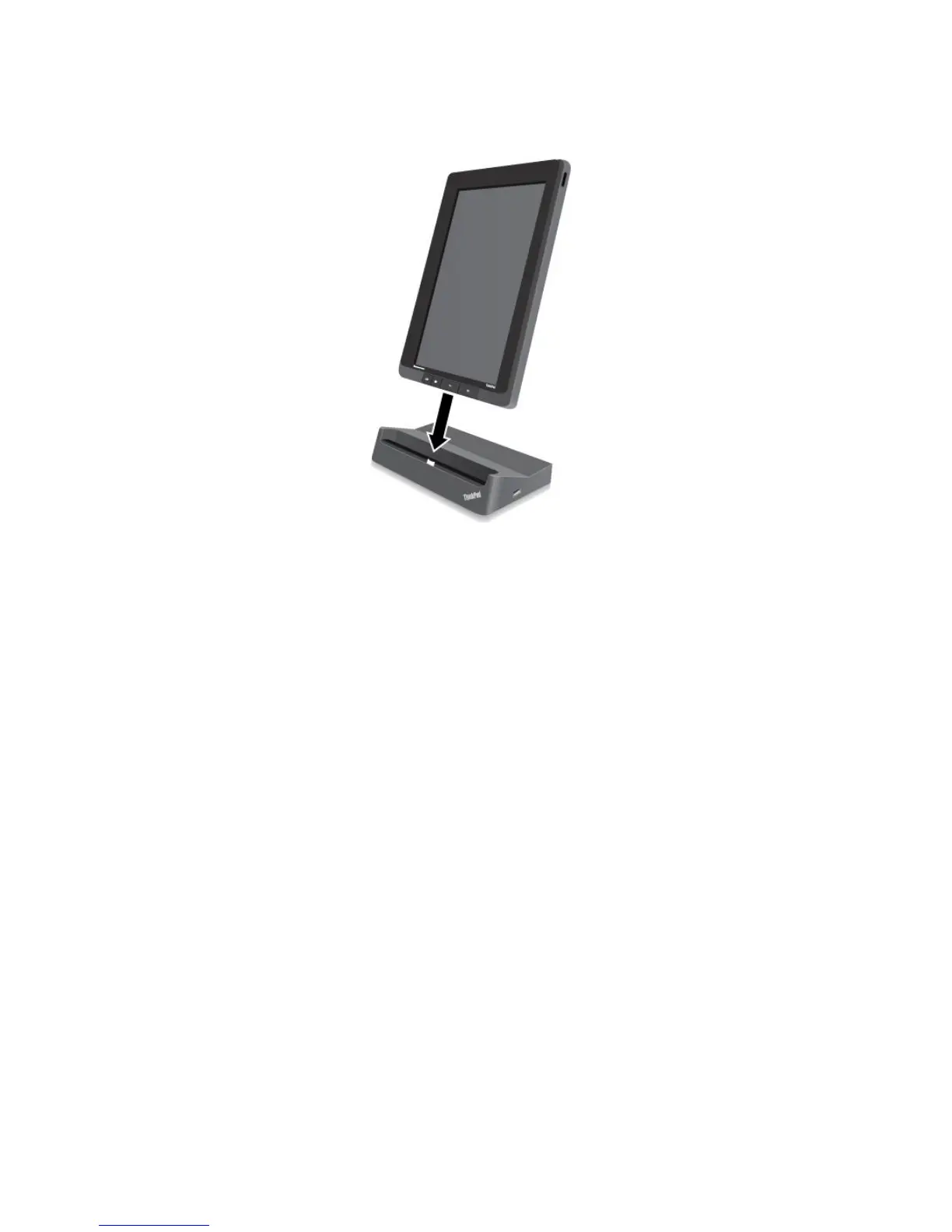
Figure15.Sittingyourtabletonthedock
Afterthetabletisinthedock,youcan:
•Useyourtabletinanuprightpositionwithouthavingtoholdthetablet.
•UsethedocktoholdyourtabletuprightwhenusinganexternalBluetoothkeyboardorUSBkeyboard.
•ConnectthedocktoyourpersonalcomputerwiththesuppliedUSBcabletotransferles.
•Connectthedocktoastereosystemorspeakersusingastereoaudiocabletoplaymusic.
•Connectthedocktoanelectricaloutletusingthe65Wacpoweradaptershippedwiththedockto
chargethetabletbattery.
50UserGuide
















 To Next Page