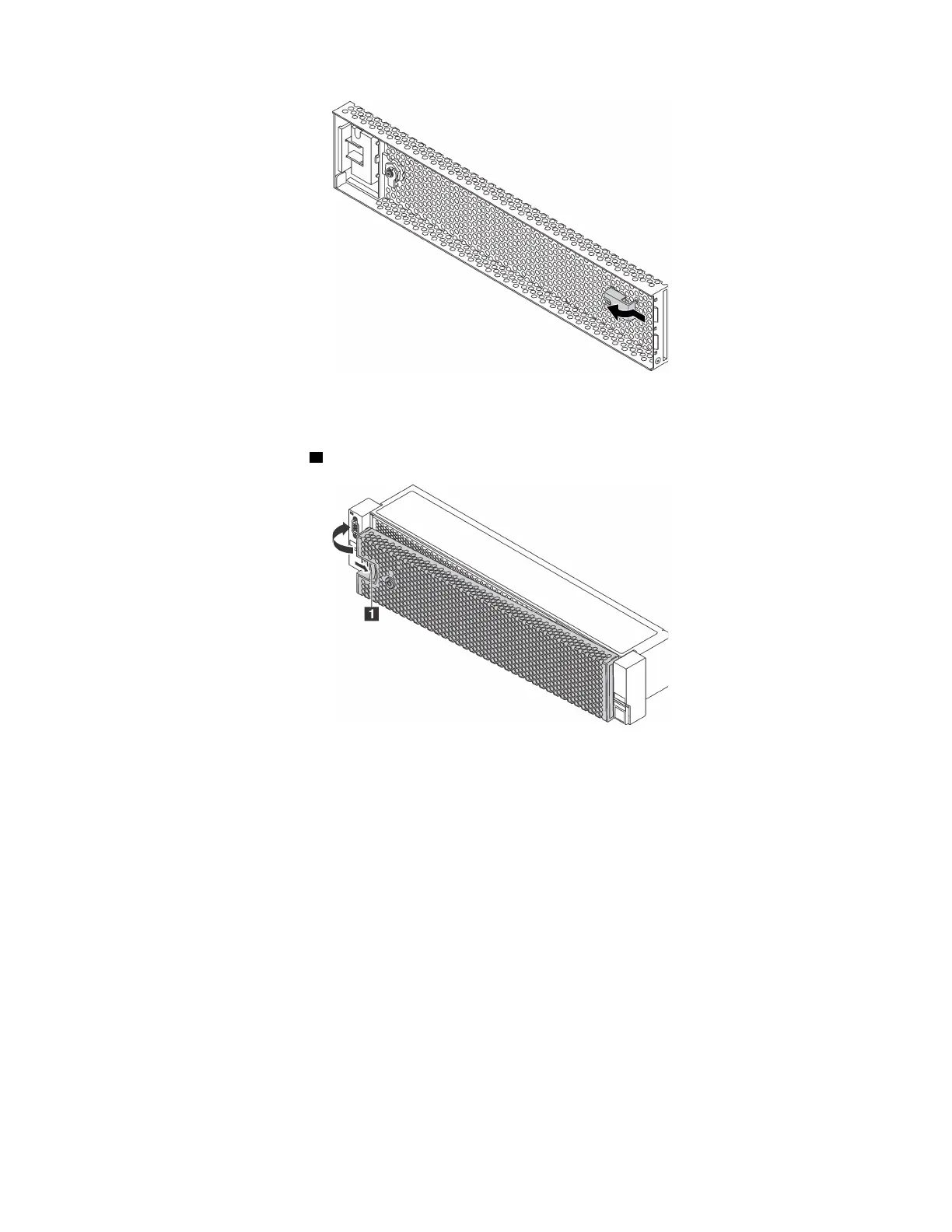
Figure 59. Key removal
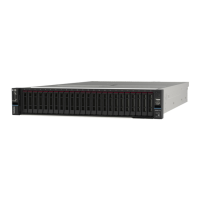
Step 2. Carefully insert the tabs on the security bezel into the slots on the right rack latch. Then, press and
hold the release latch
1 and pivot the security bezel inward until the other side clicks into place.
Figure 60. Security bezel installation
Step 3. Use the key to lock the security bezel to the closed position.
94
ThinkSystem SR650 Maintenance Manual











 To Next Page