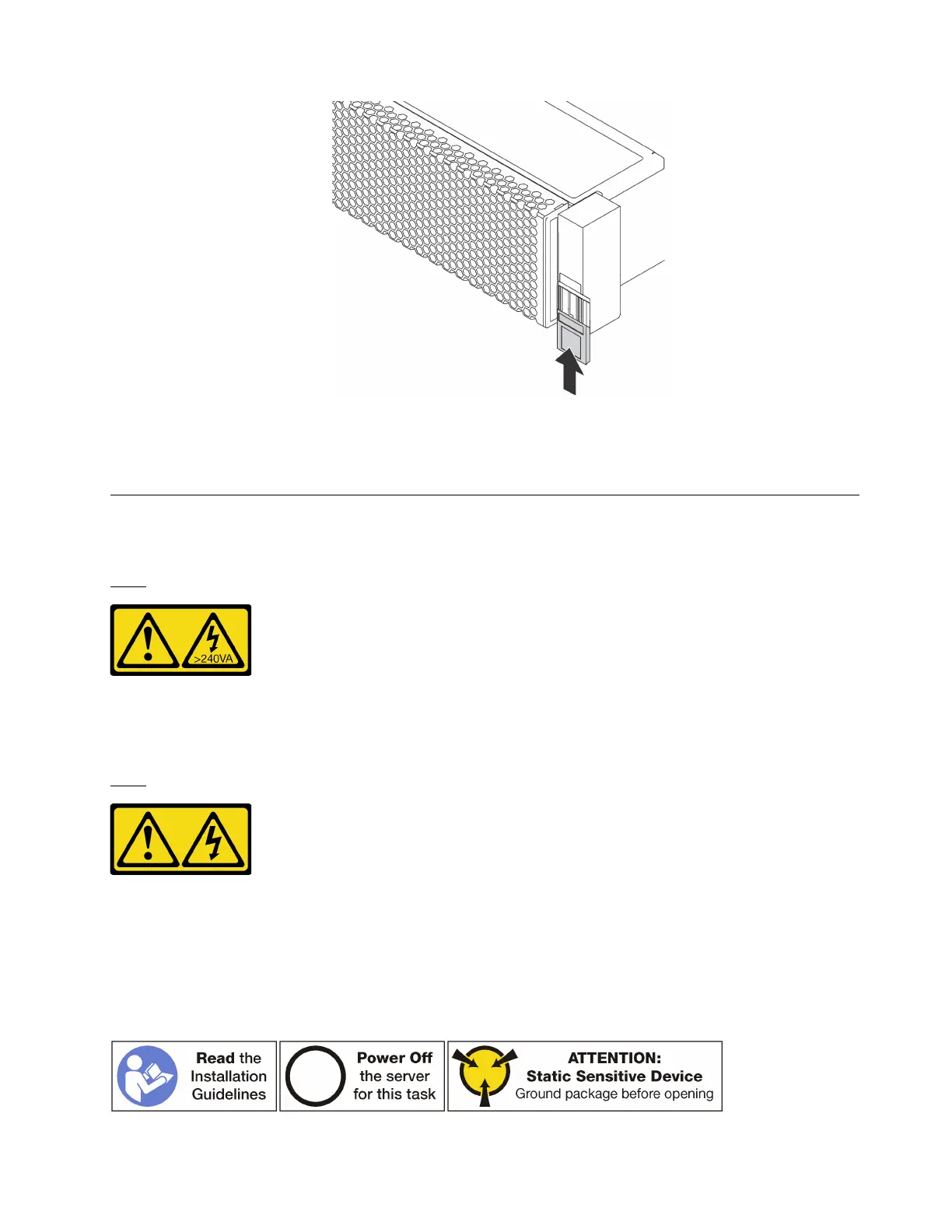
Figure 71. ID label plate installation
2. Complete the parts replacement. See “Complete the parts replacement” on page 203.
Top cover replacement
Use this information to remove and install the top cover.
S033
CAUTION:
Hazardous energy present. Voltages with hazardous energy might cause heating when shorted with
metal, which might result in spattered metal, burns, or both.
S014
CAUTION:
Hazardous voltage, current, and energy levels might be present. Only a qualified service technician is
authorized to remove the covers where the following label is attached.
Remove the top cover
Use this information to remove the top cover.
Chapter 3. Hardware replacement procedures 103











 To Next Page