Display elements
Leuze electronic SOLID-2 19
TNT 35/7-24V
Review-Stand, , 8. April 2015
DEUTSCHENGLISHFRANÇAISITALIANOESPAÑOLNEDERLANDS
4.2.2 LED displays
4.2.2.1 Receiver Standard, LED status displays
4.2.2.2 Receiver Extended, LED status displays
If the internal start/restart function is not activated, the Receiver Extended indicates only
the status of the OSSDs safety outputs in the same way like the Receiver Standard,
described under
4.2.2.1.
The following table is valid, if the internal start/restart function is activated.
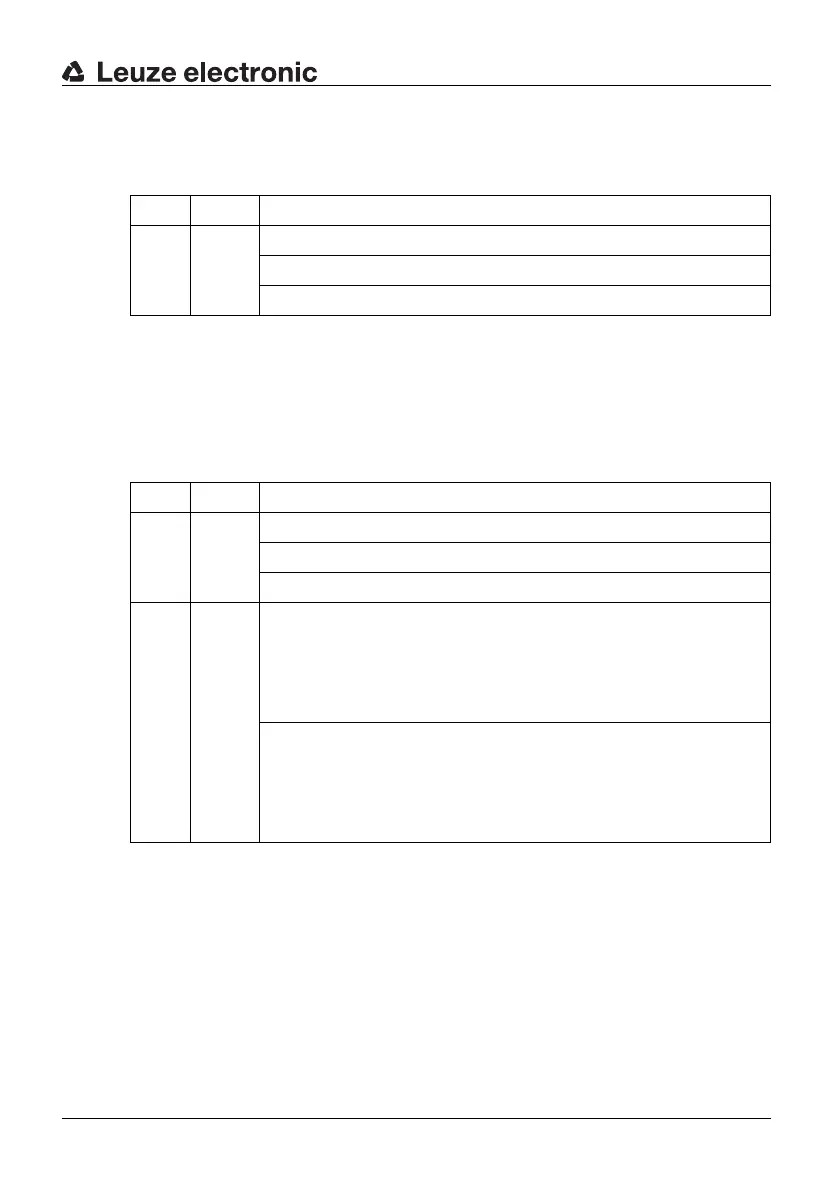
LED Color Meaning
LED1 red/
green
red = OSSDs safety outputs in the OFF state
green = OSSDs safety outputs in the ON state
No display = Device without supply voltage
Table 4.2-3: Receiver Standard, LED status displays
LED Color Meaning
LED1 red/
green
red = OSSDs safety outputs in the OFF state
green = OSSDs safety outputs in the ON state
No display = No supply voltage to the device
LED2 yellow ON = Internal start/restart interlock activated; The OSSDs
safety outputs are switched to the OFF state. If the
protective field is free,
the device can be unlocked by pressing and
releasing the start/restart button in a time window of
300 ms to 5 s.
OFF = If the OSSDs are in ON state (LED1 green):
Internal start/restart interlock function is not activa-
ted.
If OSSDs are in OFF state (LED1 red):
Internal start/restart function is activated and the
protective field is not free.
Table 4.2-4: Receiver Extended, LED status displays when start/restart interlock
function is activated



 To Next Page