16
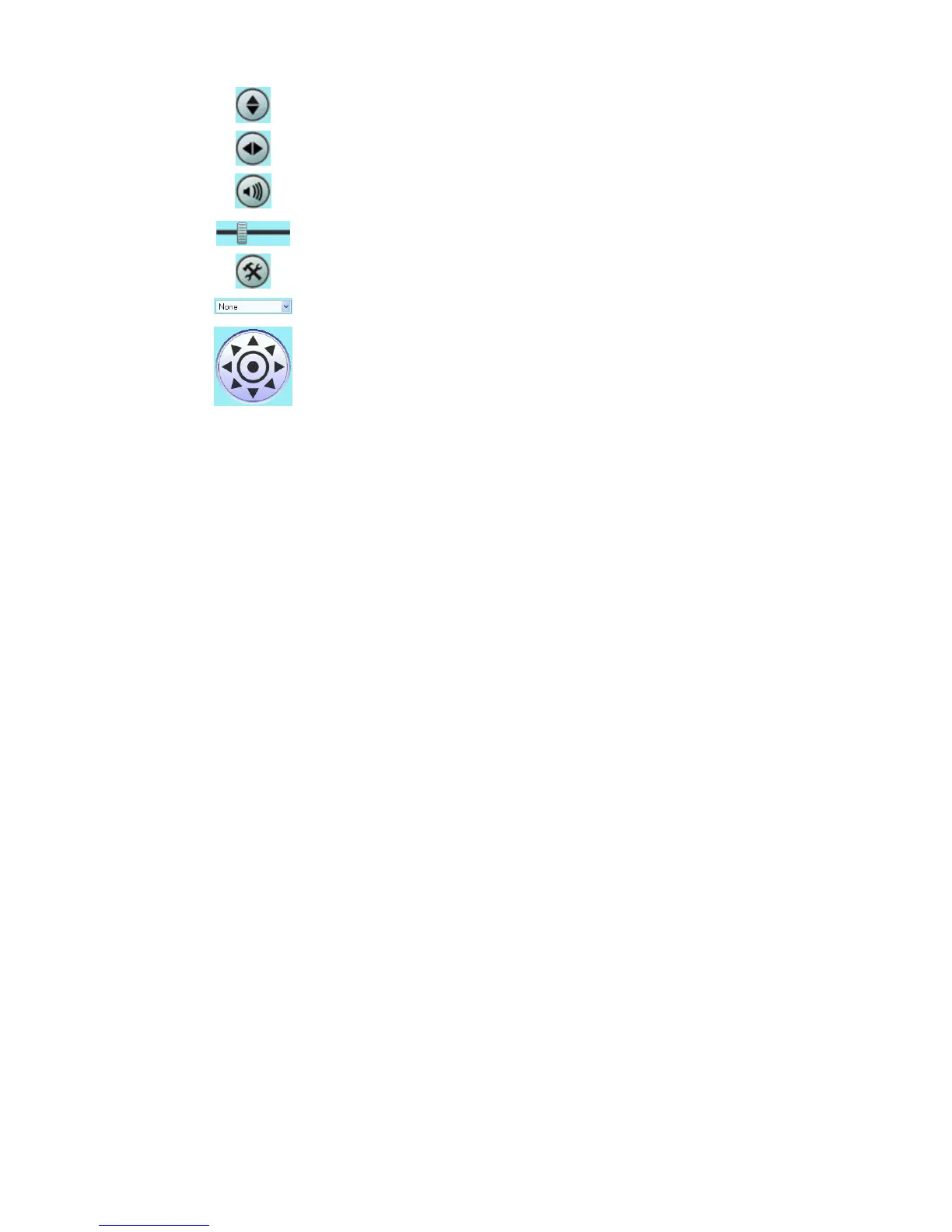
Flip. Click this to have the image swapped top-to-bottom.
Mirror. Click this to have the image swapped left-to-right.
Audio On. This icon is displayed if audio is On. Click on the icon to
turn audio Off.
Volume. If audio is enabled, use this slider to adjust the volume.
Setup. Select the desired setup format from the drop-down list.
Preset Points. Select the desired Preset points.
Move Control. Use this to move the camera to the desired position.
There may a short delay after clicking the desired icon. You should
wait a couple of seconds rather than click again.















 To Next Page