58
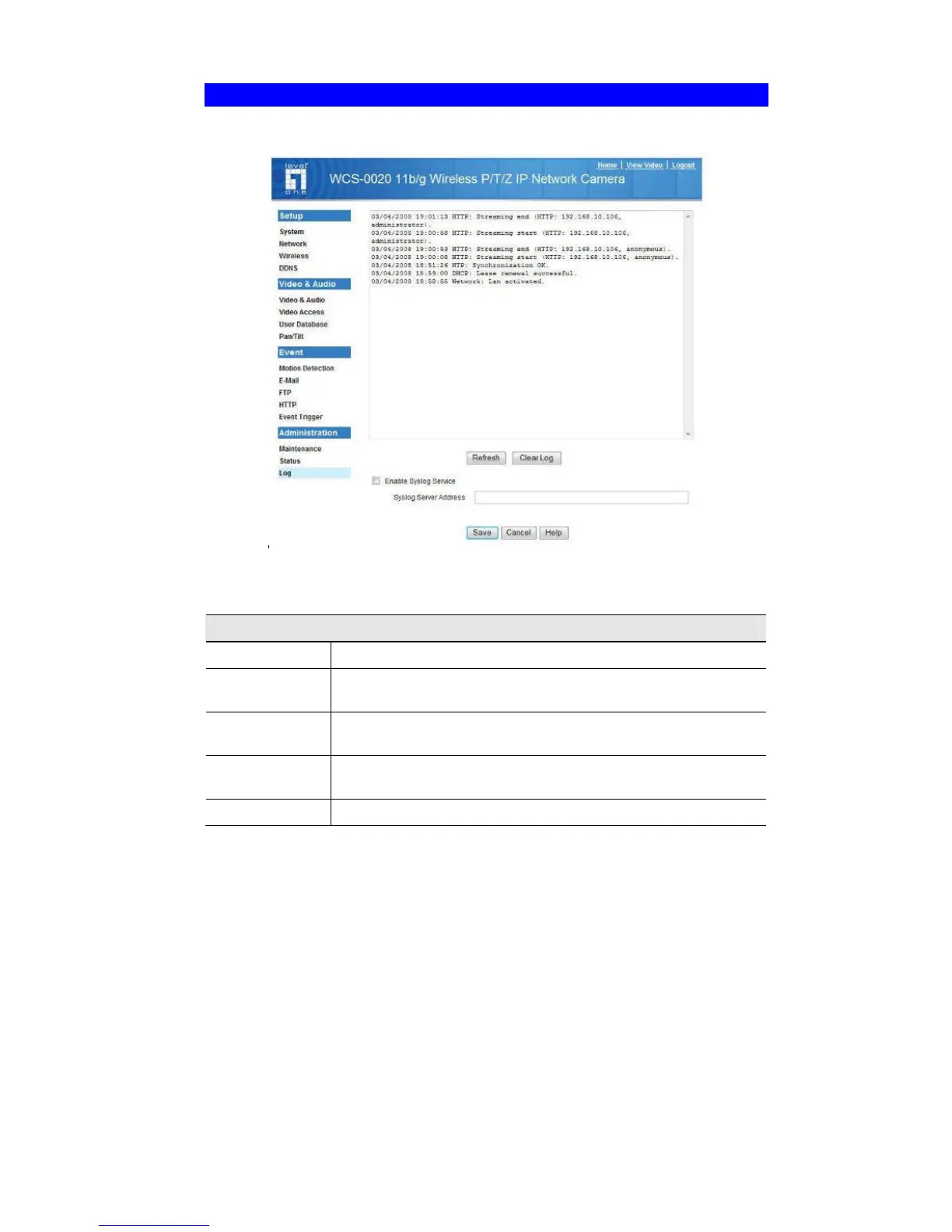
Log Screen
This screen displays a log of system activity.
.
Figure 30: Log Screen
Data - Log Screen
Log
System Log
This is a log of system activity.
Enable Syslog
Service
Check the box to enable the System Log Server feature.
Syslog Server
Address
Enter the address of the Syslog Server.
Refresh
Button
Click this to update the data shown on screen.
Clear Log
Click this button to restart the log.















 To Next Page