47
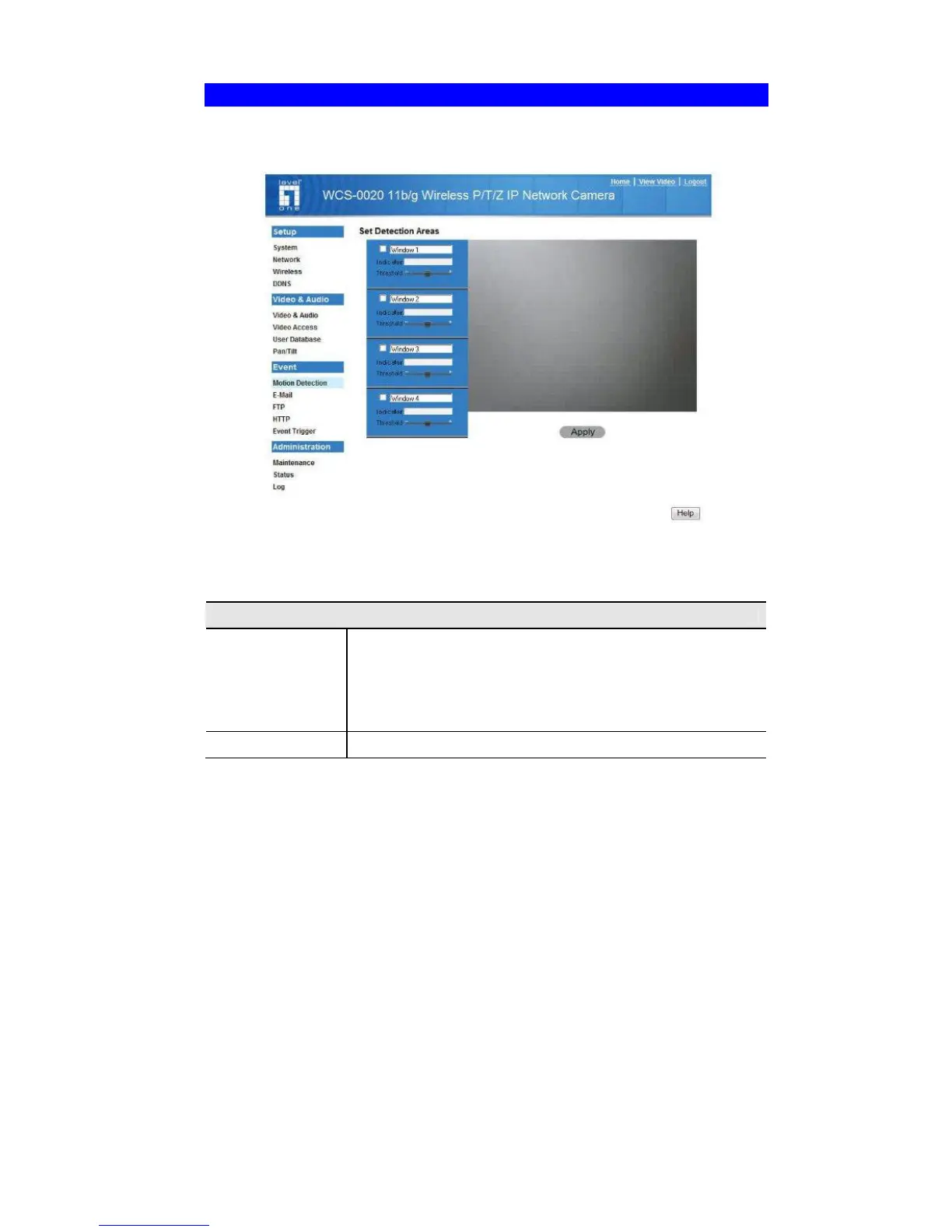
Motion Detection Screen
This screen is displayed when the Motion Detection option on the Event menu is
clicked.
.
Figure 23: Motion Detection Screen
Data - Motion Detection Screen
Motion Detection
Set Detection
Areas
You can set the full screen or areas of the video image to be
examined.
Note: Motion detection can be triggered by rapid changes in
lighting condition, as well as by moving objects. For this
reason, it should only be used indoors.
Threshold
Adjust the threshold of detection for each area.















 To Next Page