46
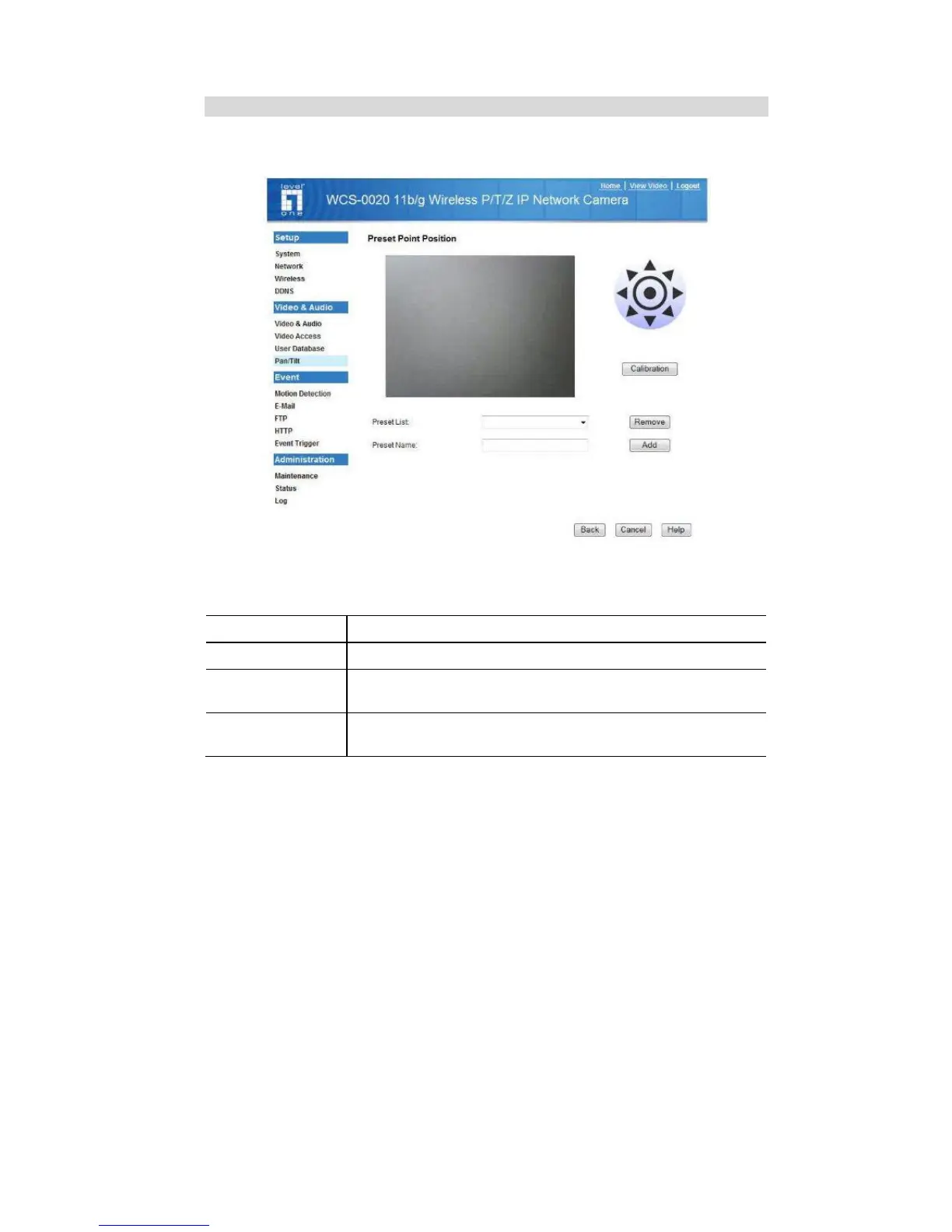
Set Preset Position Screen
This screen is displayed when the Preset Point Positions button on the Pan/Tilt
screen is clicked.
Figure 22: Preset Point Position Screen
Data - Preset Point Positions
Set Position
Set the desired position through adjusting the control panel.
Calibration
Click this button to reset the calibration of Pan/Tilt area.
Preset List
Select the desired Preset. The screen will update with the
current data for the selected Preset Position.
Preset Name
Enter a suitable name for the Preset Position.
If no name is entered, the preset will have a number only.















 To Next Page