42
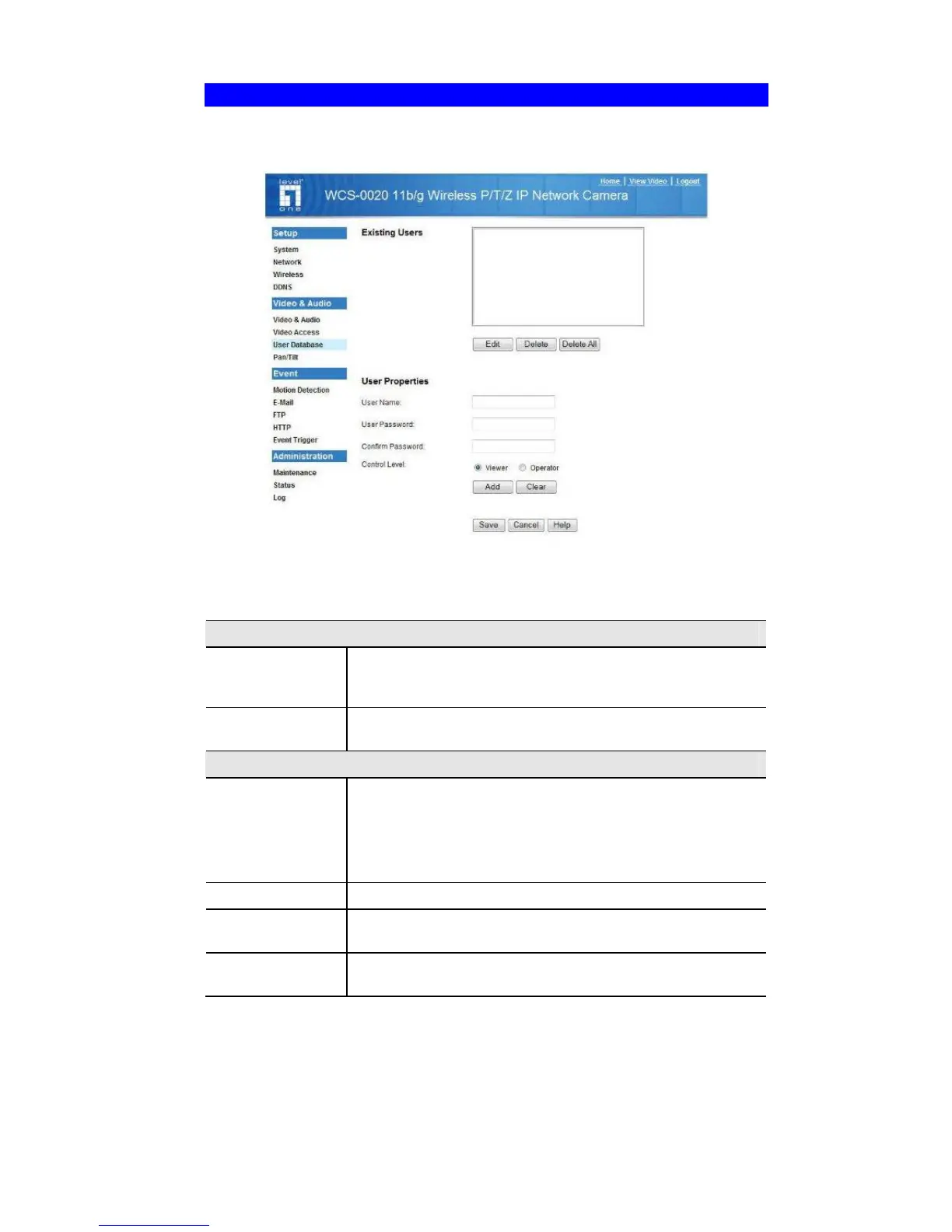
User Database Screen
This screen is displayed when the User Database option on the Video & Audio menu
is clicked.
Figure 20: User Database Screen
Data - User Database Screen
Existing Users
User List
This displays all users you have entered into the User
database. If you have not entered any users, this list will be
empty.
Edit, Delete,
Delete All
Use these buttons to manage the user database.
User Properties
User Name
Enter the name for the user here.
• Spaces, punctuation, and special characters must NOT
be used in the name.
• The name is case insensitive (case is ignored), so you
can not have 2 names which differ only by case.
User Password
The password for this user.
Confirm
Password
Re-enter the password for the user, to ensure it is correct.
Add Button
Click this button to add a new user, using the data shown on
screen.















 To Next Page