8
Setup using the Windows Wizard
Initial setup should be performed using the supplied Windows-based setup Wizard.
This program can locate the FCS-0020/WCS-0020 even if its IP address is invalid for
your network. You can then configure the FCS-0020/WCS-0020 with appropriate
TCP/IP settings for your LAN.
Subsequent administration can be performed with your Web browser, as explained in
Chapter 5 - Web-based Management.
Setup Procedure
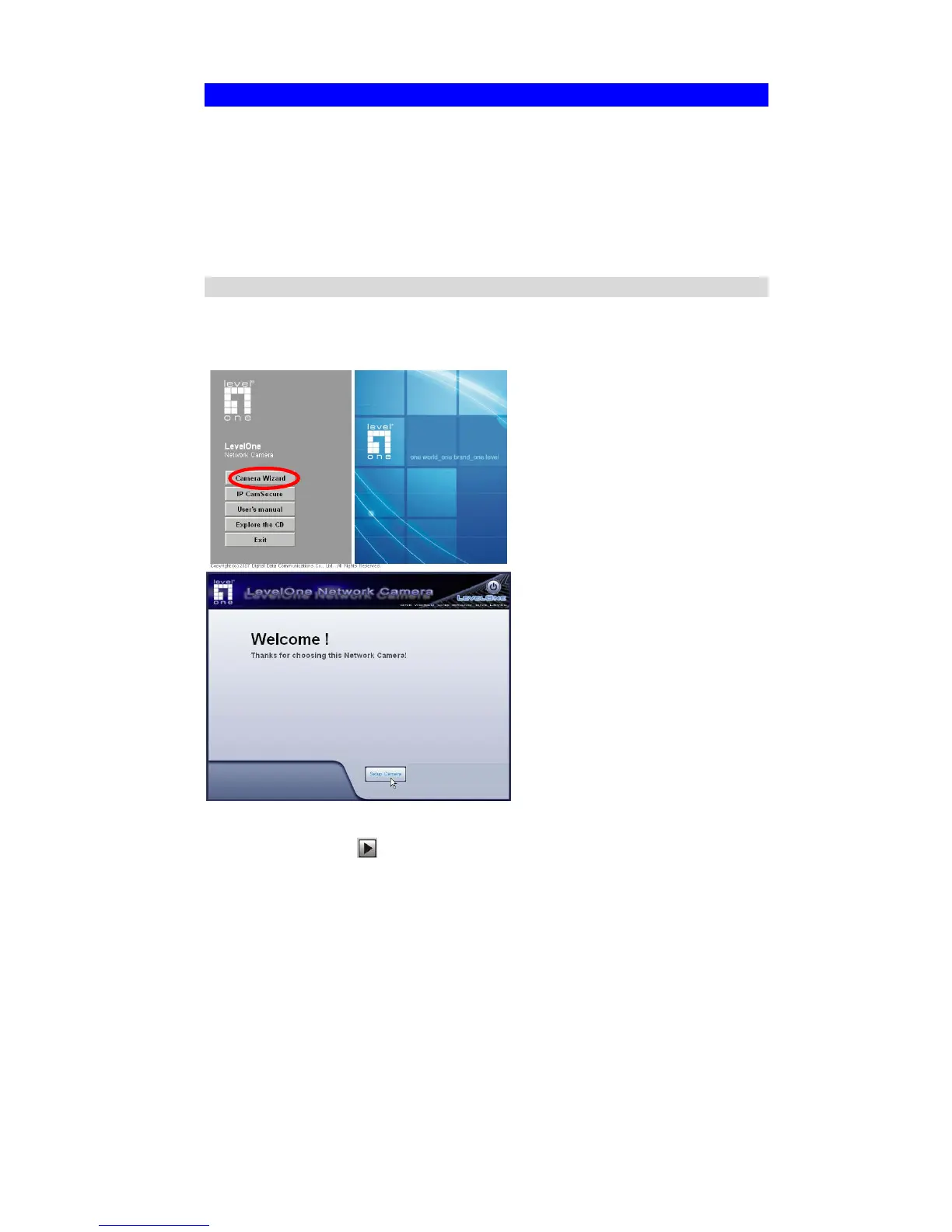
1. Insert the supplied CD-ROM into your drive. If the setup program does not start
automatically, select your CD-ROM drive manually to open the set up page.
2. Select “Camera Wizard”->“Setup Camera” to initiate the installation.
3. The screen will list all the Network Cameras on the LAN. Select the desired
camera from the list on the left. The settings for the camera will be displayed on
the right, then click
.















 To Next Page