32
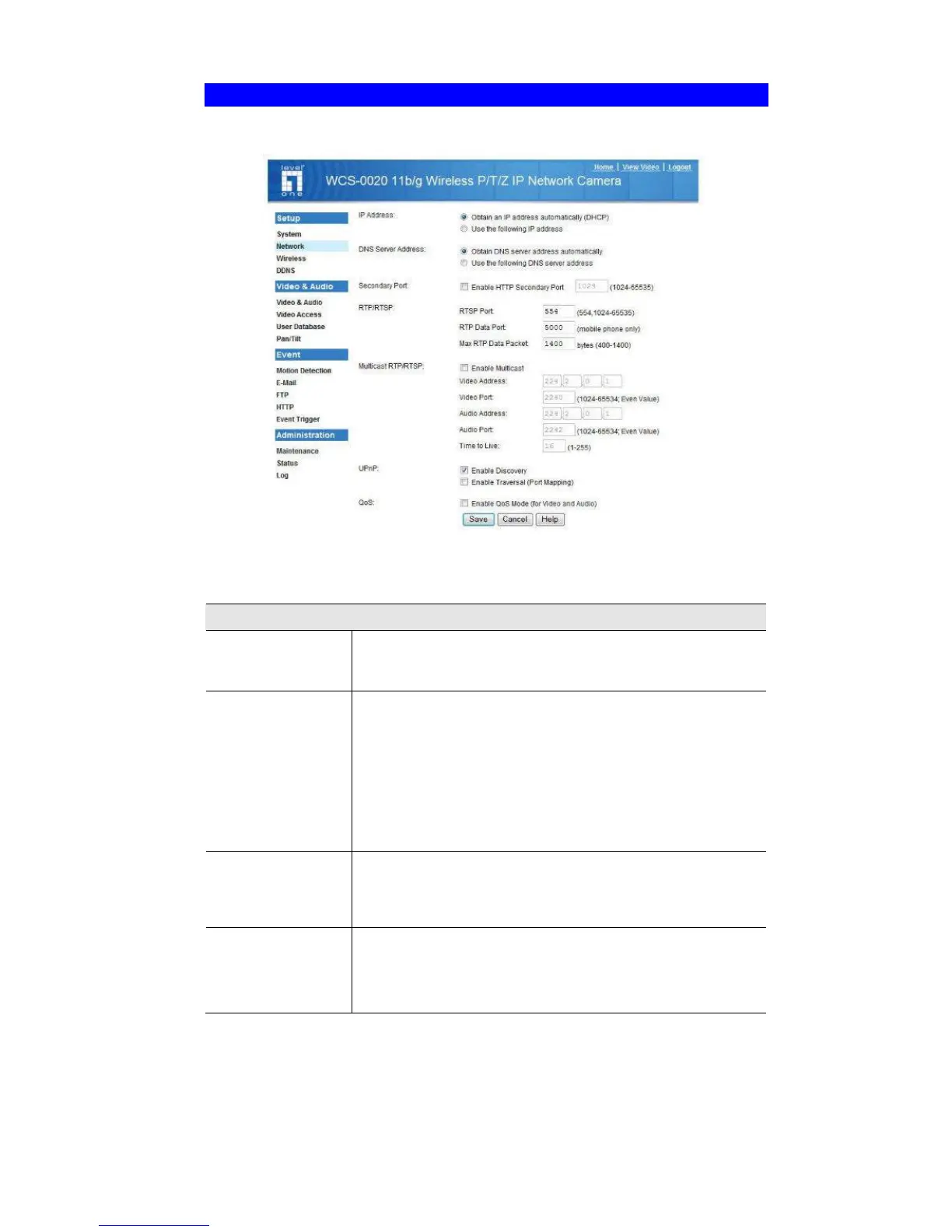
Network Screen
This screen is displayed when the Network menu option is clicked.
Figure 15: Network Screen
Data - Network Screen
Network
Obtain an IP
Address
Automatically
If selected, the FCS-0020/WCS-0020 will obtain its IP
address and related information from a DHCP Server. Only
select this option if your LAN has a DHCP Server.
Use the following
IP Address
If selected, you must assign the following data to the FCS-
0020/WCS-0020.
• IP Address - Enter an unused IP address from the
address range used on your LAN.
• Subnet Mask - Use the same value as PCs on your
LAN.
• Default Gateway - Use the same value as PCs on your
LAN.
Obtain DNS server
address
automatically
If selected, the FCS-0020/WCS-0020 will use the DNS
address or addresses provided by the DHPC server.
This option is only available if the IP address setting is Obtain
an IP address Automatically.
Use the following
DNS server
address
Primary DNS server - Use the same value as PCs on your
LAN. Normally, your ISP will provide this address.
Secondary DNS server - This is optional. If entered, this
DNS will be used if the Primary DNS does not respond.















 To Next Page