20
Controlling User Access to the Video Stream
By default, anyone can connect to the FCS-0020/WCS-0020 and view live Video at
any time.
If desired, you can limit access to scheduled times, and also restrict access to known
users.
To Control User Access to Live Video:
1. Connect to the Web-based interface of the FCS-0020/WCS-0020. (See Chapter 5
- Web-based Management for details.)
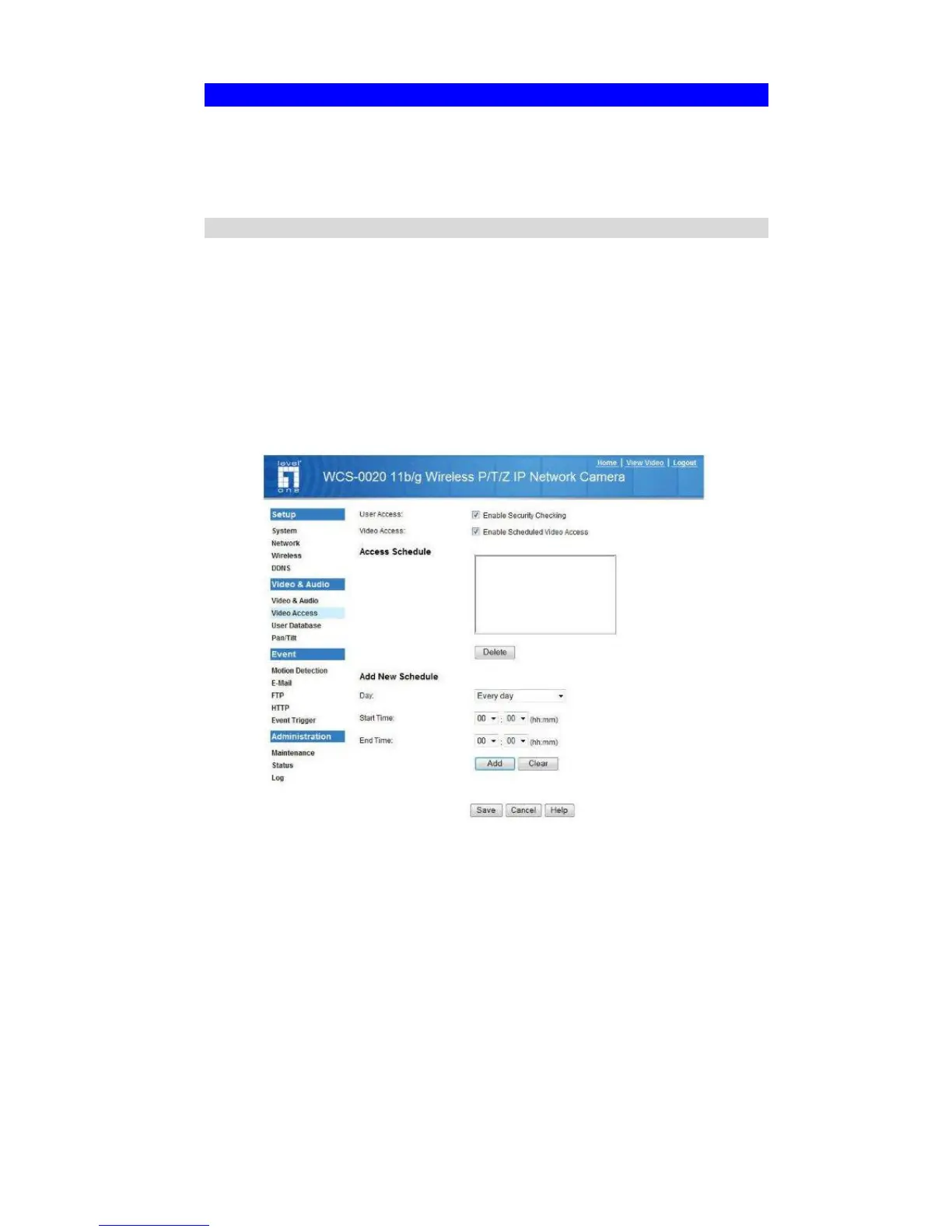
2. Select Administration, then Video Access.
3. Set the desired options for Access.
Access
If the Video Access is disabled, users cannot connect using either their Web Browser
or IP CamSecure Lit. However, viewing video is still possible by logging in as the
Administrator.
Figure 8: Controlling User Access
See Chapter 5 - Web-based Management for further details about using the Video
Access and User Database screens.















 To Next Page