User’s Manual
WAB-3003 108M 11g Outdoor PoE CPE/ AP/ Bridge
7
3. Installation
3.1 Hardware Installation
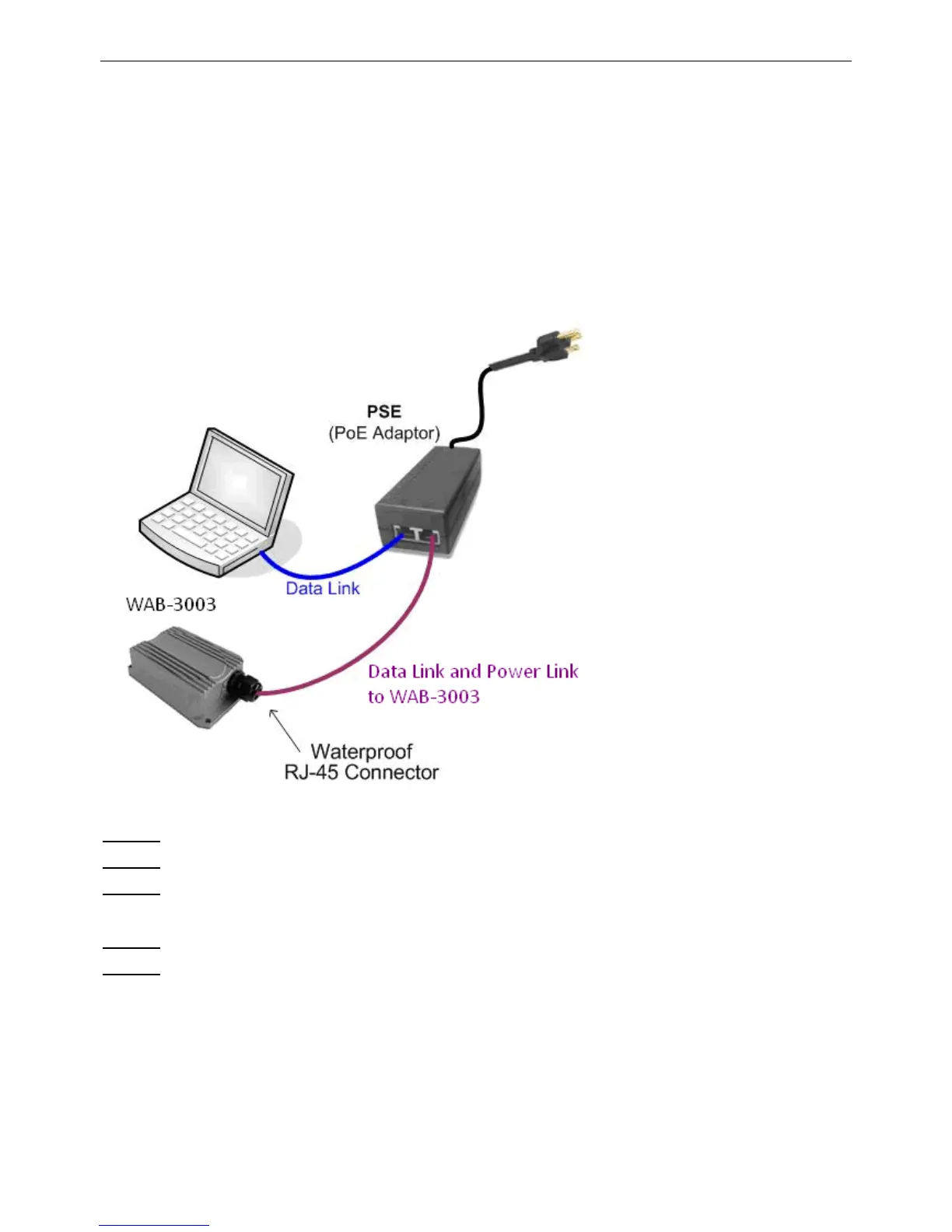
The following diagram is a basic network topology which can be used for testing and configuring
the WAB-3003.
Installation Steps:
Step 1.
Connect an antenna to the connector.
Step 2.
Connect the PSE (POWER & DATA OUT) to the PSE 1 connector on the lower panel.
Step 3.
Connect one end of an Ethernet cable to the PSE 2 connector on the lower panel and
connect the other end to a computer.
Step 4.
Connect the power cord to the PSE.
Step 5.
Power on the PSE in order to supply power to the WAB-3003.















 To Next Page