User’s Manual
WAB-3003 108M 11g Outdoor PoE CPE/ AP/ Bridge
35
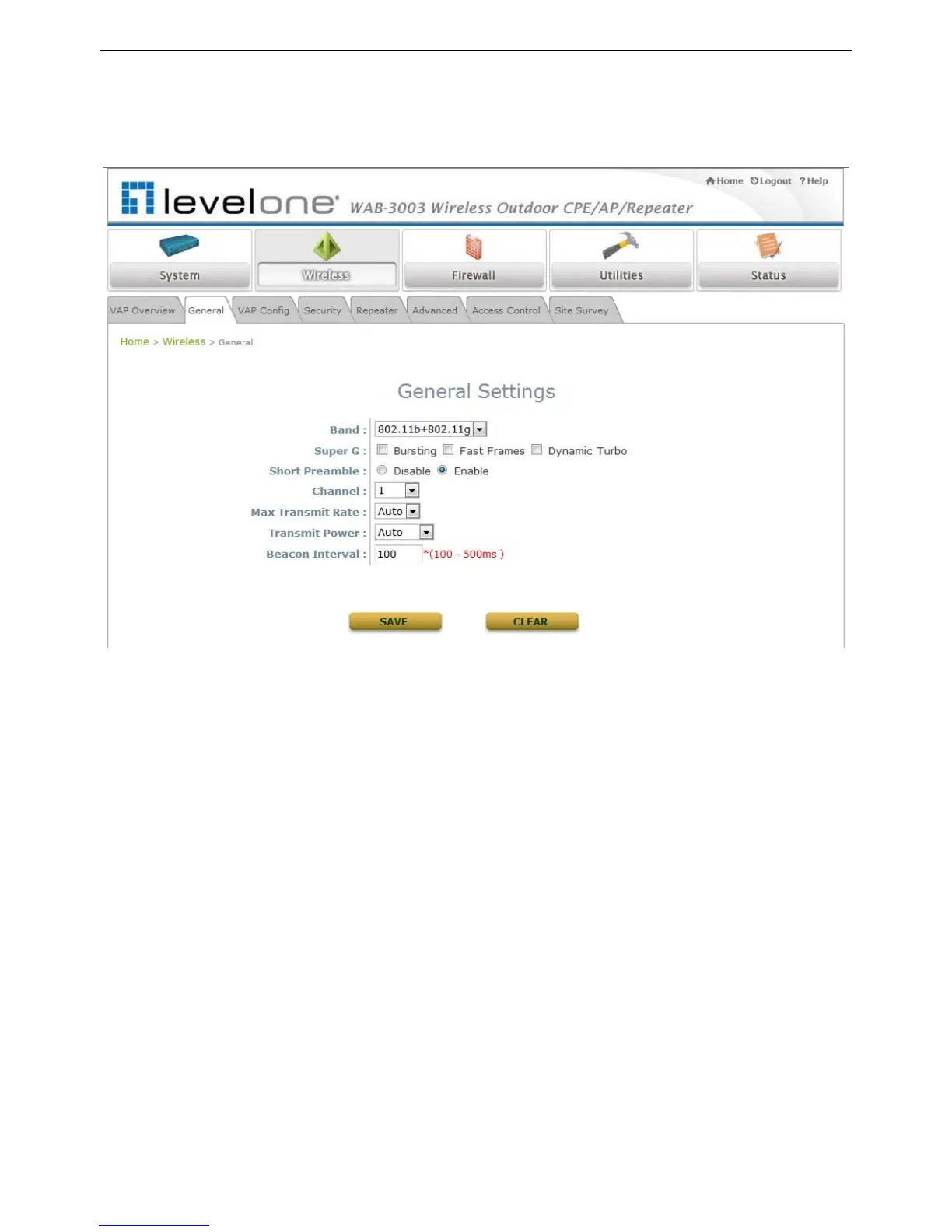
4.2.2 General Settings
This section is for configuring the system RF settings.
Band: Select an appropriate wireless frequency band of this system. Select one frequency band
from Disable, 802.11b, 802.11g or mixed mode 802.11b+802.11g.
Super G: Options of Bursting, Fast Frames, and Atheros’ featured Dynamic Turbo can be
selected to boost wireless throughput.
Short Preamble: The option can be turned on the enable Short-Preamble frames.
Channel: Select the appropriate channel from the drop-down list box to correspond with your
network settings, for example, Channel 1-11 is available in North America and Channel 1-13 in
Europe, or choose the default Auto.
Max Transmit Rate: Select transmit rate from 1M to 54M or Auto.
Transmit Power: Select from the lowest to highest power level or choose Auto.
Beacon Interval: Enter a value between 100 and 500 ms. The default is 100 milliseconds. The
specified value represents the amount of time between beacon signal transmissions.















 To Next Page