User’s Manual
WAB-3003 108M 11g Outdoor PoE CPE/ AP/ Bridge
29
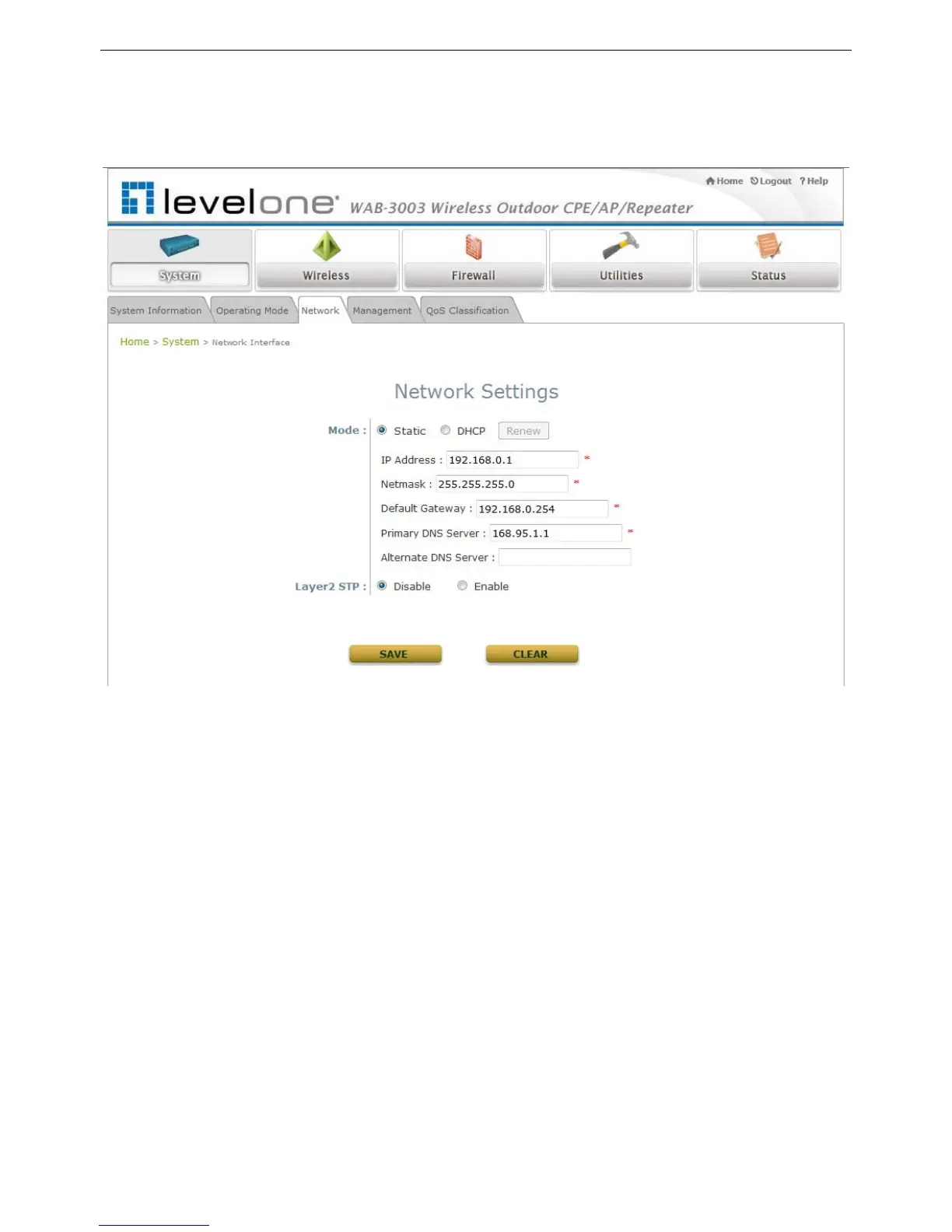
4.1.3 Network Settings
LAN settings can be configured on this page.
Mode: Determine the way to obtain the IP address, by DHCP or Static manually set.
Static: Static setting is set these parameters manually. The basic parameters need to
provide such as IP address, subnet mask and Gateway.
o IP Address: The IP address of the LAN port.
o Netmask: The Subnet mask of the LAN port.
o Gateway: The Gateway IP address of the LAN port.
o Primary/Secondary DNS Server: Please provide at least on DNS server’s IP address.
DHCP: The option is provided when a DHCP server is provided in the network. The following
IP address/Netmask/Gateway setting will be disabled.
Layer 2 STP: Depends on the configuration of the system including wired and wireless settings,
when it is configured to bring several networks, we need enable STP.















 To Next Page