User’s Manual
WAB-3003 108M 11g Outdoor PoE CPE/ AP/ Bridge
54
From the overview table, each rule is desi
gnated with the following fields:
No.: The numbering will decide the priority to let system carry out the available firewall rules
in the table.
State: The check marks will enable the respective rules.
Action: “DROP” denotes a block rule; “ACCEPT” denotes a pass rule.
Name: It shows the name of rule.
Ether Type: It denotes the type of traffics subject to this rule.
Remark: It shows the note of this rule.
Setting: 4 actions are available; “Del” denotes to delete the rule, “Ed” denotes to edit the
rule, “In” denotes to insert a rule, and “Mv” denotes to move the rule.
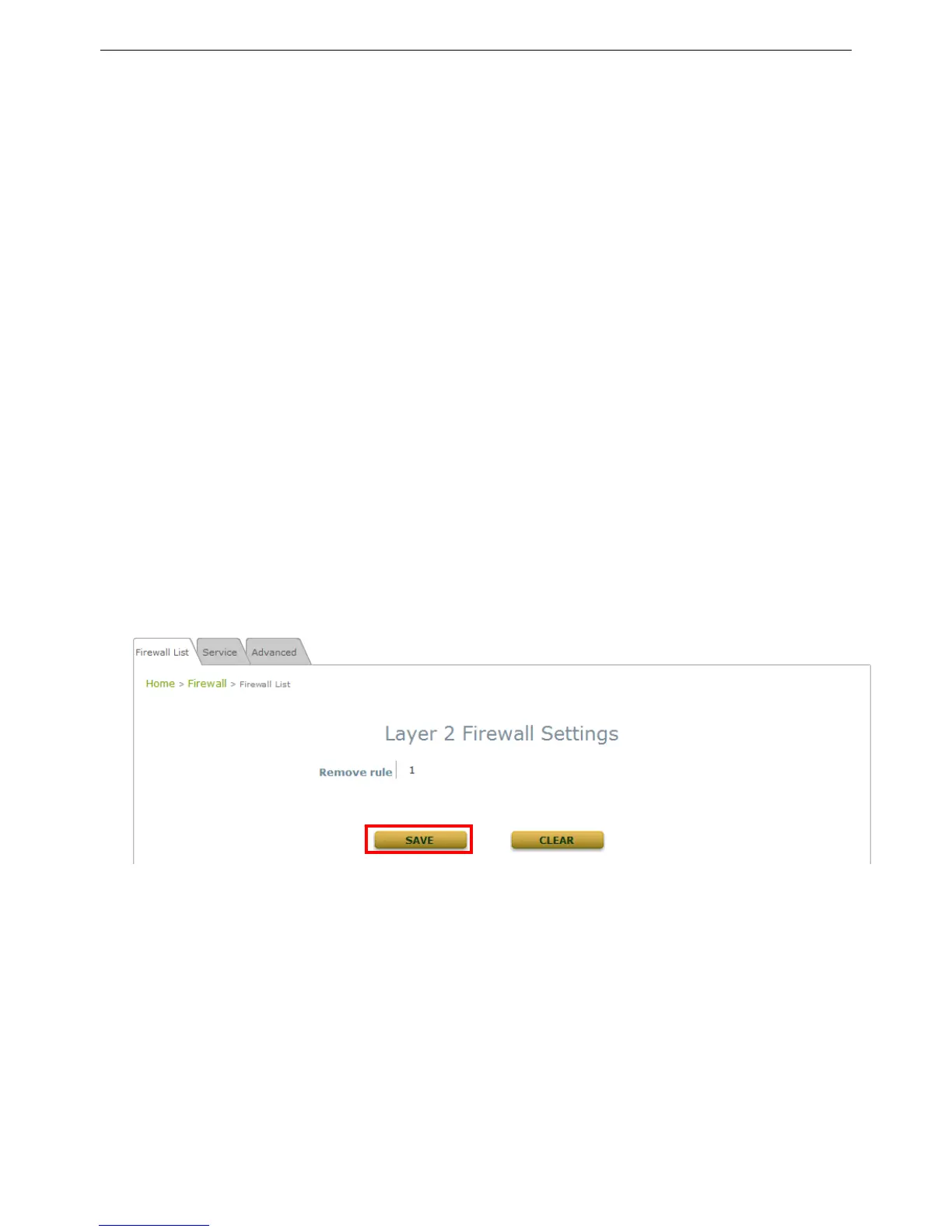
>>To delete a specific rule,
“Del” in “Setting” column of firewall list will lead to the following page for removal confirmation.
After “SAVE” button is clicked and system reboot, the rule will be removed.















 To Next Page