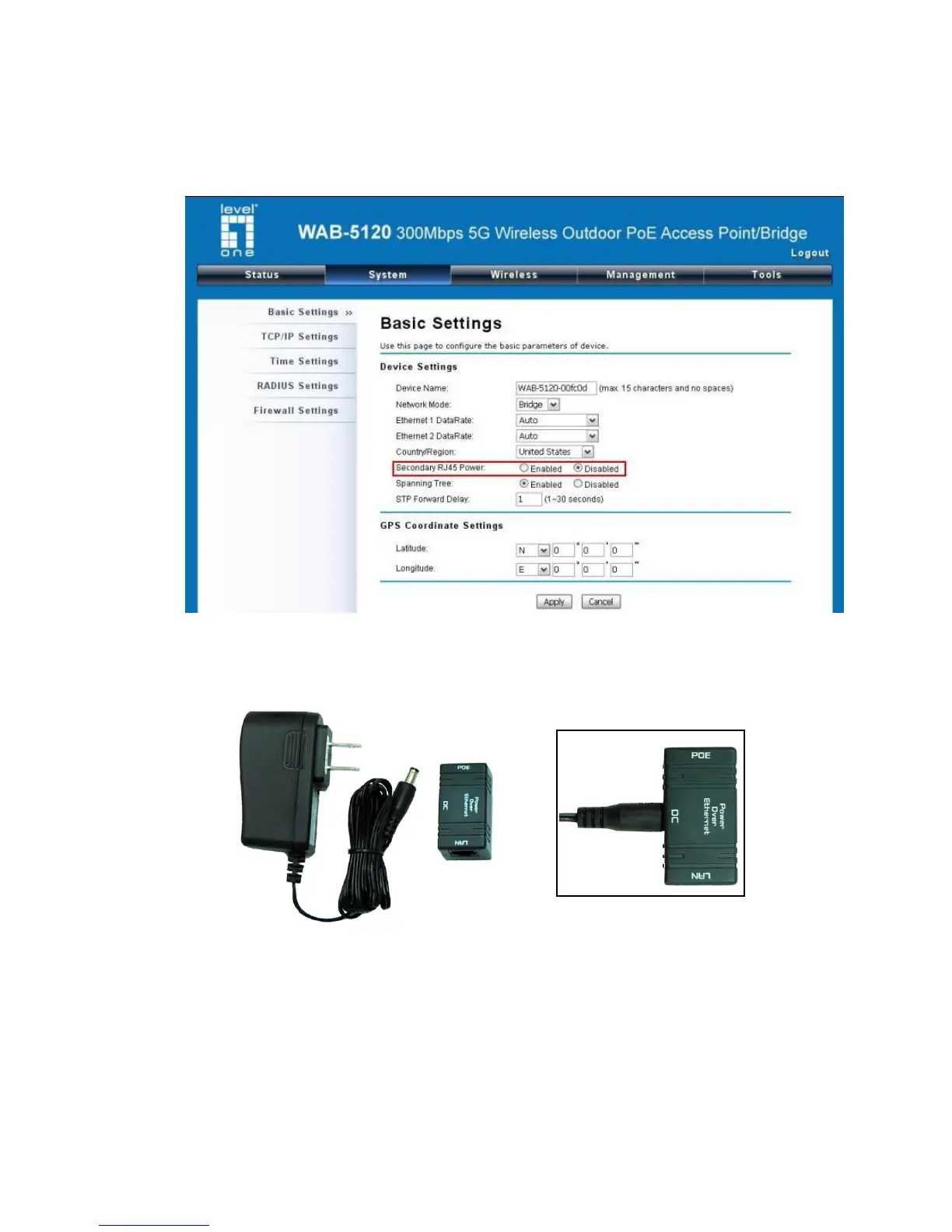
The secondary Ethernet port (labeled LAN 2) is for WAB-6120 integration. To use it you need to
enable the secondary port in advance before connecting with the WAB-6120 from the CPE’s
Web Management as shown below.
3. Take out the power cord and POE injector from the gift box, and plug the power cord into the DC
port of the POE injector as the below picture shows.
Figure 5 Connect to POE Injector
4. Put what in the Step.2 and Step.3 together by plugging the other side of the Ethernet cable in
the Step.2 into the POE port of the POE injector in the Step.3. When you finish the Step.4, the
set will be like the following picture:















 To Next Page