Password
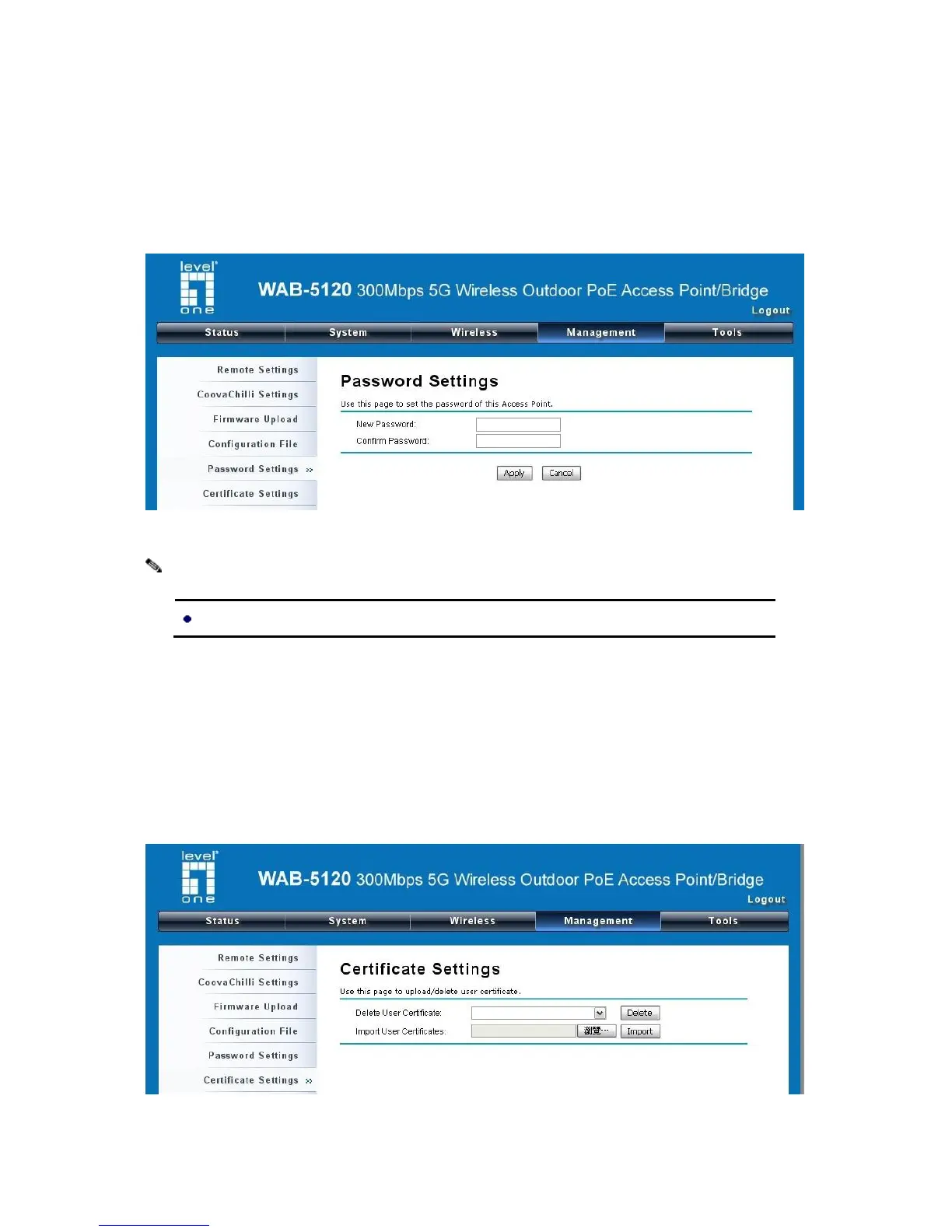
From “Password Settings” in “Management”, you can change the password to manage your device.
Enter the new password respectively in “New Password” and “Confirm Password” fields; click
“Apply” to save settings.
Figure 39 Password
Certificate Settings
Under Client mode, when EAP-TLS is used, the RADIUS server must know which user certificates to
trust. The Server can trust all certificates issued by a given CA.
To import a user certificate, from Import User Certificates, click “Browse” and specify the location
where the user certificate is placed. Click “Import”.
Figure 40 Certificate Settings















 To Next Page