Basic Wireless Settings
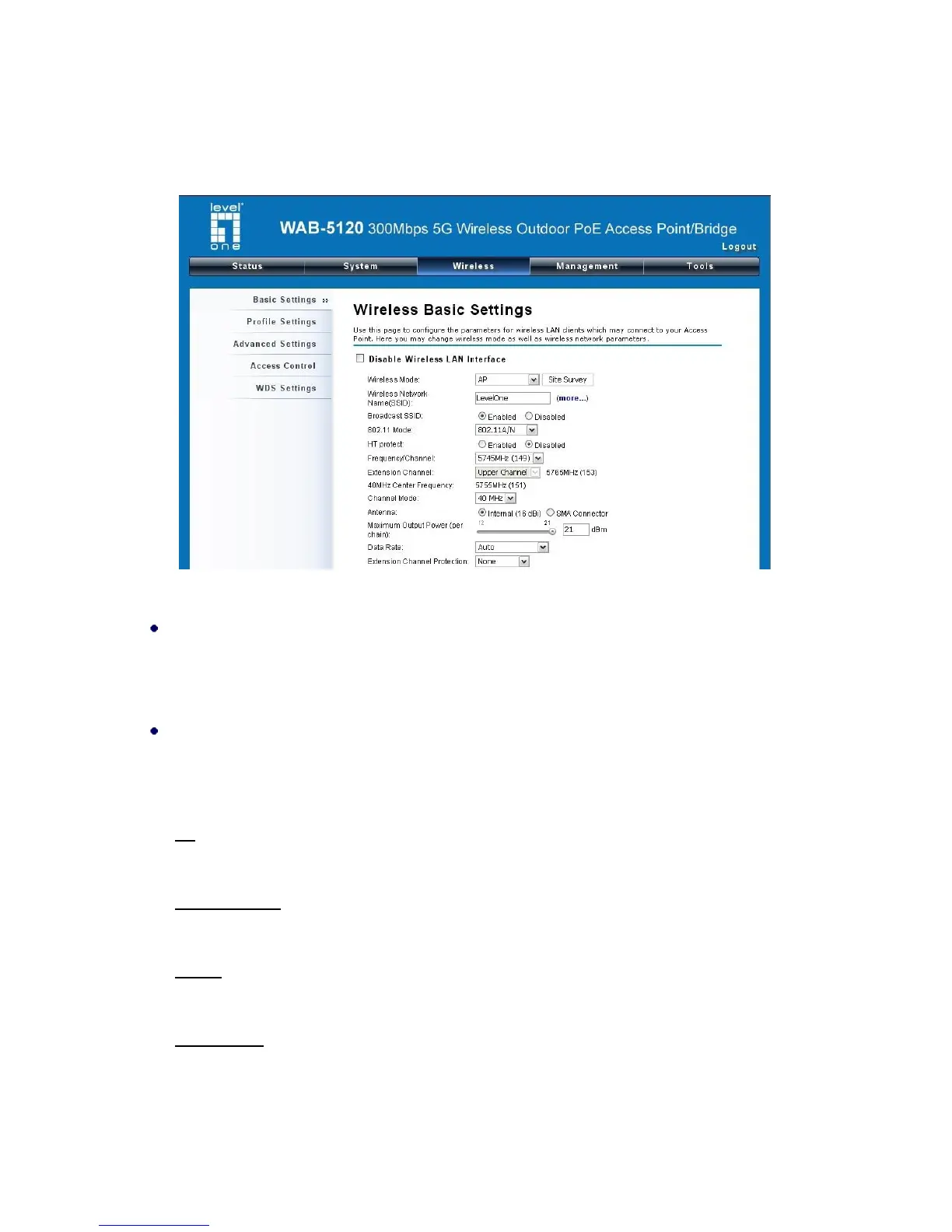
Open “Basic Settings” in “Wireless” as below to make basic wireless configuration.
Figure 22 Basic Wireless Settings
Disable Wireless LAN Interface
Check this option to disable WLAN interface, then the wireless module of the CPE will stop
working and no wireless device can connect to it.
Wireless Mode
Four operating modes are available on the WAB-5120 300Mbps 5G Wireless Outdoor PoE
Access Point/Bridge.
AP: The WAB-5120 establishes a wireless coverage and receives connectivity from other wireless
devices.
Wireless Client: The WAB-5120 is able to connect to the AP and thus join the wireless network
around it.
Bridge: The WAB-5120 establishes wireless connectivity with other WAB-5120 by keying in
remote MAC address. Please refer to the “WDS Setting” for detailed configuration.
AP Repeater: The WAB-5120 servers as AP and Bridge concurrently. In other words, it can
provide connectivity services for CPEs under Bridge mode.















 To Next Page