Chapter 8 Troubleshooting
This chapter provides troubleshooting procedures for basic problems with the CPE. For warranty
assistance, contact your service provider or distributor for the process.
Q 1. How to know the MAC address of the WAB-5120 300Mbps 5G Wireless Outdoor PoE
Access Point/Bridge?
MAC Address distinguishes itself by the unique identity among network devices. There are two
ways available to know it.
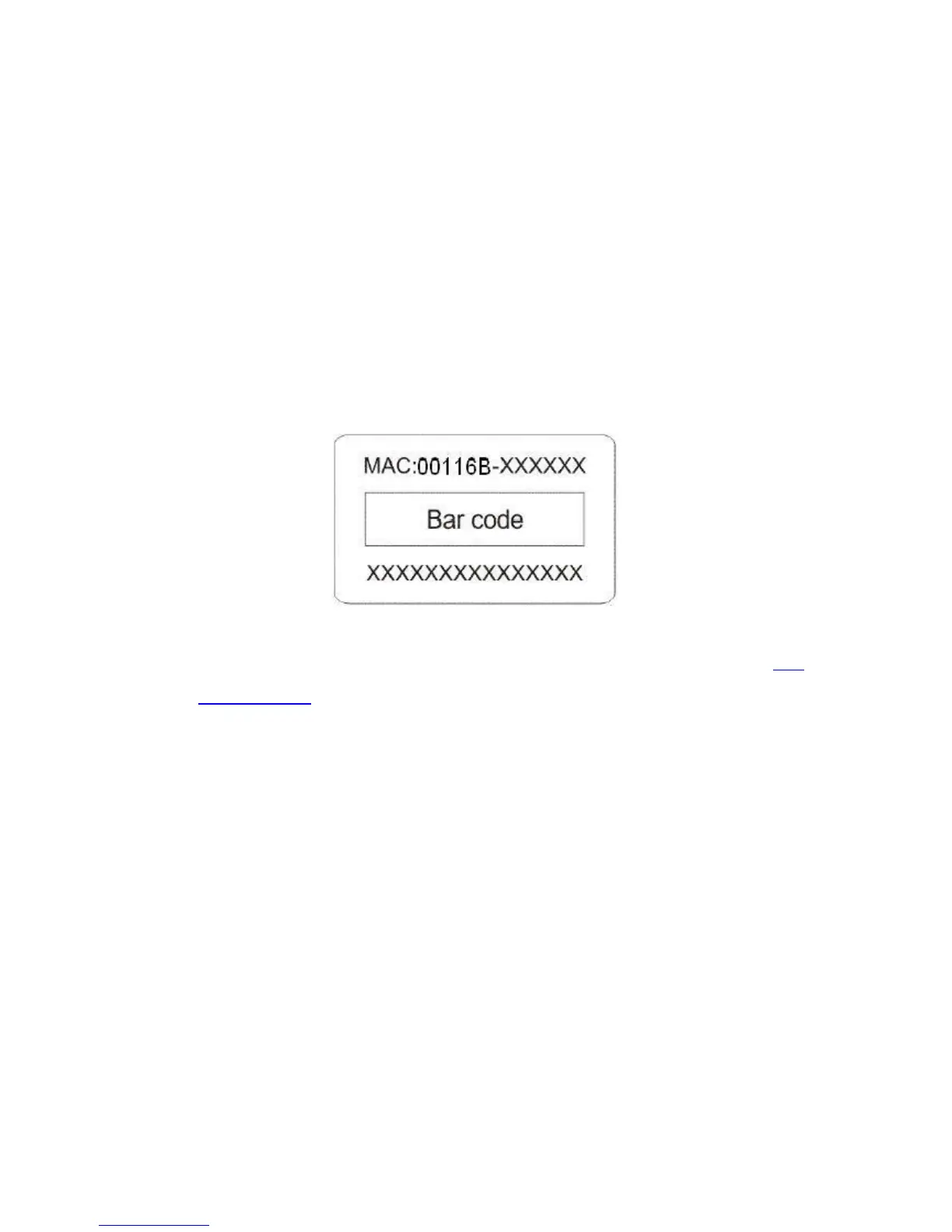
Each device has a label posted with the MAC address. Please refer below.
Figure 54 MAC Address
On the CPE’s Web-based management interface, you can view the MAC Address from “View
Basic Information”.
Q 2. What if I would like to reset the unit to default settings?
You may restore factory default settings in “Configuration File” from “Management”.
Q 3. What if I would like to backup and retrieve my configuration settings?
You may do the backup by generating a configuration file or retrieve the settings you have backed
up previously in “Configuration File” from “Management”.
Q 4. What if I cannot access the Web-based management interface?
Please check the followings:
Check whether the power supply is OK; Try to power on the unit again.
Check whether the IP address of PC is correct (in the same network segment as the unit);
Login the unit via other browsers such as Firefox.















 To Next Page